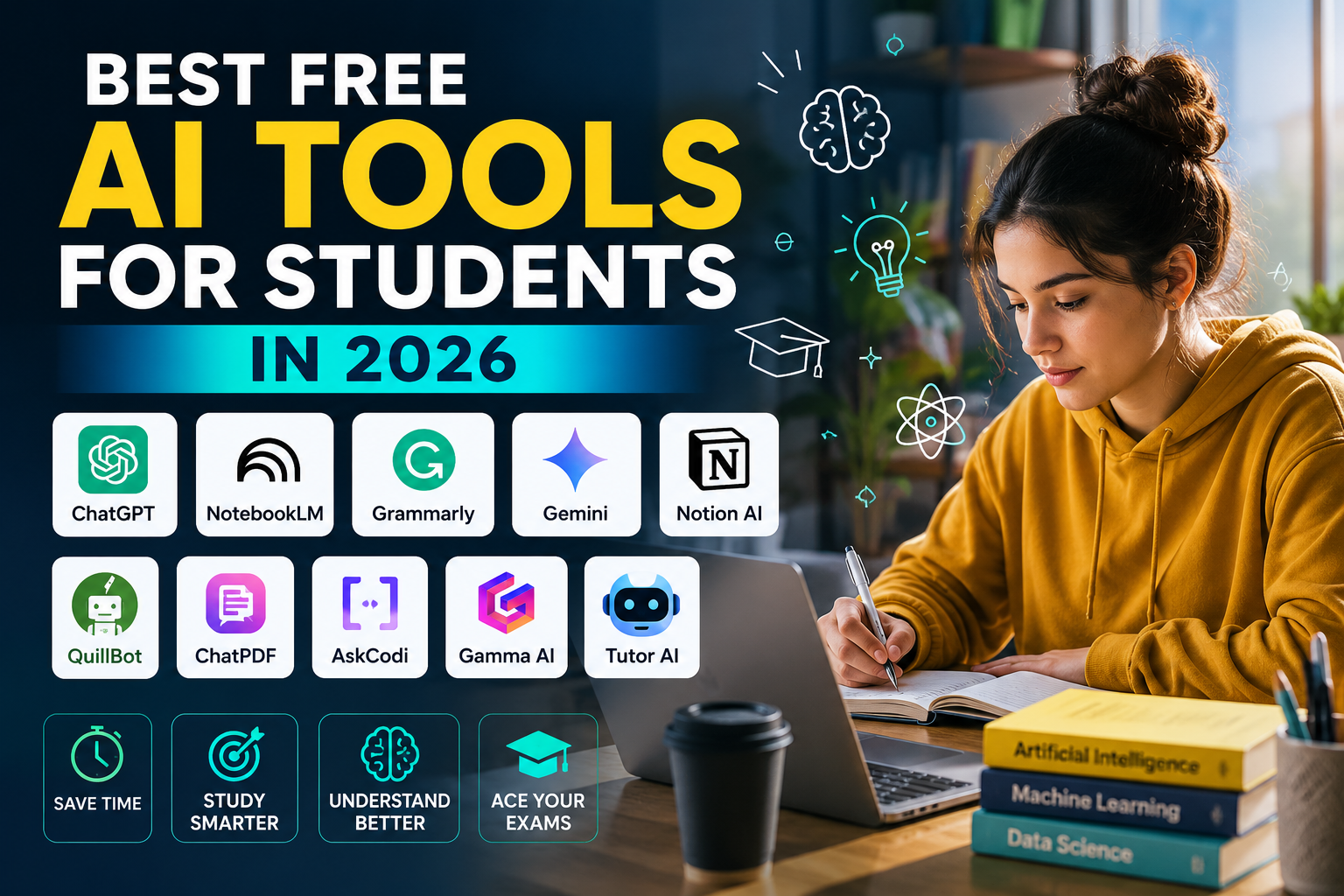
Best free AI tools for students are not just a trend anymore. They have quietly become the difference between a student who spends four hours on an assignment and one who finishes the same work in ninety minutes, with better results.
I want to be honest with you from the start. Not every AI tool that claims to be “free” is genuinely useful. Some have tiny free limits that run out after ten minutes. Others are free but so basic they barely save you any time. And a few are genuinely excellent — they give you real value without asking for your credit card.
This guide cuts through all of that. Whether you are a student in London working on a university dissertation, a high school student in Lahore preparing for board exams, or a college student in Toronto trying to survive finals week—these tools work. They are free enough to be practical, powerful enough to make a real difference, and simple enough that you do not need a tech background to use them.
Let us get into it. If you are also looking to build a career in AI after your studies, our complete Droven io AI Career Roadmap is the perfect next step after mastering these tools.
Why Students Need AI Tools in 2026
Here is something worth thinking about. A student in 2026 who does not use AI tools is roughly in the same position as a student in 2010 who refused to use Google. The tool exists. It is free. It saves enormous amounts of time. Not using it does not make you more capable — it just makes you slower.
The best free AI tools for students do not do your thinking for you. They handle the mechanical parts—organizing information, fixing grammar, summarizing long texts, and generating first drafts—so your brain has more energy for the parts that actually require genuine thought.
Think about a medical student in Karachi reading a 200-page textbook chapter the night before an exam. She cannot read all of it deeply. But she can upload it to an AI tool, ask it to summarize the key concepts, generate practice questions, and highlight the most tested topics. She covers more ground in less time and retains it better because she spent her energy on understanding, not on mechanical reading.
That is what good AI tools actually do for students. Not replace effort — redirect it toward what matters.
1. NotebookLM — Your Smartest Study Partner
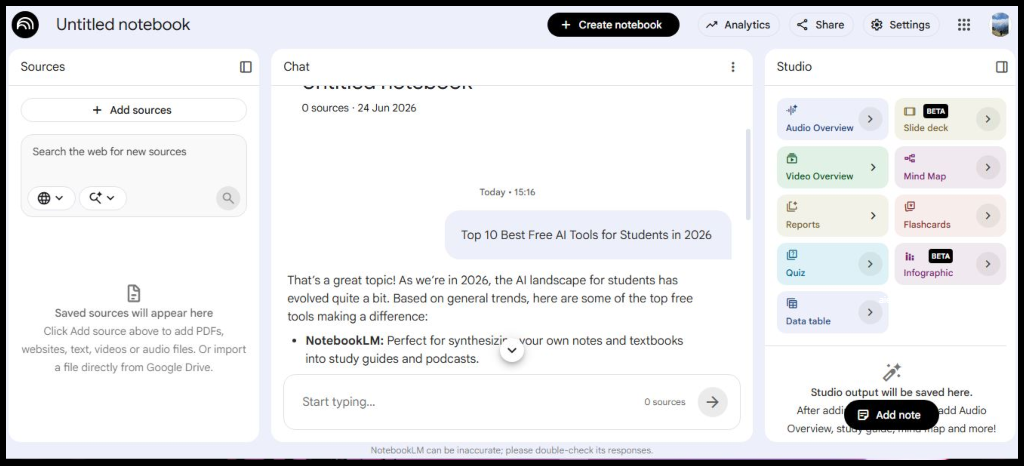
If you have never used NotebookLM from Google, start here. It is genuinely one of the best free AI tools for students available right now — and most students still have not heard of it.
Here is how it works. You upload your notes, lecture slides, research papers, or PDF textbooks. NotebookLM reads them and turns them into an interactive study assistant that only answers from your uploaded material. You ask questions, and it gives you answers with source citations—so you know exactly where the information came from.
The practical value of this is huge. Imagine you are revising for a history exam and you have notes from twelve different lectures. Instead of scrolling through everything looking for a specific date or event, you just ask NotebookLM. It finds it instantly, explains it in context, and tells you which document it came from.
For students in Pakistan and South Asia, who often study from PDF textbooks rather than physical books—because digital copies are more accessible—this tool is particularly powerful. It works beautifully with text-based PDFs and handles Urdu-mixed English reasonably well for questions asked in English.
One important caveat: it works best with clean, text-based files. Scanned handwritten notes with low image quality will frustrate it. Typed notes and digital PDFs are where it shines.
2. ChatGPT — Still the Most Versatile Tool in the Room
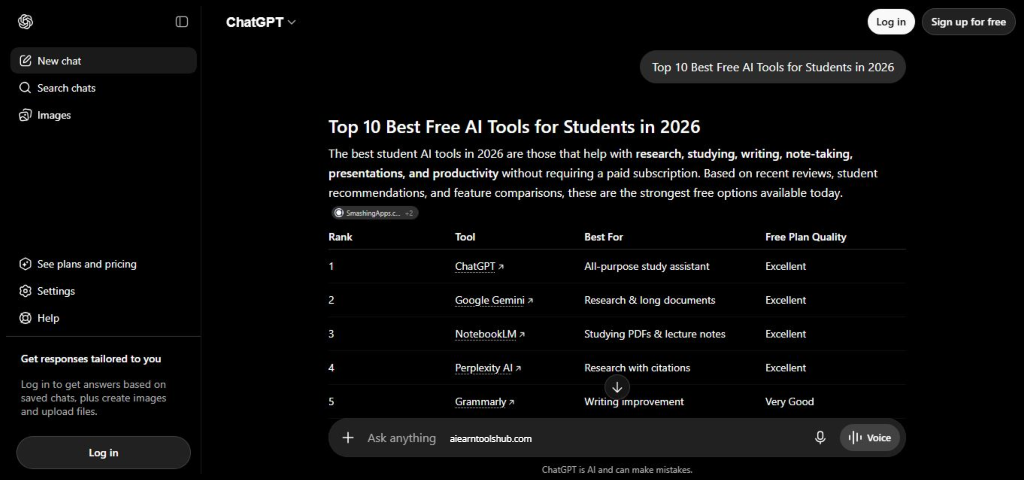
ChatGPT needs no introduction, but it deserves an honest one rather than a generic one. You can access the free version directly at chatgpt.com.
The free version of ChatGPT in 2026 runs on a genuinely capable model. It can explain difficult concepts in simple language, help you brainstorm essay arguments, create practice exam questions, outline research papers, and debug code. For most student needs, the free tier does the job.
Where students go wrong with ChatGPT is using it as a shortcut rather than a thinking partner. A student who asks ChatGPT to write their entire essay and submits it unchanged is taking a serious academic risk and also learning absolutely nothing. A student who asks ChatGPT to explain a concept three different ways until they genuinely understand it is using the tool the way it was designed to be used.
The most practical way to use ChatGPT as a student is this: use it to understand, not to produce. Ask it to explain. Ask it to quiz you. Ask it to argue the opposite side of your thesis so you can see the weaknesses. Ask it to simplify. Then write in your own voice, from your own understanding.
For students in the US and UK, be aware that most universities now have AI policies. Read them before submitting anything that involved AI assistance. For students in Pakistan and South Asia, the academic AI landscape is less regulated but developing quickly — it is better to build genuine skills now than to become dependent on output you do not understand.
3. Grammarly — The Writing Safety Net Every Student Needs
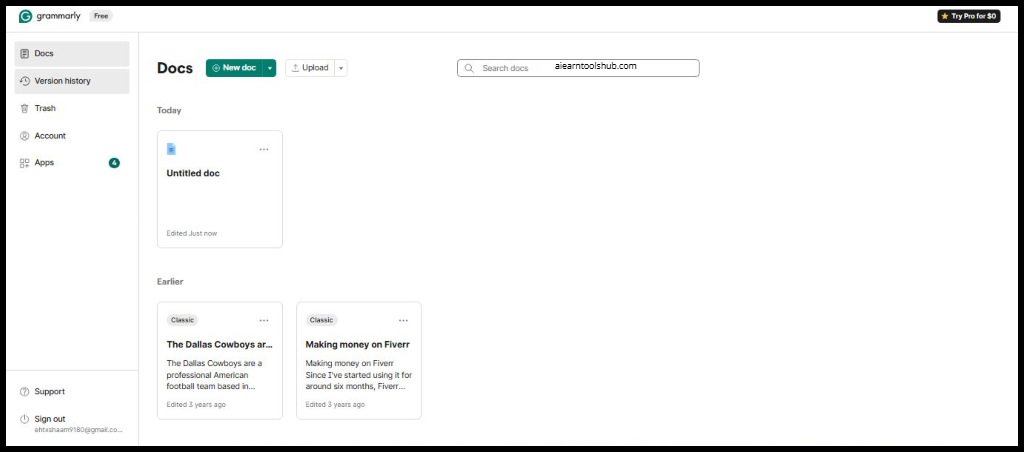
Every student makes writing mistakes. The ones who catch them before their professor does get better grades. Grammarly is how you catch them.
The free version of Grammarly checks grammar, spelling, punctuation, and basic sentence clarity in real time as you type. It works as a browser extension, a Microsoft Word add-in, and a standalone web editor. You barely have to think about it — it just runs in the background and flags problems as they appear.
For students whose first language is not English — which includes a significant portion of students in Pakistan, India, the Middle East, and international students studying in the US or UK — Grammarly is particularly valuable. It catches the small grammatical patterns that non-native speakers often miss, like article usage, preposition choice, and subject-verb agreement.
The honest limitation is that the free tier does not catch everything. Tone suggestions, full plagiarism checking, and advanced style recommendations are behind the premium paywall. However, for everyday essay writing and assignment drafts, the free version catches enough to make a meaningful difference.
Use Grammarly for everything you write academically. It takes zero extra effort once installed and prevents the kind of careless mistakes that cost you marks for entirely avoidable reasons.
4. QuillBot — For When You Need to Rewrite, Not Just Edit
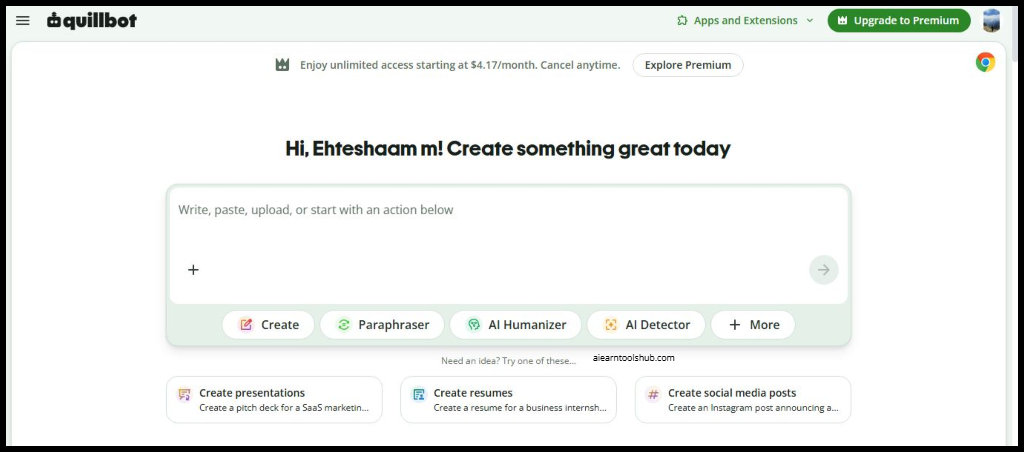
QuillBot solves a specific problem that most students face regularly: you understand something, and you have read the source material, but when you try to write it in your own words, it still sounds too close to the original. QuillBot paraphrases text intelligently. You paste in a passage, and it rewrites it while preserving the meaning—in multiple different styles, including formal, simple, creative, and academic. It also has a summarizer that condenses long passages into shorter versions and a citation generator that formats references automatically.
The free tier limits you to a set number of words per paraphrase session, which is genuinely a constraint. However, for most standard essay paragraphs and research summaries, the free limit is sufficient if you use it strategically rather than running entire papers through it at once.
One important warning that applies globally but matters especially in academic settings: QuillBot is a tool for helping you express ideas in your own voice, not for disguising plagiarized content. Universities have plagiarism detection tools that can identify AI-paraphrased text. Use QuillBot to improve your own drafts, not to repackage someone else’s work.
5. Google Gemini — AI Built Into the Tools You Already Use
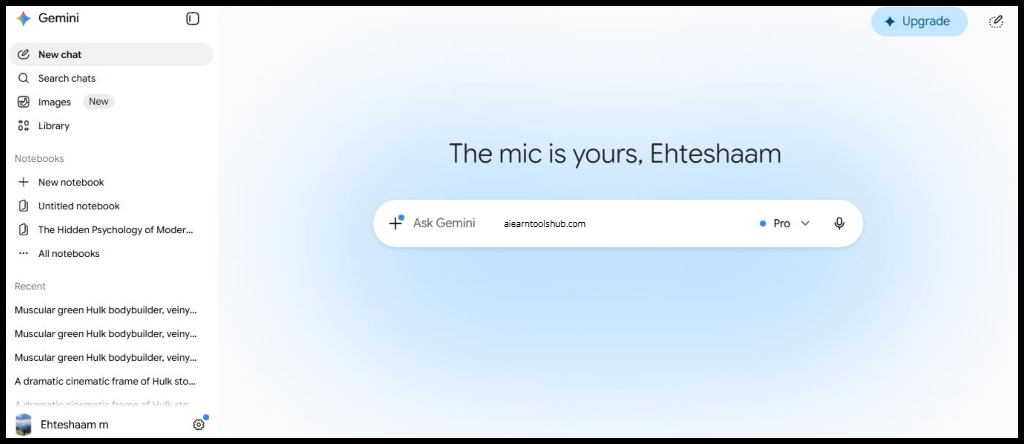
Most students already use Google Docs, Google Slides, and Gmail. Google Gemini is AI built directly into those tools—which means no learning curve, no new account, and no switching between platforms.
Inside Google Docs, Gemini can help you draft sections, suggest improvements to existing paragraphs, change the tone of your writing, summarize long documents, and generate outlines. Inside Google Slides, it can create presentation structures from a brief description. In Gmail, it drafts professional emails to professors or scholarship committees in seconds.
For students in countries where Google’s ecosystem is the dominant productivity platform — which includes much of South Asia, Africa, and the Middle East — this integration has real practical value. You are not adding a new tool to your workflow. You are adding intelligence to the workflow you already have.
The free access to Gemini within Google Workspace is generous for standard student use. Some advanced features shift to paid tiers, and availability of specific capabilities varies by region. However, for core writing and research assistance, the free integration is genuinely useful.
6. ChatPDF — Talk to Your Textbooks
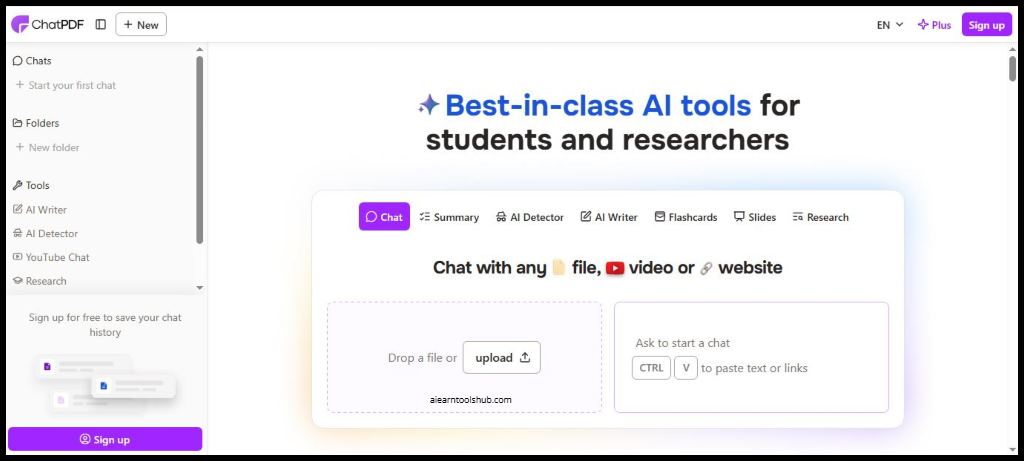
This one sounds almost too good to be true, but it works exactly as advertised.
ChatPDF lets you upload any PDF—a textbook chapter, a research paper, a set of lecture notes—and then have a conversation with it. You ask questions. It answers from the document. It tells you which page the answer came from.
For a student preparing for an exam on a 300-page textbook they have not fully read, ChatPDF is transformative. You ask it what the most important concepts are. You ask it to explain the theory on page 47 in simpler terms. You ask it to generate five practice questions based on chapter three. It does all of this in seconds.
In Pakistan and South Asia, where many students rely on digital PDF textbooks rather than physical books—partly because physical textbooks can be expensive or hard to access in certain cities — ChatPDF is one of the most practically useful free AI tools for students available right now.
The free plan has file size limits and a cap on the number of PDFs you can upload per day. For most regular study sessions, these limits are manageable. For heavy research use, you may hit the ceiling and need to be strategic about which documents you prioritize.
7. Notion AI — Turn Your Notes Into a System
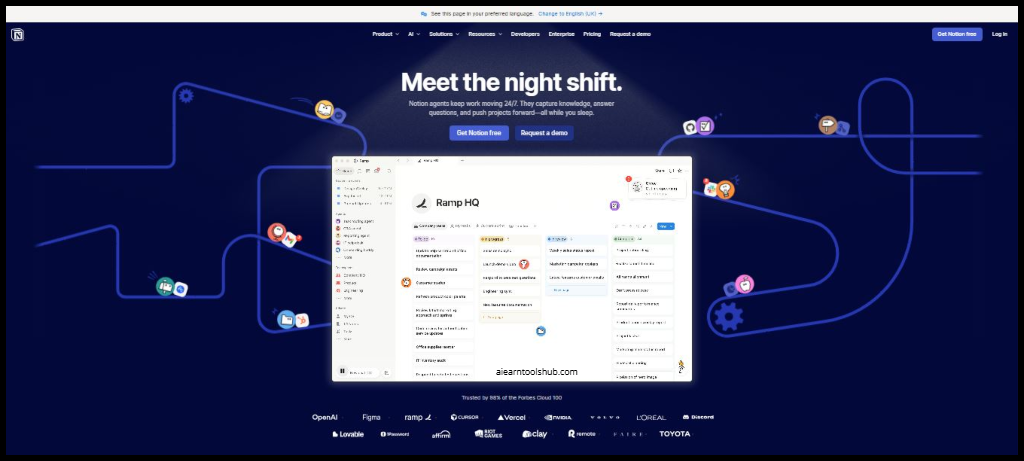
Most students take notes. Far fewer students have a system that makes those notes genuinely useful later.
Notion is a note-taking and project management platform that students use to organize everything — assignments, deadlines, reading lists, research notes, and study schedules. Notion AI is the layer of intelligence built into that system.
With Notion AI, you can ask your notes to summarize themselves. You can turn bullet points into a structured essay outline. You can ask for action items from a meeting or lecture. You can generate a study schedule based on your upcoming deadlines. For students managing multiple subjects with overlapping deadlines—which is essentially every university student—this kind of organizational AI is genuinely valuable.
The free tier of Notion includes limited AI usage per month. For light use it is sufficient, but heavy users will encounter the limit. The setup also requires some initial time investment — Notion rewards students who commit to building their organizational system rather than those who try it once and give up.
8. AskCodi — For Students Learning to Code
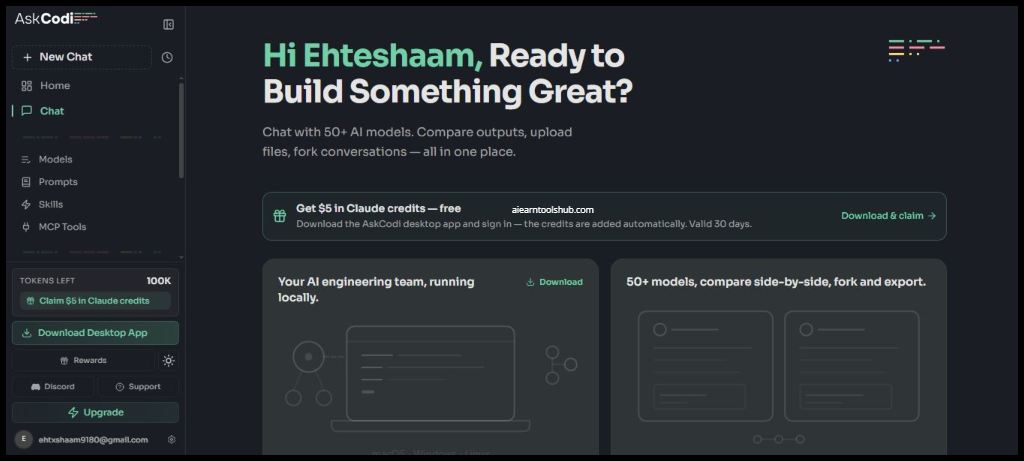
If you are studying computer science, data science, web development, or any field that involves programming, AskCodi is worth knowing about.
AskCodi is an AI coding assistant that explains code, generates simple functions, helps you understand error messages, and walks you through programming concepts step by step. Unlike some coding AI tools that assume significant existing knowledge, AskCodi is designed with beginners in mind.
For a student in their first semester of computer science who stares at an error message for an hour without understanding it — a situation every CS student has experienced — being able to paste that error into AskCodi and receive a plain-English explanation is enormously helpful. It does not write your assignment for you. It helps you understand what is going wrong so you can fix it yourself.
For students in Pakistan and South Asia pursuing tech degrees—a rapidly growing population given the region’s growing software industry—AskCodi is a practical daily companion during coursework. Once you graduate and start your career, our Droven io DevOps Tutorials will take your technical skills to the next level.
9. Gamma AI — Presentations Without the Pain
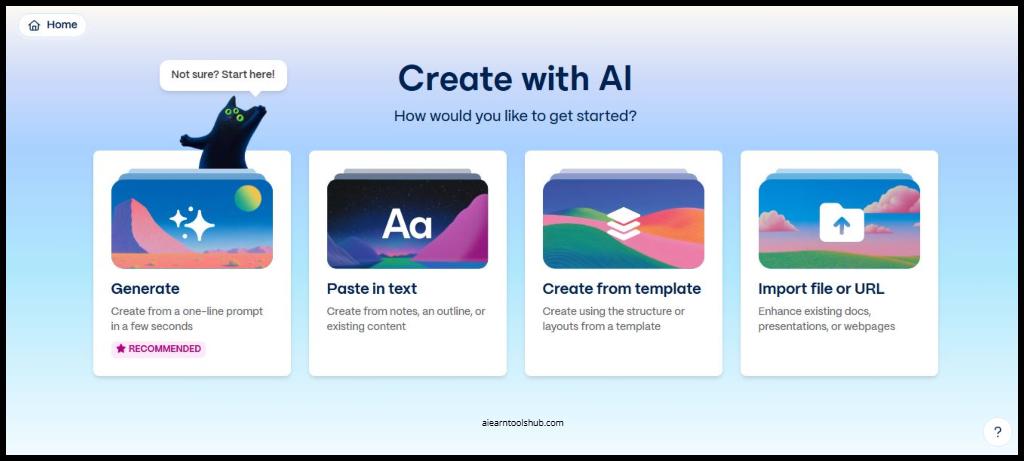
Every student has spent more time making a presentation look good than actually preparing the content. Gamma AI solves the design problem so you can focus on the substance.
You give Gamma a topic, a rough outline, or a block of text, and it generates a complete, visually polished presentation. The design is handled automatically — layouts, colors, fonts, and image suggestions all appear without manual effort. You then edit the content to match exactly what you want to say.
For students who dread presentation assignments not because of the content but because of the design work—and that is most students—Gamma is a genuine relief. The free tier allows a meaningful number of AI-generated presentations per month.
One realistic caution: Gamma presentations have a recognizable visual style. If your entire class is using Gamma and the professor notices that several submissions look nearly identical, it may create an awkward conversation. Use it as a starting point and customize the design enough that it reflects your own choices.
10. Tutor AI — Your Personal Teacher Available 24 Hours a Day
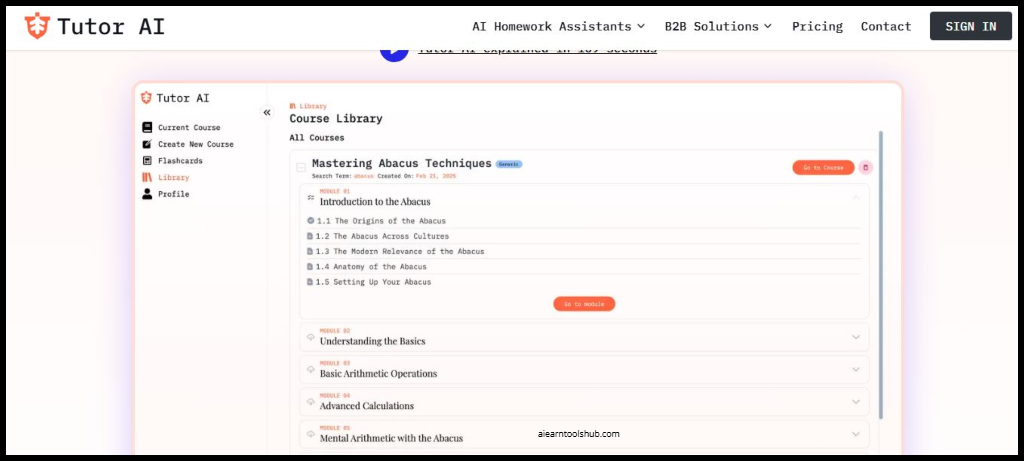
The most expensive thing in education is personalized attention. A private tutor who explains concepts patiently, adjusts to your level, and answers every question you have costs significant money — in most countries, between $30 and $100 per hour.
Tutor AI gives you something close to that experience for free. You tell it what subject you are studying, what your level is, and what you are struggling with. It teaches you step by step, adjusts its explanations based on your responses, and keeps going until you actually understand.
For students who feel embarrassed asking a teacher to explain something a third time—a very common feeling in both Western classrooms and South Asian educational environments where students are often reluctant to ask questions in front of peers—Tutor AI removes that barrier completely. You can ask the same question fifteen times in fifteen different ways without any social cost.
The free tier covers most standard educational topics well. More advanced or niche academic subjects may get less reliable responses, and you should always verify important factual claims against your course materials.
Common Mistakes Students Make With AI Tools
After covering the ten best free AI tools for students, it is worth addressing the mistakes that undermine the benefits.
The biggest mistake is passive use. Students who copy AI output without engaging with it learn nothing and risk serious academic consequences. AI tools work best as thinking partners, not ghostwriters.
The second mistake is using too many tools at once. It is tempting to sign up for everything on this list simultaneously. Start with two or three. Master them. Then add more as you identify specific gaps in your workflow.
The third mistake is forgetting that AI tools make errors. ChatGPT can state incorrect facts confidently. NotebookLM can misinterpret ambiguous questions. Grammarly can suggest changes that make your writing worse. Always review AI output with critical eyes rather than treating it as automatically correct.
How to Choose the Right Tools for Your Situation
Not every tool on this list is equally useful for every student. Here is a simple guide based on what you actually need.
If you struggle with writing quality, start with Grammarly and QuillBot. If you need to study from PDFs and textbooks more efficiently, start with NotebookLM and ChatPDF. If you need a general academic assistant for explanations and brainstorming, start with ChatGPT. If you are a computer science or tech student, add AskCodi to your workflow. If you need to organize your academic life better, explore Notion AI. If presentations are your weak point, try Gamma.
You do not need all ten. You need the right two or three for your specific situation. And if you are thinking about turning your tech skills into a real career after graduation, our guide on Droven io Best AI Jobs in USA 2026 shows you exactly what employers are hiring for right now.
Frequently Asked Questions
Q: What are the best free AI tools for students in 2026?
A: The best free AI tools for students in 2026 include NotebookLM, ChatGPT, Grammarly, QuillBot, Google Gemini, ChatPDF, Notion AI, AskCodi, Gamma AI, and Tutor AI. Each serves a different academic need — from writing and research to coding, presentations, and personalized tutoring.
Q: Are AI tools safe to use for academic assignments?
A: Most universities have AI use policies that vary significantly. Some allow AI assistance with disclosure, some prohibit it entirely, and some have no policy yet. Always check your institution’s guidelines before using AI tools for graded work. Use AI to support your learning, not to replace your own thinking and writing.
Q: Can students in Pakistan use these AI tools for free?
A: Yes. All ten tools on this list have free tiers accessible from Pakistan and South Asia. Some features may vary by region, and a few tools work better with faster internet connections. ChatGPT, Grammarly, QuillBot, and NotebookLM all work reliably in Pakistan on standard broadband or mobile data connections.
Q: Will using AI tools make me a worse student?
A: Only if you use them passively — copying output without engaging or learning. Used correctly, AI tools make you a more efficient and capable student by handling mechanical tasks and helping you understand concepts more deeply. The key is to stay actively engaged rather than letting the tool do your thinking for you.
Q: Which AI tool is best for exam revision?
A: NotebookLM and ChatPDF are the most powerful tools specifically for exam revision. Both let you upload your study materials and generate summaries, practice questions, and concept explanations directly from your own notes and textbooks—which is significantly more useful than generic AI responses.