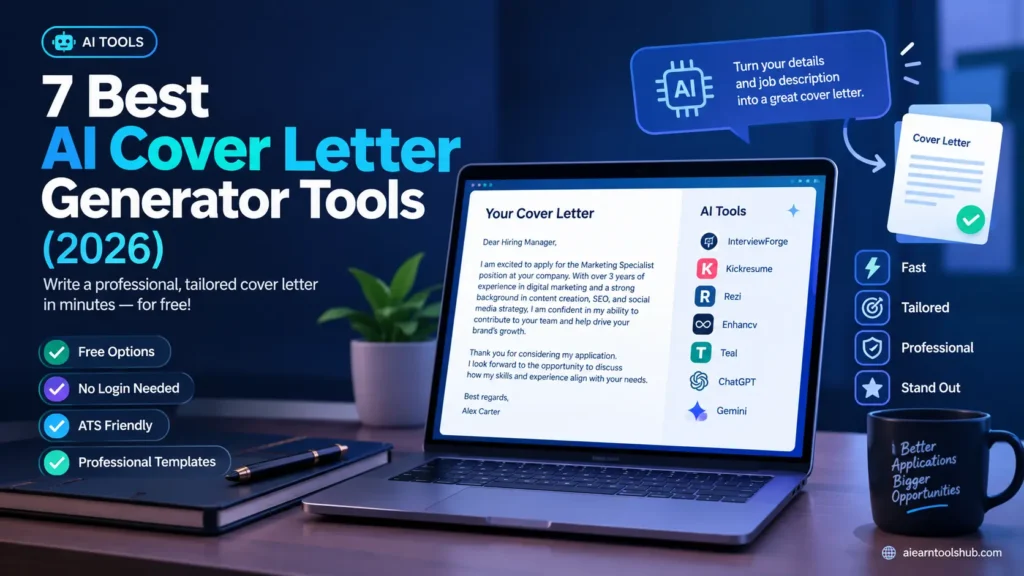
7 Best AI Cover Letter Generator Tools (2026)
Key takeaways
– A free AI cover letter generator drafts a tailored, professional cover letter from your details and the job description — in minutes, not an hour.
– Best dedicated picks in 2026: InterviewForge (unlimited, no login), Kickresume (free tier, HR-designed templates), and Rezi (ATS-focused free builder).
– Always check the free tier before investing time — some tools lock your letter behind a paywall at the download step.
– The winning formula: let the AI cover letter generator write the first draft, then personalize it with real achievements and company research.
– Never paste unverified claims — AI invents achievements confidently, and hiring managers reject embellished applications fastest.
A free AI cover letter generator is the closest thing job seekers have to a cheat code: paste the job description, add your details, and get a structured, professional letter in under five minutes. For anyone customizing letters across dozens of applications a week, that’s hours back.
But quality varies wildly. Some generators are truly free and unlimited. Others lock your letter behind a paywall at the download step—the cruelest catch of all. The best ones mirror the job posting’s language (exactly what applicant tracking systems scan for); the worst produce generic fluff hiring managers bin in seconds. This guide covers only tools with a genuinely usable free tier, with honest notes on what each costs you in money or signups.
What Is a Free AI Cover Letter Generator?
A free AI cover letter generator is an online tool that uses large language models to draft a cover letter from your inputs: target role, experience, skills, and ideally the full job description. Unlike static templates, it writes original sentences, matches the job’s keywords, and adjusts tone.
Two species exist. Dedicated generators (InterviewForge, Kickresume, Rezi) are built for this single task, with templates, formatting, and export. General chatbots (ChatGPT, Gemini) do it well too, but you drive them with prompts and handle formatting yourself. Both are on this list, because the best free option depends on whether you want a guided tool or full control.
One caution: AI writes confident sentences—including achievements you never had. Never submit a generated letter without verifying every claim. A 2026 Equifax survey found nearly three-quarters of HR professionals now encounter fabricated candidate information; an invented achievement is the fastest route to rejection.
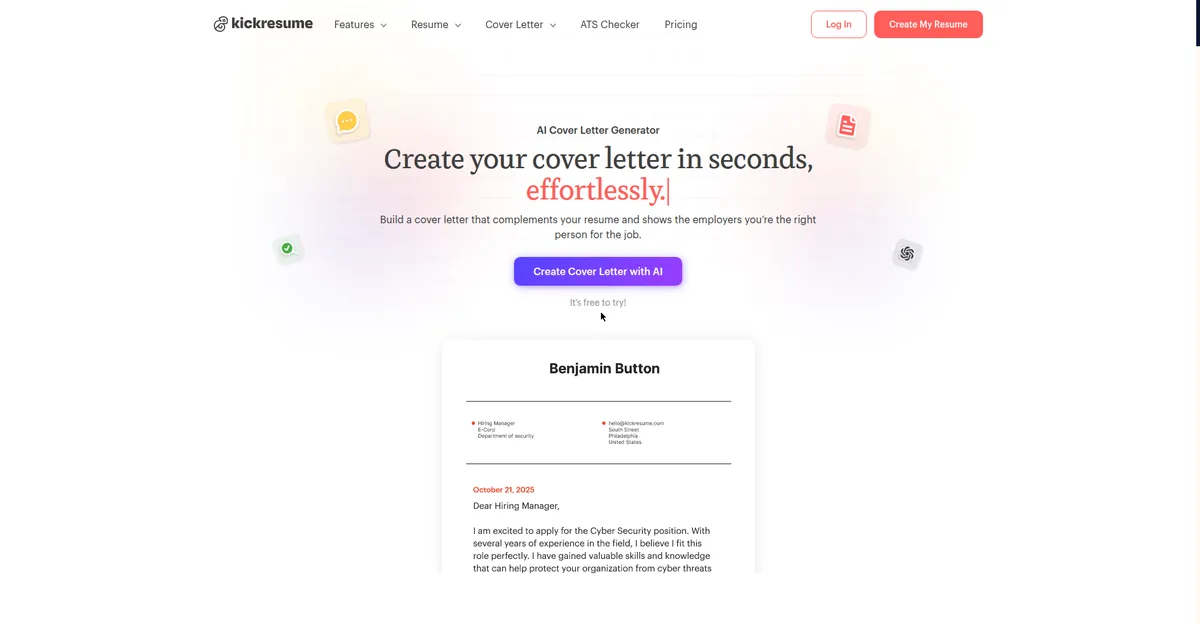
Kickresume’s free AI cover letter generator pairs HR-designed templates with AI drafting.
Free vs Paid: What “Free” Actually Gets You
Job-application tools are notorious for the download-step paywall. The honest breakdown:
- Truly free, unlimited: InterviewForge—generate, copy, and download as many letters as you want, no login. Rarest and most valuable.
- Free tier with limits: Kickresume, Rezi, Enhancv — a genuinely useful free plan (a few letters or watermarked exports), paid upgrades for power users.
- Free builder, paid download: the trap. Write and format the whole letter, then pay to export it as PDF. Always test the download first.
- Chatbot route: ChatGPT (free tier), Google Gemini, and Microsoft Copilot—free text generation; you handle formatting in Docs or Word.
7 Best Free AI Cover Letter Generator Tools for 2026
1. InterviewForge — best free AI cover letter generator overall
InterviewForge is the standout: paste any job description, enter your details, pick a style, and generate unlimited letters with no login and no fees. Its job-driven approach pulls exact phrases from the posting into your letter—exactly what helps with both ATS filters and human readers.
- Best for: Unlimited free letters tailored to specific job descriptions
- Pros: No login; unlimited use; job-description matching; PDF/DOCX download
- Cons: Smaller template library than established builders
- Free tier: Fully free
2. Kickresume—best templates
Kickresume combines an AI cover letter generator with HR-designed templates, so resume and letter share consistent formatting. The free tier is genuinely usable, and the interface is one of the friendliest here.
- Best for: A polished letter with matching resume design
- Pros: HR-designed templates, consistent styling, easy for beginners
- Cons: Usage limits on the free tier; premium templates locked
- Free tier: Free plan with limits
3. Rezi—best free AI cover letter generator for ATS
Rezi is built around beating applicant tracking systems: its builder scores your letter against the job description and flags missing keywords. If your applications go through portals where software reads your letter before a human does, this is the free tool to use.
- Best for: Applications going through ATS filters
- Pros: ATS keyword scoring; tailored to postings; clean exports
- Cons: Limited free tier; functional rather than beautiful
- Free tier: Free plan with limits
4. Enhancv — most accessible free draft
Enhancv is widely cited as the most accessible free option for candidates who want a clean starting draft without paying upfront. Readable, well-structured output—a solid base you’ll personalize.
- Best for: First-time users who want a solid draft fast
- Pros: Clean output; genuinely useful free plan; quick setup
- Cons: Advanced customization behind paywall
- Free tier: Free plan
5. Teal—best for high-volume applicants
Teal pairs its cover letter builder with a job application tracker, keeping each tailored letter organized by role and employer. For anyone running a structured search across dozens of applications, that organization beats a slightly better template.
- Best for: Organized job seekers applying at volume
- Pros: Built-in tracking; tailored letters per role; good free tier
- Cons: Best features need an account
- Free tier: Free plan
6. ChatGPT (free tier)—most flexible
ChatGPT on its free tier remains the most flexible. Option: Feed it the job description plus background notes, and it drafts, revises, and shortens on command. Best when you want a specific tone or need to weave in an unusual career story.
- Best for: Maximum control over tone, length, and content
- Pros: Free tier; highly customizable; follows complex instructions
- Cons: No templates or formatting; quality depends on your prompt
- Free tier: Free plan
7. Google Gemini—best inside Google Docs
Gemini is built into Google Docs on free Google accounts: open the side panel, paste the job posting and your notes, and draft without switching apps.
- Best for: Drafting where the document already lives
- Pros: Built into Docs; free with a Google account; natural output
- Cons: Free-tier limits vary; no dedicated templates
- Free tier: Free with Google account
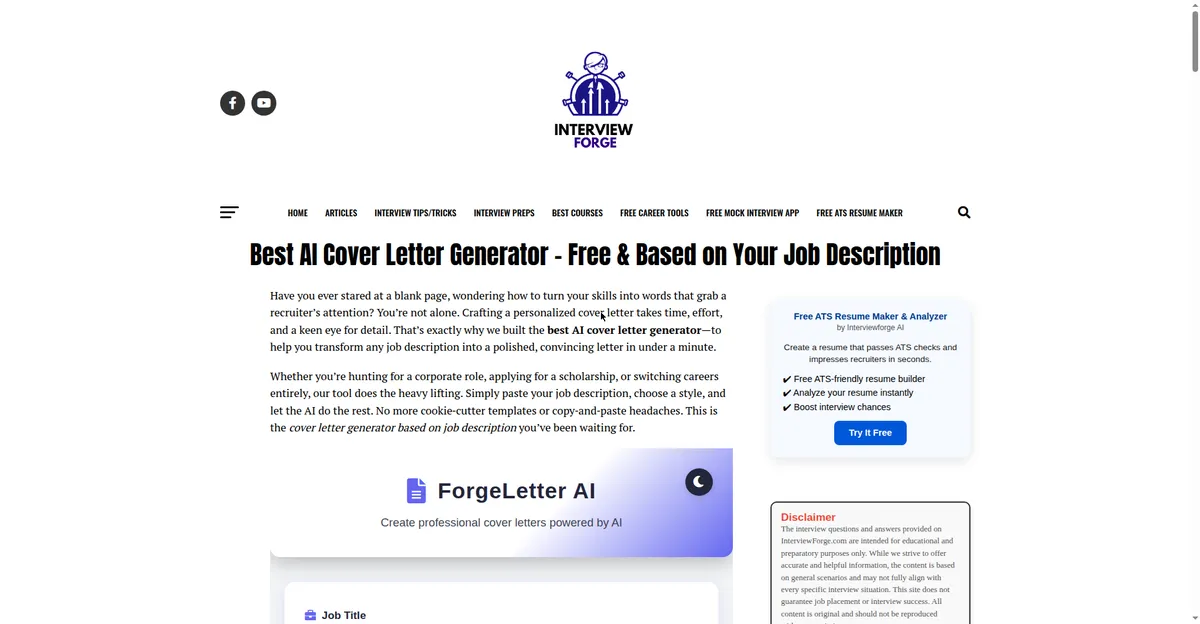
InterviewForge is the rare free AI cover letter generator with unlimited use and no login.
Free AI Cover Letter Generator Comparison Table
| Tool | Free deal | Signup? | Job-desc. input | Standout |
|---|---|---|---|---|
| InterviewForge | Unlimited free | Yes. | Yes. | Job-driven drafts |
| Kickresume | Free plan | Yes. | Yes. | HR-designed templates |
| Rezi | Free plan | Yes. | Yes. | ATS keyword scoring |
| Enhancv | Free plan | Yes. | Yes. | Beginner-friendly |
| Teal | Free plan | Yes. | Yes. | Application tracking |
| ChatGPT | Free tier | Yes. | Via prompt | Total flexibility |
| Gemini | Free | Yes (Google) | Via prompt | Built into Docs |
How to Write a Cover Letter with AI: Step-by-Step
- Start with the job description. The responsibilities and required skills are your raw material—the AI needs them to write anything specific.
- Pick your tool. Unlimited and fast: InterviewForge. ATS-heavy corporate portal: Rezi. Full control: ChatGPT with the prompt below.
- Feed it real material. Add 3–5 bullets of actual experience: role, company, and one measurable result each. “Grew regional sales 18% in 2024” beats “increased sales.”
- Interrogate the draft. Delete every sentence that could appear in anyone’s letter. If it doesn’t mention your real achievements or the company’s real needs, it’s filler.
- Humanize the tone. Cut two adjectives per paragraph, vary sentence length, and add one specific detail—a project, a tool, or a result.
- Match your resume’s formatting. Same font, same header. Kickresume and Enhancv do this automatically.
- Proofread on paper. Read it aloud or print it—you’ll catch the one invented claim your eyes skipped on screen.
For cover letter structure fundamentals, Indeed’s career guide covers the standard one-page format—a useful companion to AI drafting. And if you’re polishing the rest of your application, see our guides on writing Upwork proposals with ChatGPT and free AI paraphrasing tools.
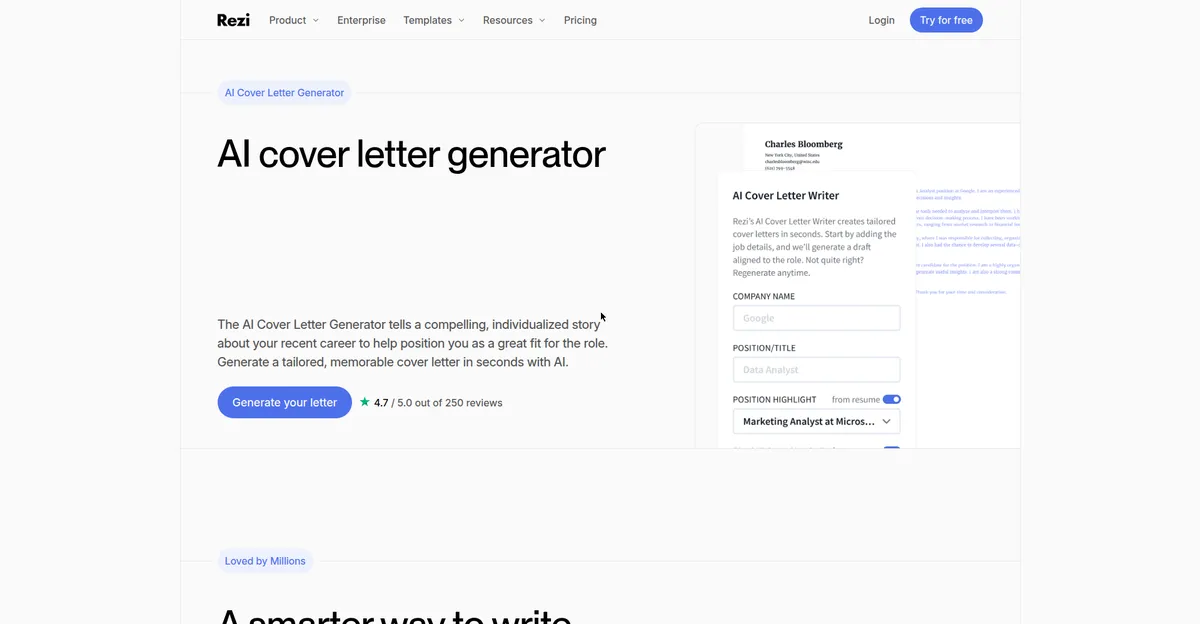
Rezi’s AI Cover Letter Writer scores your letter against the job description—built for ATS filters.
The Prompt That Produces Better Letters
Using ChatGPT or Gemini instead of a dedicated free AI cover letter generator? This prompt beats generic “write me a cover letter” requests:
Here is the job posting: [paste full description]
Here are notes about my background: [3–5 bullets with real results]
Draft a short, specific cover letter. Do not invent jobs, degrees, certifications, skills, or achievements I did not list. Then give me two shorter versions and one stronger opening paragraph using only my real experience.
The “do not invent” line matters most—it directly counters the model’s tendency to embellish.
Mistakes That Get Your Letter Rejected
- Submitting the first draft. The first draft is a template wearing your name. Always edit.
- Generic enthusiasm. “I am excited to bring my passion for excellence to your innovative company,” says nothing. Name one specific reason you want this role.
- Keyword stuffing for ATS. Keyword matching helps, but a letter that’s just job-description words in sentence order reads like spam to the human who eventually sees it.
- Unverified claims. Using AI is fine; most recruiters don’t care about the writing method. Inventing experience is not.
- Ignoring the download paywall. Test the free tier’s export before writing—losing a finished letter to a paywall is the classic free-tool trap.
FAQs
Is there a completely free AI cover letter generator with no signup?
Yes—InterviewForge offers unlimited free generation with no login. ChatGPT’s free tier and Gemini also cost nothing for drafting.
Can employers detect an AI-written cover letter?
Not reliably—detectors are inaccurate, and most employers don’t run them. But humans sense robotic tone: over-polished grammar, repetitive rhythm, and generic praise. Human editing solves this.
Should I tell employers I used AI?
No need to disclose the writing method—only authenticity matters. What you must not do is submit unverified claims.
Are AI cover letters good enough to get interviews?
Yes—typically better structured than average applicant writing, with cleaner grammar and relevant keywords. Your editing (real achievements, specific company knowledge) is the differentiator.
Which free AI cover letter generator is best for ATS?
Rezi — built to score your letter against the job description’s keywords, exactly what applicant tracking systems check.
How long should an AI-generated cover letter be?
One page, 250–400 words. If the tool gives you 600 words of fluff, cut it. Every paragraph must earn its space.
Bottom Line
A free AI cover letter generator won’t get you hired alone, but it compresses the worst part of job hunting — the blank page — into five minutes. InterviewForge is the best unlimited free pick, Kickresume and Rezi lead the free-tier builders, and ChatGPT or Gemini give total control with the right prompt. The rule stays the same: AI writes the draft, you bring the truth.
Freshness note: Tool pricing and free tiers verified October 2026. Job-application tools change free plans frequently — always test the download/export step before investing time in a letter.