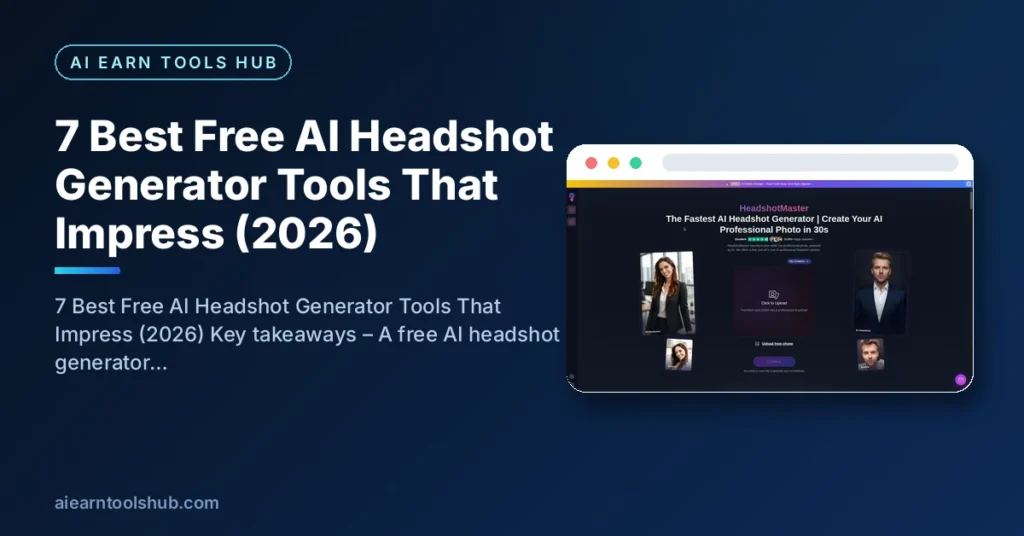
7 Best Free AI Headshot Generator Tools That Impress (2026)
Last checked: October 2026
Key takeaways
– A free AI headshot generator turns an ordinary selfie into a professional portrait for LinkedIn, resumes, and company profiles — no photographer needed.
– Best truly-free picks in 2026: PFPMaker (free-forever, no signup) and Picofme.io (free-forever); Canva gives 2 free generations daily.
– “Free” comes in three flavors — free-forever, free credits, and trials dressed as free. Only the first two are worth your time.
– Seed photo quality decides everything: sharp, well-lit uploads or even the best AI headshot generator produces strangers.
– 88% of recruiters say candidates should disclose AI-generated headshots — pick a good free tool and be honest about what it is.
Table of Contents
- What Is a Free AI Headshot Generator?
- What Are the 3 Types of “Free” AI Headshot Generators?
- 7 Best Free AI Headshot Generator Tools for 2026
- How Do Free AI Headshot Generators Compare?
- How Can You Get AI Headshots That Actually Look Like You?
- What Makes a Professional Headshot?
- Are AI Headshots Acceptable to Employers?
- How Do You Use an AI Headshot on LinkedIn and a Resume?
- Is It Safe to Upload Your Selfies to a Free AI Headshot Generator?
- FAQs
- Bottom Line
A free AI headshot generator promises a studio-quality portrait from a single selfie—no photographer, no fees, no scheduling. The reality is mixed: one tool lets you generate three headshots before demanding payment, another produces faces that look nothing like you, and a third is genuinely free but punishes you for bad seed photos.
This guide cuts through that. We checked what each free AI headshot generator actually gives you without paying—real limits, signup catches, and how natural the results look—so you can pick the right one, whether you’re a graduate polishing your first LinkedIn profile or a freelancer updating a portfolio.
What Is a Free AI Headshot Generator?
An AI headshot generator converts casual photos of you into professional portraits. You supply “seed photos”—real pictures of yourself—and the AI rebuilds your face in professional settings: a blazer instead of a t-shirt, a blurred office background instead of your bedroom wall, and studio lighting instead of harsh overheads.
Free tiers work two ways. One-photo enhancers restyle a single selfie. Multi-photo generators train on several photos to learn your face, then create new portraits—more realistic, but almost always paid. Most “best AI headshot generator” roundups rank paid tools like HeadshotPro ($29/shoot) and Aragon.ai ($29/shoot). Excellent tools, but not free. This article covers only tools that cost nothing for at least one usable batch of headshots.
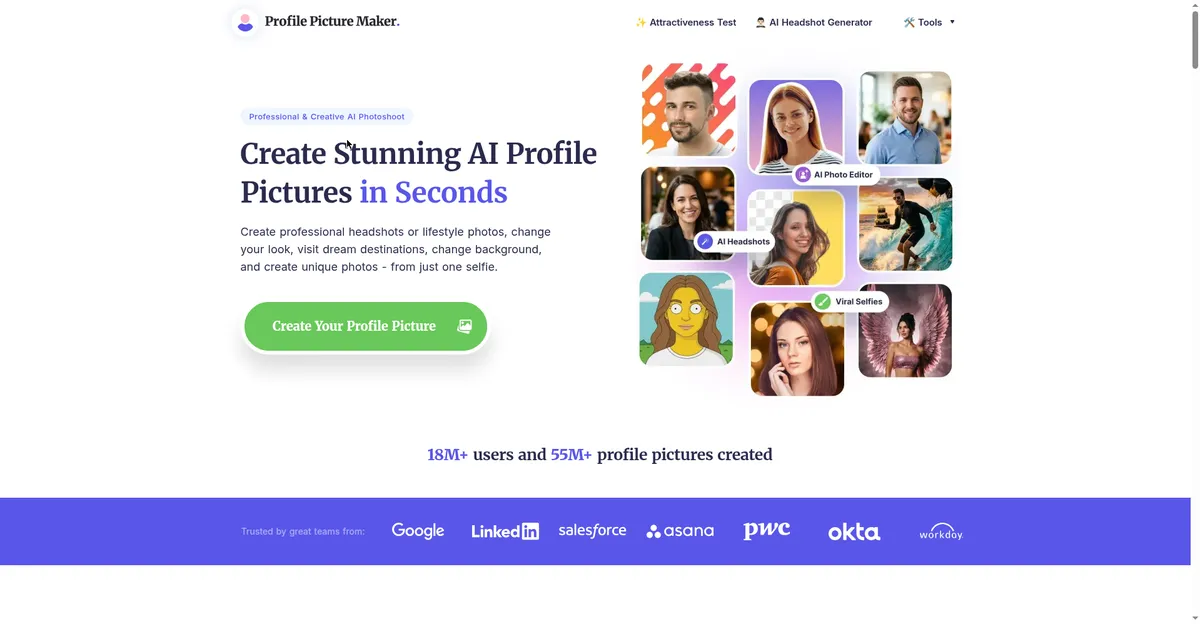
PFPMaker is one of the few free AI headshot generator tools that works without signup.
What Are the 3 Types of “Free” AI Headshot Generators?
A free AI headshot generator is not always fully free: most tools are free-forever, give free credits that renew, or offer a short trial dressed up as free. Knowing the type tells you whether to expect a signup wall, a daily limit, or a paywall.
Know these before you upload 20 photos and hit a paywall:
- Free-forever tools. No credits, no trials, no card. PFPMaker and Picofme.io lead here. Fewer features, but you can return any time.
- Free credits / daily allowances. Canva (2 free generations per day) and MyEdit (daily free credits). The full tool is paid, but the free allowance renews—enough for a profile photo.
- Trials dressed as free. Three free generations, then everything locks (AVCLabs). Fine if you need exactly one profile photo—frustrating otherwise.
7 Best Free AI Headshot Generator Tools for 2026
The best free AI headshot generator for most people is PFPMaker: it is free-forever and needs no signup. MyEdit’s daily free credits are more polished, and Canva is fastest if you already have an account. All seven tools below give at least one usable headshot free.
1. PFPMaker—best free AI headshot generator overall
PFPMaker is the strongest truly free option. Upload one photo—no signup—and get dozens of AI headshot styles: corporate, creative, studio. Completely free, no credits, no trial clock.
- Best for: One quick, genuinely free batch of professional-looking headshots
- Pros: No signup; many styles from one upload; purpose-built for profile pictures
- Cons: Single-photo AI means likeness varies by seed photo
- Free tier: Free-forever
2. Picofme.io—best free-forever profile picture service
Picofme.io is the free option reviewer roundups reach for when asked, “Is there a free AI headshot generator?” Fully free-forever, no account, decent styles—more stylized than studio-realistic, but zero payment friction.
- Best for: A free profile picture with zero payment friction
- Pros: Free forever; simple; decent style variety
- Cons: Output leans stylized rather than studio-realistic
- Free tier: Free-forever
3. Canva—best for one quick free headshot per day
Canva’s AI headshot feature (under “Profile Photo”) gives 2 free credits daily. Upload one photo, wait under a minute, and get results—fastest of the lot if you already have a free Canva account.
- Best for: The fastest free result, especially if you already use Canva
- Pros: Under 1 minute; no extra signup beyond a free account
- Cons: One seed photo only; limited styles; likeness inconsistencies reported
- Free tier: 2 free generations per day
4. HeadshotMaster.io—best no-signup free AI headshot generator
HeadshotMaster.io turns selfies into professional-looking photos with no signup and a privacy-first approach. Answer a few style questions, upload up to 4 photos, download your headshots—free, no card, no account.
- Best for: Privacy-conscious users who hate signups
- Pros: No signup; privacy-focused; guided setup
- Cons: Results can look slightly 3D-rendered up close; few outputs per run
- Free tier: Free
5. MyEdit (CyberLink)—best daily free credits with pro editing
MyEdit bundles AI headshot generation with a background remover, outfit generator, and art tools. Daily free credits cover headshots, and reviewers note results closely resemble the original photo—more natural than most free tiers.
- Best for: Free headshots plus professional retouching in one tool
- Pros: Daily free credits; results closely resemble the original photo
- Cons: Some styles subscriber-only; needs an account
- Free tier: Daily free credits (premium from $7/month)
6. AVCLabs—best quick free trial
AVCLabs offers 3 free headshot generations plus 20 free credits. Fast, clean interface, background changes, outfit swaps. A trial, not a free tier—but a useful test drive.
- Best for: Testing whether AI headshots work for you before spending money
- Pros: Fast; clean interface; background customization on free generations
- Cons: Only 3 free headshots; credit system afterward
- Free tier: 3 free headshots + 20 credits
7. Fotor—best fast backup option
Fotor is frequently recommended for fast AI headshot generation, and its free tier covers the core generator plus a full photo editor. Most styles are paid, but it works as a backup when others disappoint.
- Best for: A fast alternative with a built-in photo editor
- Pros: Quick generation; full editor attached
- Cons: Most headshot styles sit behind the paid plan
- Free tier: Limited free generations
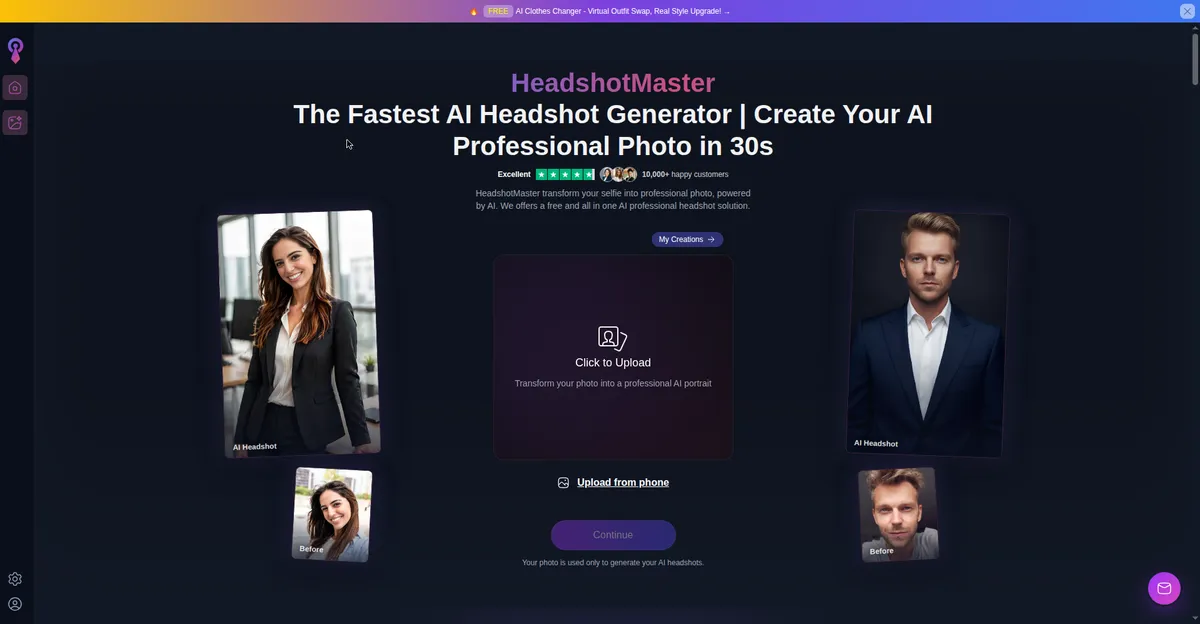
HeadshotMaster.io needs no signup—answer a few questions and upload up to 4 photos.
How Do Free AI Headshot Generators Compare?
PFPMaker and Picofme.io are the only fully free-forever options here; Canva and MyEdit instead renew free credits daily. Compare each free AI headshot generator below by free deal, signup, photos needed, and realism before you upload anything.
| Tool | Free deal | Signup? | Photos needed | Realism |
|---|---|---|---|---|
| PFPMaker | Free-forever | No | 1 | Good |
| Picofme.io | Free-forever | No | 1 | Stylized |
| Canva | 2/day | Yes. | 1 | Decent |
| HeadshotMaster.io | Free | No | up to 4 | Good |
| MyEdit | Daily credits | Yes. | 1 | Very good |
| AVCLabs | 3 free + 20 credits | Yes. | 1+ | Good |
| Fotor | Limited free | Yes. | 1 | Decent |
How Can You Get AI Headshots That Actually Look Like You?
You get AI headshots that look like you by uploading sharp, well-lit, front-facing photos and checking every result at full size. The clearer your seed photos, the less a free AI headshot generator has to guess — and the fewer strangers it invents.
The tool matters less than the input. Testers who tried dozens of generators keep landing on the same setup rules:
- Upload sharp, well-lit photos. Natural daylight beats overhead room light. Blurry selfies don’t become studio headshots.
- Face the camera, shoulders up. No hands near your face, no sunglasses, no group shots.
- Give it the maximum uploads. One flat selfie is one data point—if a tool accepts up to 4 photos, use all 4.
- Match style to platform. Neutral background and business attire for LinkedIn; warmer styles for a portfolio.
- Review at full size. Zoom in on eyes, teeth, and hairlines—that’s where free tools show seams. Regenerate anything with warped ears or extra fingers.
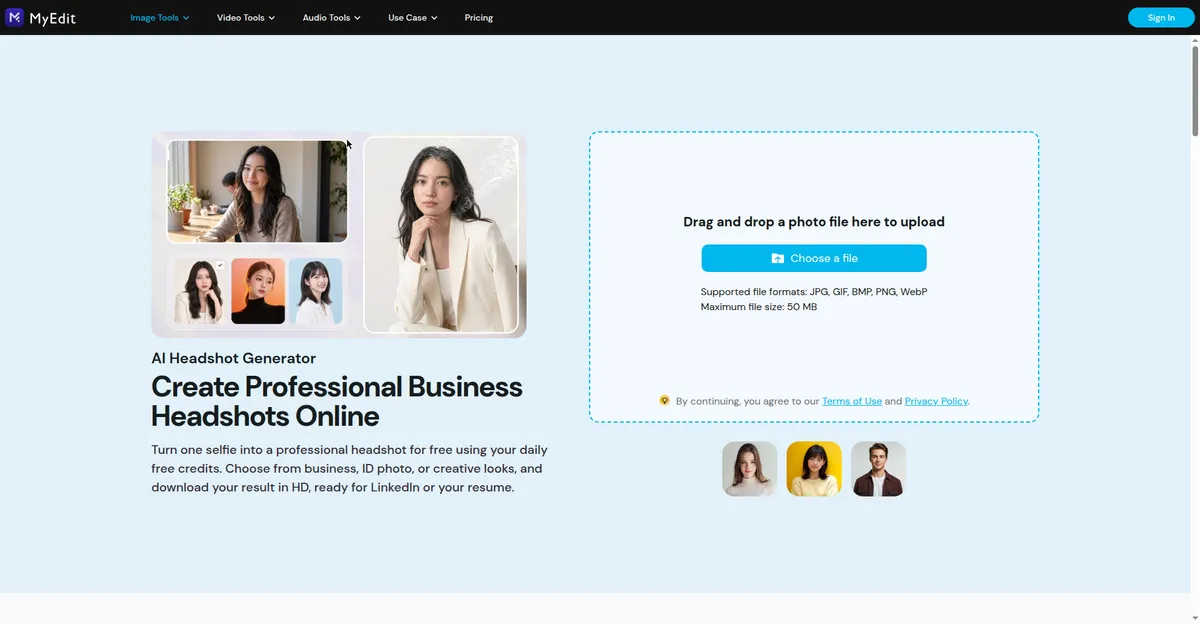
MyEdit’s AI Headshot Generator—turn one selfie into a professional headshot with daily free credits.
What Makes a Professional Headshot?
A professional headshot is a clear, well-lit portrait where your face is the focus, the background does not distract, and you still look like yourself on a normal workday. Four things decide it: lighting, background, clothing, and expression. A generator can fix small flaws, but it cannot rescue a dark, blurry original.
- Lighting. Use soft, even light with no harsh shadows. Face a window or a soft light source, and avoid strong overhead lights.
- Background. Choose something plain and tidy — a simple wall, a blurred office, or a neutral backdrop. Busy rooms and other people pull attention away from your face.
- Clothing. Wear neat, well-fitting clothes in solid colors that suit the job you want. Avoid loud patterns and logos.
- Expression. Look relaxed and approachable: eyes at the camera, shoulders down, and a natural slight smile. A forced grin or a hard stare makes a good headshot feel off.
Are AI Headshots Acceptable to Employers?
Mostly yes, with a disclosure caveat. A widely cited recruiter study found three-quarters are more likely to interview candidates who include a headshot, but 88% believe candidates should disclose that it’s AI-generated (study coverage). The same research found recruiters spotted free-tool outputs at 58.9% accuracy versus 29.2% for premium tools—one more reason to pick the best free AI headshot generator you can.
LinkedIn’s position is practical: use whatever tools you want, but the photo must look like you. Treat that as the line—enhancement is fine, a different face is not.
For related job-application tools, see our guides on writing Upwork proposals with ChatGPT and free AI paraphrasing tools for students.
How Do You Use an AI Headshot on LinkedIn and a Resume?
Use the same AI headshot on LinkedIn and your resume, so a recruiter who sees both recognises you instantly. Pick a current, recognisable version of yourself, crop it head-and-shoulders, and update every profile at the same time.
- Use one photo everywhere. The same headshot on LinkedIn, your resume, and your portfolio builds instant recognition.
- Crop head-and-shoulders. Your face should fill most of the frame, so it stays clear even as a small thumbnail.
- Check it at small size. If your face is still clear and recognisable when shrunk, the crop works.
- Match your industry. Formal clothing and a plain background suit corporate roles; relaxed styling suits creative and freelance work.
- Keep it current. Replace the photo when your hairstyle, glasses, or appearance changes, so you match it in person.
Is It Safe to Upload Your Selfies to a Free AI Headshot Generator?
Uploading a selfie is usually low risk, but it is not risk-free: your face is personal data, and every tool handles uploads differently. Before you upload, check the policy of the free AI headshot generator you choose for how long photos are kept, whether they are used to train AI models, and how you can delete them.
Before you upload, check these four points:
- Retention. How long are uploaded photos stored, and can you delete them in the product or by request?
- Training use. Are your photos used to train or improve AI models, and can you opt out?
- Account data. If signup is required, what else are you handing over — an email, payment details, or a social login?
- The photo itself. Upload a clean head-and-shoulders selfie with nothing sensitive in the background, not a personal photo you would not want stored anywhere.
FAQs
Is there a free AI headshot generator with no signup?
Yes—PFPMaker, Picofme.io, and HeadshotMaster.io all work without an account. Other “free” tools require a free account and meter your generations.
How many photos does a free AI headshot generator need?
Usually just one. Paid tools ask for 10–20 seed photos, which is why they look more realistic. If a free tool accepts multiple uploads, always give it the maximum.
Do AI headshots look real enough for LinkedIn?
The better free tools (PFPMaker, MyEdit’s free credits) pass at profile-picture size. They won’t survive a large print, but on LinkedIn or a resume, most viewers won’t look twice.
Can recruiters tell if my headshot is AI-generated?
Sometimes—free-tool headshots were correctly identified about 59% of the time in testing. Disclosure and picking a good generator matter more than hiding it.
Is it ethical to use an AI headshot on a job application?
Most recruiters accept AI-enhanced photos as long as you look like yourself. Don’t use one that changes your appearance significantly—that’s misrepresentation.
Which free AI headshot generator is best for teams?
None of the free tools do team headshots well—that’s where paid tools earn their price. For a single personal photo, PFPMaker or HeadshotMaster.io are the best free options.
Bottom Line
You don’t need $29–$59 for a professional-looking headshot. PFPMaker and HeadshotMaster.io give genuinely free, no-signup results that pass at profile size; MyEdit’s daily credits are the pick if you want the most natural finish and don’t mind an account. Whichever free AI headshot generator you choose, feed it a sharp, well-lit selfie, disclose the AI help where it matters, and skip any tool that demands a card before it shows you a single result—free should mean free, not a countdown to a paywall or a suspiciously perfect photo.
Freshness note: Tool pricing and free tiers verified October 2026. Free-credit policies change often — if a tier has shifted, the no-signup, free-forever tools (PFPMaker, Picofme.io) are the safest fallback.