Key takeaways
- The best AI PPT maker is the one that hands you a real, editable .pptx file. Pretty web-only decks are useless when the client needs the actual PowerPoint file. Gamma and Presentations.AI lead on this.
- Starting from a document instead of a blank prompt? Pick a file-to-deck specialist: 10P.ai and Presentations.AI’s PDF-to-PPT tool convert existing PDFs into editable decks.
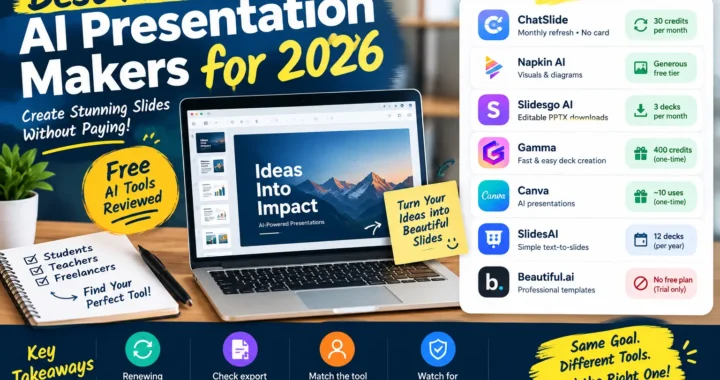
- Free tiers vary wildly: Gamma gives 400 one-time credits, Presentations.AI gives 200, 10P.ai gives 140 — while SlidesAI’s free plan is a stingy 12 presentations per year.
- Tome is dead. It shut down in April 2025, yet half the 2026 listicles still list it as alive. This roundup doesn’t.
- Want to stay inside PowerPoint itself? That’s Microsoft 365 Copilot ($21/user/mo add-on) or the Plus AI add-in ($10/user/mo) — they generate slides in your existing workflow instead of a separate web app.
Table of Contents
- What Makes a Good AI PPT Maker (Not Just an AI Slide Maker)
- 7 Best AI PPT Makers Tested for 2026
- AI PPT Maker Comparison Table
- Dead or Dying: The Tome Warning
- Which AI PPT Maker Fits Your Situation
- FAQs
- Bottom Line
Most AI slide tools fail at one specific moment: you type a prompt, you get a beautiful deck in the browser — and then you can’t open it in PowerPoint. No .pptx export, or the export hides behind the priciest plan. That’s why this AI PPT maker guide uses one brutal filter: every tool here must turn a prompt or a document into a genuinely editable PowerPoint file, or work inside PowerPoint itself.
This is a narrower question than “best AI presentation maker” in general — we cover that separately in our AI presentation maker roundup and our free-only guide. This article is about the prompt-to-.pptx pipeline: type an idea, upload a document, and get a deck from each AI PPT maker that you can actually open, edit, and send.
What Makes a Good AI PPT Maker (Not Just an AI Slide Maker)
People search for an “AI PPT maker” but land on tools built for a different job. A web-based AI slide maker gives you a share link. An AI PPT maker gives you a file you own. Check four things before committing:
- Native .pptx export. The deck must open in PowerPoint with editable text, images, and layouts — not a flattened PDF pretending to be a presentation.
- Prompt-to-deck and document-to-deck. The two real workflows are “type a prompt, get slides” (text to ppt) and “upload a PDF, get slides.” The best AI PPT maker tools handle both.
- Editable output. AI decks always need a human pass — fixing dates, swapping images, repairing the layout the AI mangled. If you can’t edit everything afterward, the tool failed.
- Honest free tier. Credits vs. presentations vs. “free to create, pay to export” — each tool below spells out what $0 actually buys, verified October 2026.
7 Best AI PPT Makers Tested for 2026
1. Presentations.AI — best for prompt-to-deck quality
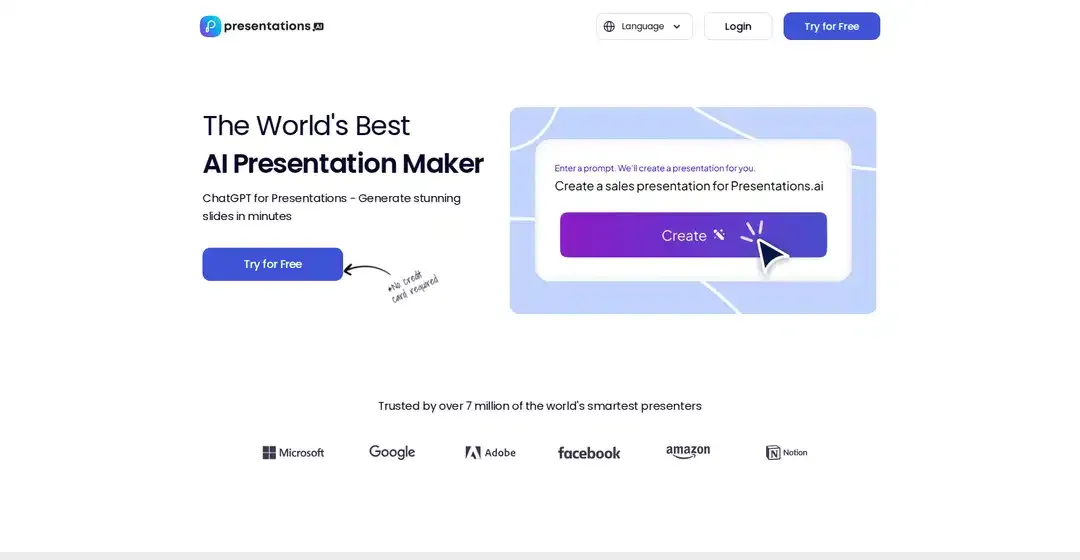
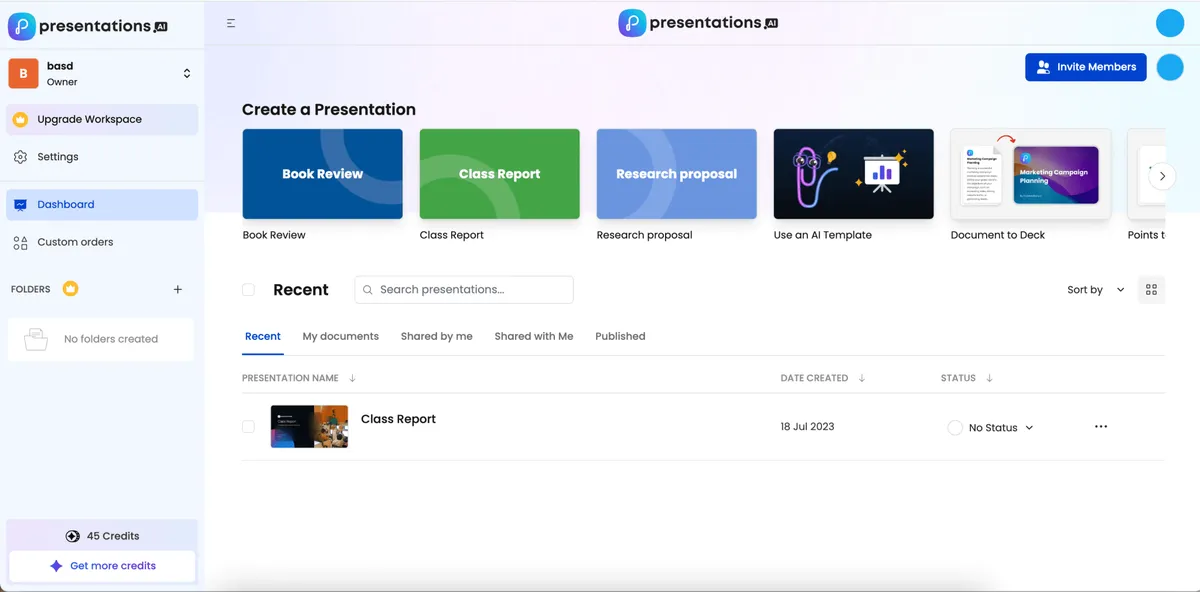
Presentations.AI calls itself “ChatGPT for Presentations,” and with over 12 million users it’s one of the most battle-tested options around. Enter a prompt, pick a template, and it builds a full deck with layouts and imagery in minutes. It runs on credits: 200 free to start, with paid plans from around $20/month billed annually.
Its standout trick is document-to-deck: a dedicated PDF-to-PPT pipeline that converts an existing PDF into an editable presentation — ideal when your source material is already a report or paper.
Best for: the most polished prompt-to-PowerPoint output · Free tier: 200 credits · Catch: paid plans start ~$20/mo annual; heavy users burn credits faster than expected.
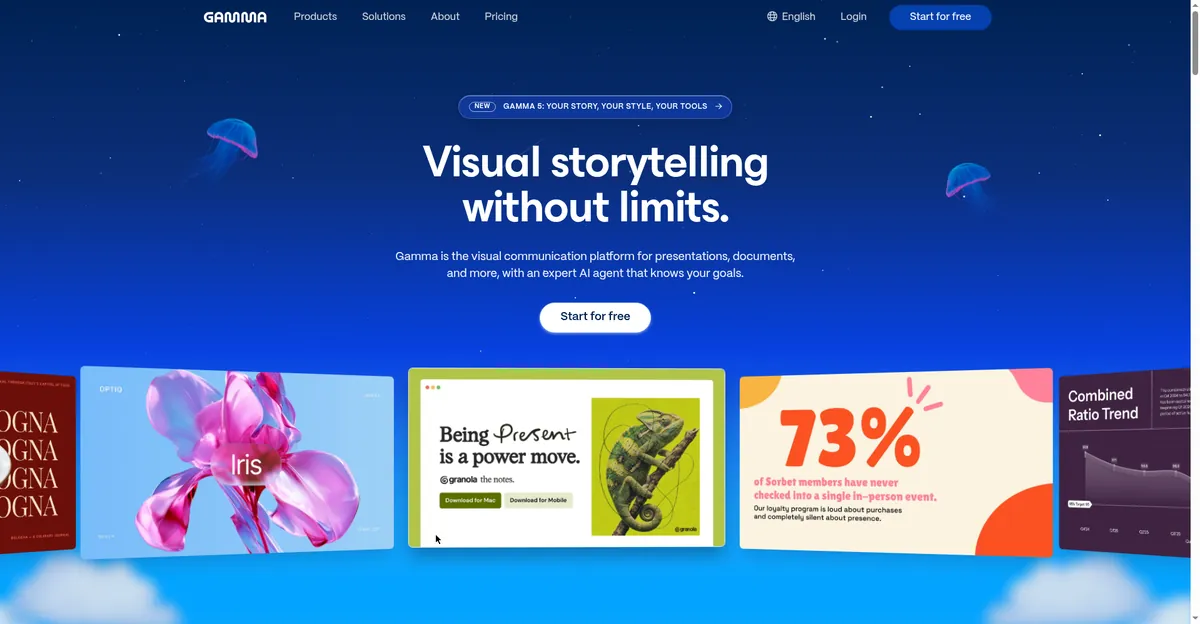
2. Gamma — best free option with real PPTX export
Gamma is the rare tool that’s generous *and* exports properly. You get 400 one-time free credits — enough for several real decks before spending anything — and even the free tier exports to PowerPoint (.pptx). That’s the detail that kills most competitors: Gamma doesn’t lock the whole point of the category behind a paywall.
The output is modern and visual, but Gamma’s native format is its own — the PowerPoint export is a conversion, so complex layouts sometimes need cleanup. Plus plans run around $9–10/month.
Best for: students and freelancers who need free .pptx export that works · Free tier: 400 one-time credits, PPTX export included · Catch: credits don’t refresh; expect minor cleanup on complex decks.
3. 10P.ai — best file-to-deck specialist
10P.ai is the specialist: where most tools here start from a prompt, 10P.ai is built to turn existing files into decks. Upload a document and it structures it into slides — exactly what students with lecture notes and professionals with reports need. You get 140 free credits to test, and Pro is just $5/month billed annually, the cheapest paid plan here by far.
Output is functional rather than flashy — clean, readable slides. A fair trade when the starting point is a 40-page PDF nobody wants to read.
Best for: converting PDFs and reports into editable decks on a budget · Free tier: 140 credits · Catch: prompt-based creation is weaker than its file conversion; designs are functional, not striking.
4. GenPPT.ai (Creati) — best for beautifying existing slides
GenPPT takes a different angle on the category: beyond prompt-to-deck and PDF-to-PPT conversion, it offers a “beautify” feature that redesigns your existing slides. If your deck is ugly but structurally sound, GenPPT restyles it instead of rebuilding it — a workflow the other tools here mostly ignore.
Best for: fixing ugly existing decks plus prompt-based generation in one tool · Free tier: limited trial · Catch: less transparent pricing; free tier is a trial, not a plan.
5. Microsoft 365 Copilot in PowerPoint — best inside PowerPoint itself
Sometimes the best option never leaves PowerPoint. Microsoft 365 Copilot generates slides, summarizes decks, and builds presentations from prompts and documents — inside the app, with native .pptx output by definition. No export step, no conversion artifacts. Microsoft’s own AI PowerPoint generator page walks through the workflow.
The catch is price: it’s a $21/user/month add-on to a Microsoft 365 subscription, with a one-month trial and a first-year promo around $18/month. Expensive for an individual, reasonable for a team already on 365.
Best for: teams already living in Microsoft 365 · Free tier: one-month trial · Catch: $21/user/mo add-on on top of a 365 subscription; not a standalone tool.
6. Plus AI — best add-in for PowerPoint and Google Slides
Plus AI lives inside PowerPoint and Google Slides, generating and editing slides from prompts without leaving your presentation. You’re working in the real file the whole time, so the “export problem” this roundup is built around simply doesn’t exist.
It’s $10/user/month billed annually with a 7-day trial. Generation quality is good for outline-to-slides workflows — feed it a structured outline and you get clean, editable slides fast — though it won’t match Gamma or Presentations.AI for visual flair.
Best for: AI generation without leaving PowerPoint or Google Slides · Free tier: 7-day trial · Catch: strongest at outline-to-slides; less impressive at raw-prompt generation.
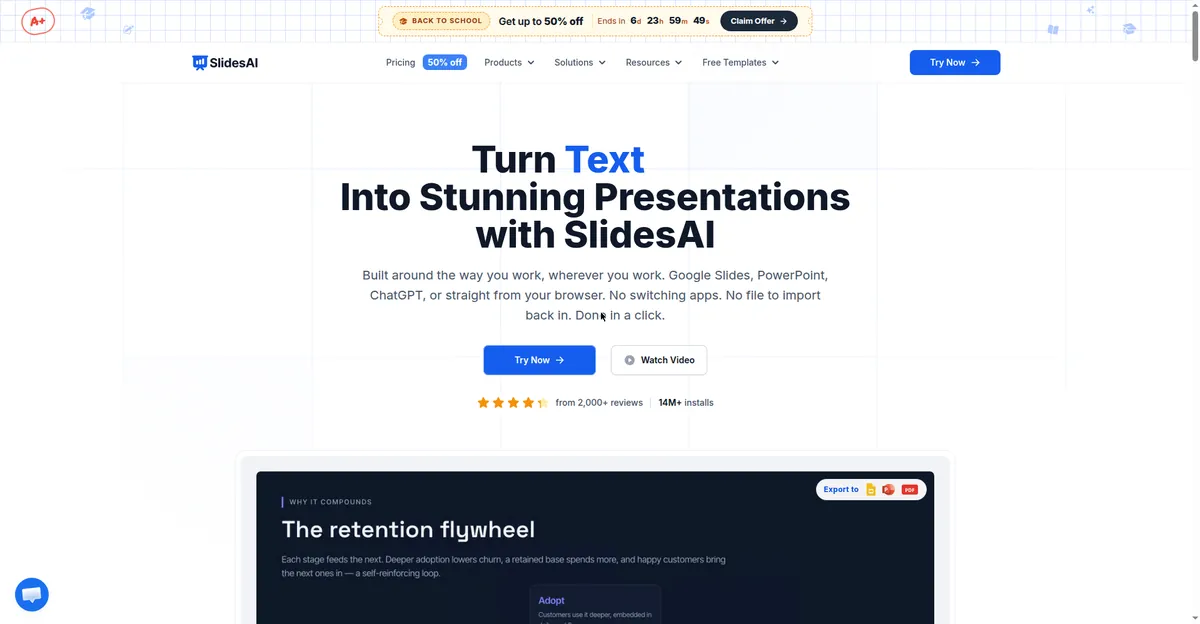
7. SlidesAI — best for Google Slides users
SlidesAI is the Google Slides specialist among AI presentation tools: feed it text and it generates a deck directly in Google Slides. From there, Google Slides’ own File → Download → .pptx path gives you an editable PowerPoint file — a reliable two-step route.
The free plan is the limitation: 12 presentations per year — one a month. Fine for occasional use, unusable as a daily driver. Pro is $10/month. If you live in Google Workspace and need an AI slides generator occasionally, it fits; for weekly deck production, Gamma’s 400 credits go much further.
Best for: occasional Google Slides users who need a quick text-to-slides start · Free tier: 12 presentations/year · Catch: free plan too thin for regular use; PowerPoint is a second-class citizen here.
AI PPT Maker Comparison Table
| Tool | Free deal | Paid price | PPTX export | Best for |
|---|---|---|---|---|
| Presentations.AI | 200 credits | ~$20/mo annual | Yes, editable | Best prompt-to-deck quality |
| Gamma | 400 one-time credits | ~$9–10/mo | Yes, even on free | Best free AI PPT maker |
| 10P.ai | 140 credits | $5/mo annual | Yes | File/document to deck |
| GenPPT.ai | Limited trial | Check current plans | Yes | Beautifying existing decks |
| MS 365 Copilot | 1-month trial | $21/user/mo add-on | Native (in-app) | Inside PowerPoint, no export step |
| Plus AI | 7-day trial | $10/user/mo annual | Native (in-app) | Add-in for PowerPoint/Slides |
| SlidesAI | 12 presentations/year | $10/mo | Via Google Slides download | Google Workspace users |
*Pricing and free tiers verified against vendor pages, October 2026. Credit-based tools change free allocations often — recheck before committing a deadline to one.*
Dead or Dying: The Tome Warning
One thing separates a current AI PPT maker guide from a stale one: Tome shut down in April 2025. It was once one of the most-hyped AI presentation generators, and as of October 2026 a surprising number of “best AI presentation tools” listicles still recommend it. Follow one of those guides and you’ll sign up for a dead product.
The lesson generalizes: this category moves fast, and free tiers change first. Before investing an afternoon in any tool, verify two things on the vendor’s own site — that it still exists, and what the free tier exports.
Which AI PPT Maker Fits Your Situation
You need a free .pptx file today → Gamma. 400 credits, real PPTX export on the free tier, no credit-card games. Nothing else here is this generous at $0.
You want the most polished prompt-to-deck output → Presentations.AI. 200 free credits let you properly test it, and the document-to-deck pipeline is the best here for PDF sources.
You’re converting a document, not starting from a prompt → 10P.ai. Purpose-built file-to-deck conversion at $5/mo annual — the cheapest paid plan on this list.
You already have an ugly deck → GenPPT’s beautify feature restyles existing slides instead of rebuilding them.
You want an AI PPT maker inside PowerPoint → Microsoft 365 Copilot if your company pays for 365; the Plus AI add-in at $10/user/mo as the cheaper independent option.
You’re a Google Slides person → SlidesAI for occasional use — just know the free plan caps at 12 presentations a year.
You’re a student on a deadline → Gamma or 10P.ai for turning lecture notes into slides fast — students should also see our best free AI tools for students roundup for the rest of the study stack.
And if you’re comparing broader presentation tools beyond the PowerPoint-export question — including design-led options like Beautiful.ai — our AI presentation maker roundup covers the full field, and the free tools guide focuses on $0 options.
FAQs
What is the best AI PPT maker?
For most people in 2026, Gamma — 400 free credits, real .pptx export even on the free tier, and modern output. If you want the most polished prompt-to-deck generation and can spend ~$20/mo, Presentations.AI is the quality pick. For working inside PowerPoint itself, Microsoft 365 Copilot (add-on) or the Plus AI add-in remove the export step entirely.
Can an AI PPT maker really export an editable PowerPoint file?
The good ones, yes — that’s the filter this guide uses. Gamma and Presentations.AI export genuine .pptx files with editable text and layouts. Be careful with tools that only export PDF or a share link: a PDF is not a PowerPoint file, and you’ll rebuild the deck by hand. Always test the export on a throwaway deck before building your real one.
Is there a free AI PPT maker with PPTX export?
Yes — Gamma’s free tier includes 400 one-time credits and lets you export to .pptx without paying. Presentations.AI gives you 200 free credits to test its export, and 10P.ai offers 140 free credits. Avoid tools whose free tier lets you *create* but not *download* — that’s the cruelest paywall in this category.
What happened to Tome?
Tome, once one of the most popular AI presentation tools, shut down in April 2025. Many 2026 listicles still list it as a live option because they were never updated. If a guide recommends Tome, treat the whole guide as stale and verify everything else it claims.
AI PPT maker vs AI slide maker — what’s the difference?
An “AI PPT maker” promises a downloadable, editable PowerPoint (.pptx) file; an “AI slide maker” or “AI presentation generator” may only give you a web-based deck with a share link. The terms get used interchangeably in marketing, so ignore the label and check the export options. If you need a file you can email or present offline, you need the former.
Bottom Line
An AI PPT maker is only as good as the file it hands you. Start with Gamma for the best free deal, Presentations.AI for the most polished output, or 10P.ai for converting documents on a budget — and if PowerPoint is your home, Copilot or Plus AI keep you inside it. Whatever you pick, test the .pptx export on a throwaway deck first, then give the AI draft your eyes: fix dates, swap stock photos, read every slide once. The tool builds the deck; you make it worth presenting.
*Freshness note: Pricing and free tiers checked October 2026.*