Key takeaways
- A free AI resume builder is only free if you can *download* the finished resume — most tools charge at the export step, so always check before you start.
- ChatGPT (free tier) plus a clean Google Docs template is the only 100% free stack with zero paywall, watermark, or download limit.
- Roleframe gives you a full free resume forever (every template, unlimited real-text PDF downloads, no credit card) — the closest thing to a truly free builder.
- Canva’s free tier builds and downloads resumes for free, but watch out: fancy multi-column templates confuse applicant tracking systems.
- If you apply through job portals, pair any builder with an ATS check — Teal and Novoresume both score your resume against job keywords on their free plans.
Table of Contents
- The Free-Tier Trap: Build Free vs Download Free
- 7 Best Free AI Resume Builders in 2026
- Free AI Resume Builder Comparison Table
- How to Build Your Resume Free in 20 Minutes
- Which Free AI Resume Builder Should You Pick?
- Free AI Resume Builder FAQs
- Bottom Line
“Free” is the most misleading word in the resume world. Search for a free AI resume builder and you’ll find dozens of tools that happily let you spend 45 minutes perfecting your resume — then ask for your credit card the moment you click Download. That’s the trap this guide is built to beat.
Every tool below was checked in October 2026 with one ruthless question: what can you actually do *without paying*? The answer varies wildly. Some builders give you everything — build, download, unlimited edits — and mean it. Others stop one click short of a usable resume. You’ll also get a side-by-side comparison table, a 20-minute free workflow, and the ATS warnings nobody puts on the homepage.
If you’ve already compared paid tools, our main roundup — Best AI Resume Builder: 7 Top Tools Tested (2026) — covers the full market. This guide is strictly about spending zero.
The Free-Tier Trap: Build Free vs Download Free
Before the list, learn the trick, because it saves you from the most common free-resume heartbreak.
“Free to build” ≠ “free to download.” Almost every builder lets you type, edit, and preview for free — that’s the fun part. The paywall usually hides at the export step. Builders like Resume.io and MyPerfectResume let you build the entire resume, show you a gorgeous preview, and only reveal the subscription requirement when you hit Download PDF. Independent testing (see GPTPrompts’ tested breakdown) confirms this is the industry norm, not the exception.
So when I say a free AI resume builder is “genuinely free,” I mean three things:
- Build — create and edit the full resume with no paywall on features you need.
- Download — export a usable PDF or DOCX without paying, subscribing, or hitting a watermark wall.
- Repeat — come back next month, fix a line, download again, still free.
Two more things worth checking on every free plan: ATS compatibility (does the layout survive applicant tracking software?) and AI limits (is the AI writing assistant actually included on the free tier, or is it a paid add-on?). The seven tools below are ranked by how far your zero dollars actually go.
7 Best Free AI Resume Builders in 2026
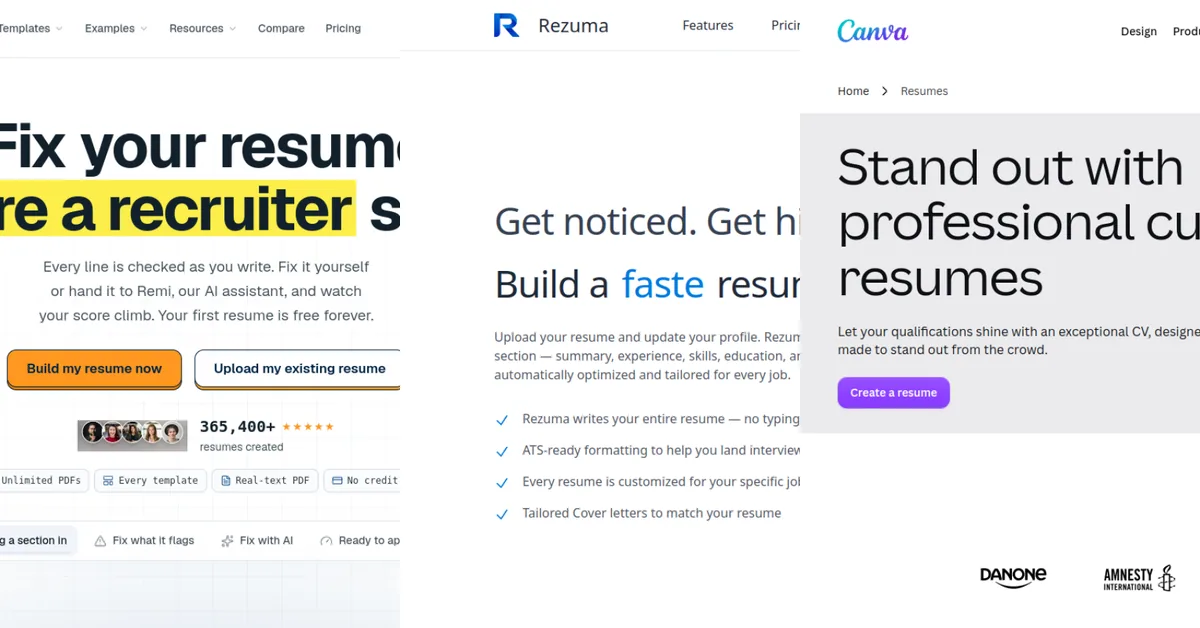
1. Roleframe — the closest thing to a truly free AI resume builder
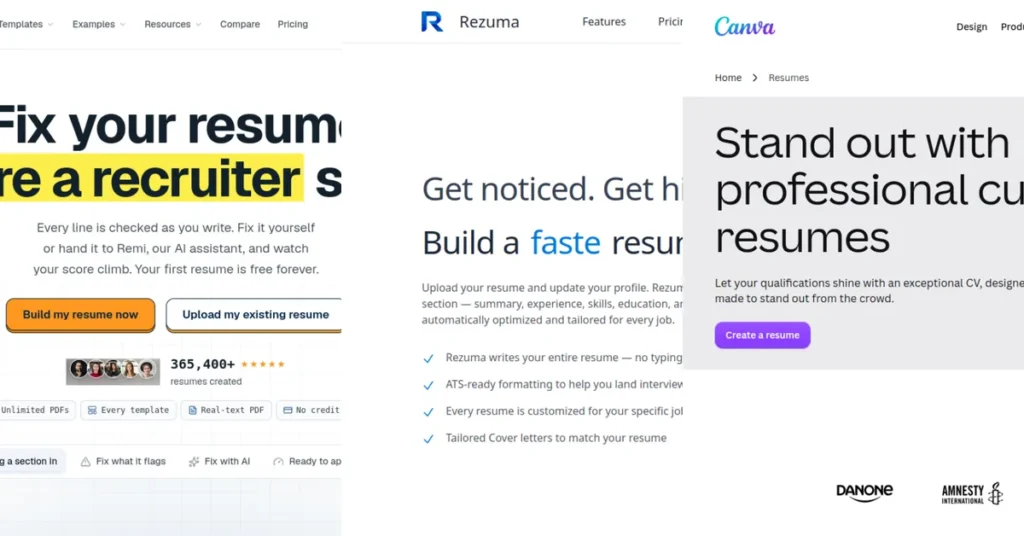
Roleframe’s headline feature is exactly what the search is for: your first resume is free forever — every template, every section, unlimited edits, and unlimited PDF downloads as real, selectable-text files (not images). No credit card at any point, and the free account never expires.
The builder scores every line of your resume as you write, with an AI assistant (Remi) that rewrites weak bullets on request. Eight ATS-friendly templates are all available on the free plan, and you can switch designs without losing your content. For someone who needs one strong resume — students, freshers, first-time job seekers — this is the best free AI resume builder starting point in 2026.
Best for: one complete, downloadable resume with zero payment · Free tier: 1 resume, everything included · Catch: only the first resume is free; power users applying to dozens of jobs need more.
2. Rezuma — free AI resume builder with job-specific tailoring
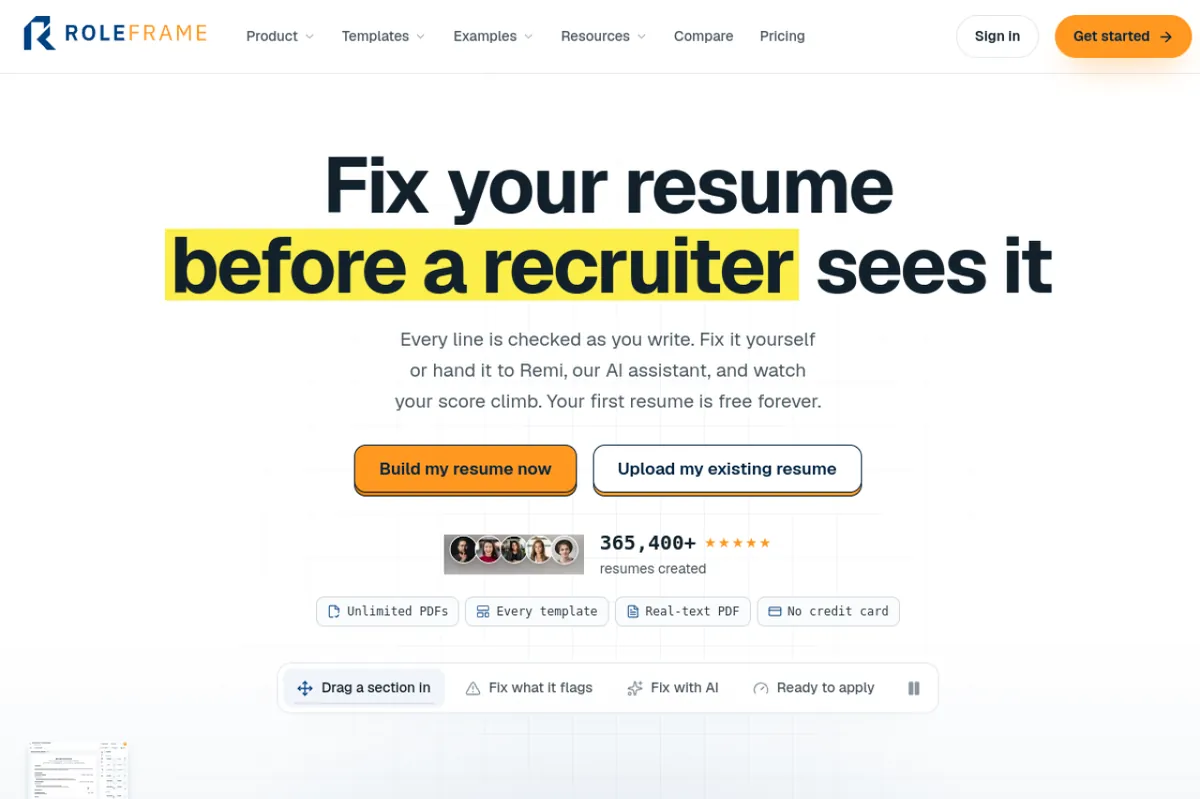
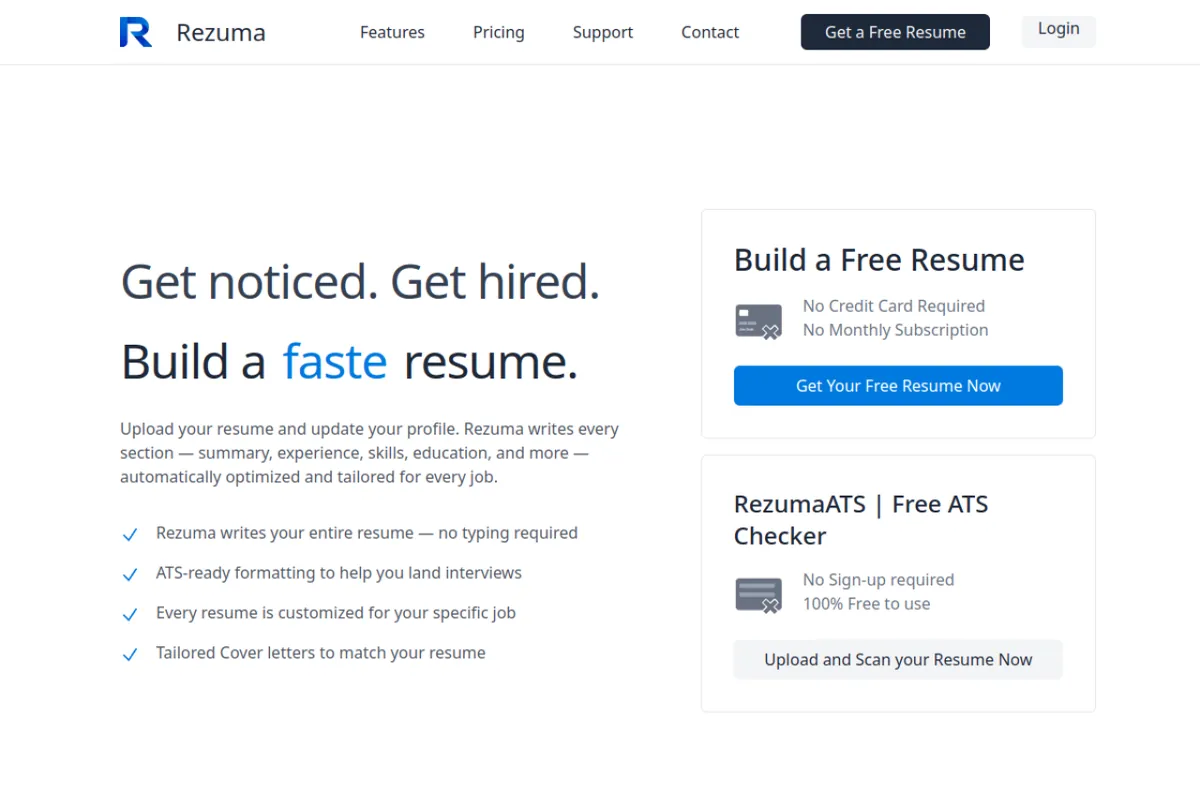
Rezuma’s pitch is “upload and done”: you upload your current resume or build a profile, paste the job description you’re targeting, and the AI writes every section — summary, experience, skills, education — already tuned to that role. Downloads come as PDF, DOCX, or Google Doc, and the free tier is generous enough for active job seekers.
Where Rezuma stands out among free tools is the tailoring workflow: every resume is customized for the specific job rather than one generic document, plus per-tool ATS match scoring. If you’re applying to multiple roles and rewriting bullets by hand is eating your evenings, this is the free option built for that exact problem.
Best for: job-specific tailored resumes on a free plan · Free tier: generous free plan with full AI writing · Catch: always review AI-written claims — exaggerated wording backfires in interviews.
3. ChatGPT (free tier) — the only 100% free stack
Strictly speaking, ChatGPT isn’t a resume *builder* — it doesn’t format anything. But it’s the best genuinely free AI resume builder if “free” means “no paywall anywhere.” The free tier rewrites your bullet points, drafts your professional summary, tailors everything to a job description, and lists the keywords you’re missing — all at zero cost, no watermark, no export limit.
The workflow: paste your work history, paste the target job description, ask it to rewrite your bullets with strong verbs and quantified impact, then paste the polished text into a clean single-column Google Docs or Word template and export your PDF. It’s one extra step versus a dedicated builder, but it’s the stack with absolutely no catch. Our dedicated guide — ChatGPT Resume Builder: Step-by-Step Guide That Works (2026) — walks through the exact prompts.
Best for: zero-cost resume writing with full control · Free tier: everything described above, truly free · Catch: you handle the formatting yourself; no templates or ATS scoring built in.
4. Canva — free AI resume builder with gorgeous templates
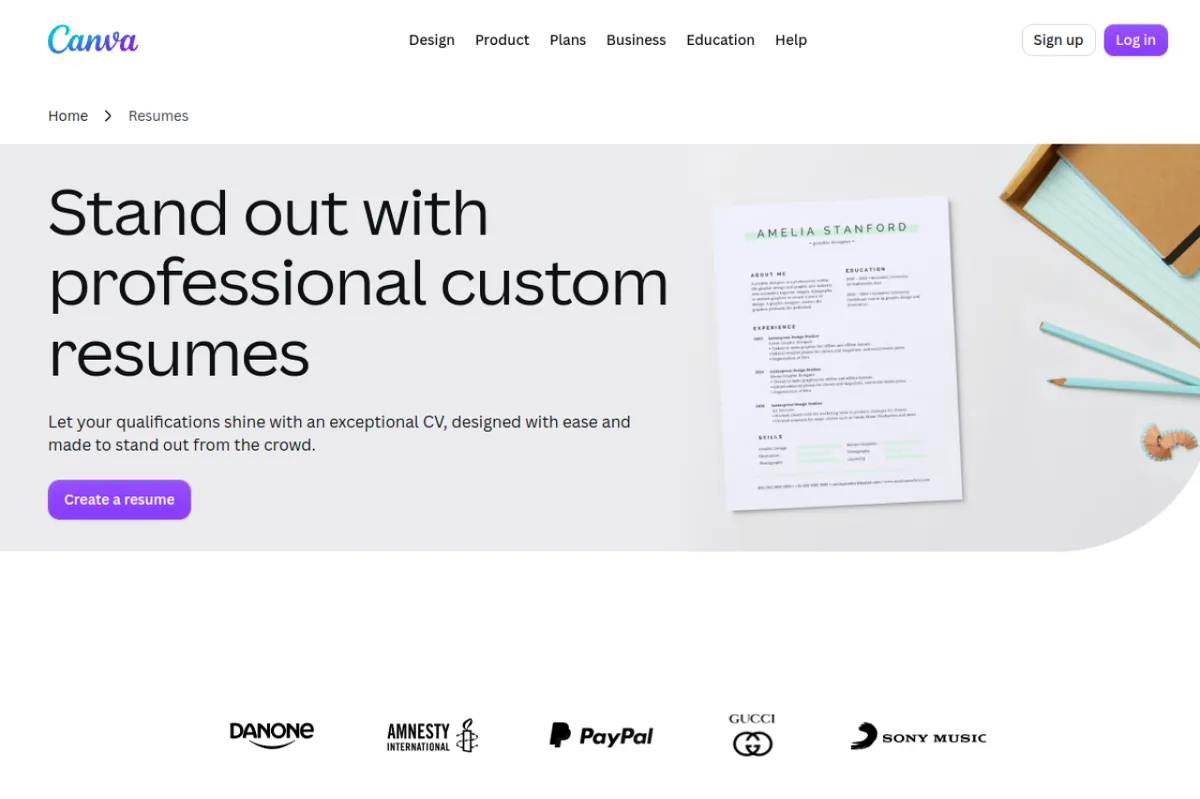
Canva’s free tier is the closest thing to a free AI resume builder with no paywall on export: you can build *and* download a PDF resume without paying. Hundreds of templates, drag-and-drop editing, and AI writing help make it the easiest design-forward option for beginners.
One serious warning, though: ATS compatibility. Many of Canva’s prettiest templates use multi-column layouts, text boxes, and graphics that applicant tracking systems can’t parse — your gorgeous resume can arrive at the recruiter’s software as scrambled or empty text. Use Canva only when sending the PDF *directly to a human* (a recruiter who asked for it, a creative agency, networking) — or pick one of its strict single-column templates. For online job portals with ATS screening, use Roleframe, Rezuma, or Teal instead.
Best for: creative/design roles, direct-to-human applications · Free tier: build + download free, no watermark · Catch: fancy templates fail ATS; stick to single-column.
5. Teal — free AI resume builder for active job seekers
Teal’s free tier lets you build and store a few resume documents with AI assistance, per-job keyword matching, and free exports — which is unusual: keyword scoring is usually a paid feature. It’s built for people applying to many roles: a job tracker, tailored versions per application, and keyword gap analysis work together on the free plan.
Pair Teal’s keyword matcher with a free builder like ChatGPT or Roleframe and you cover the two halves of the job — writing the content and checking it against the job description — without paying for either. That’s the free stack I recommend to people applying to 5+ roles a week.
Best for: high-volume applications with keyword checking · Free tier: build, store, and export resumes with AI assistance · Catch: free plan caps the number of documents; exports for many roles need a paid tier.
6. Novoresume — free tier plus free AI career tools
Novoresume is a well-established free online resume builder (ATS-friendly templates, cover letter templates, used by millions) that added 10 free AI job-search tools in 2026 — an ATS resume checker, resume job matcher, and salary calculator among them. Each tool is free for a couple of uses per month, which covers the one-off checks most job seekers actually need.
Use it when you want a clean, proven template plus occasional AI help: build the resume on the free tier, run the free ATS check before your highest-priority applications, and you’ve got a professional workflow for nothing.
Best for: proven templates + occasional free AI checks · Free tier: resume building + limited AI tool uses · Catch: AI tool uses are capped per month; heavy users hit the ceiling fast.
7. ResuHive — free AI resume builder with no account needed
ResuHive is an indie project with a refreshingly simple offer: paste a job description and see, requirement by requirement, how your resume matches — with gaps and missing keywords called out. Tailoring one resume is free, with no account required, and you can export the result.
It’s the lightest-weight tool on this list: no signup, no profile, no funnel. If your need is “I have a resume, I have a job posting, make them match” and you don’t want another account, this is the fastest path.
Best for: quick job-description matching with zero friction · Free tier: tailor one resume free, no account · Catch: small indie tool — fewer templates and no built-in writing assistant compared to bigger platforms.
Free AI Resume Builder Comparison Table
| Tool | What the free plan gives you | Free PDF download? | ATS-friendly output | Best for |
|---|---|---|---|---|
| Roleframe | 1 resume free forever, all 8 templates, unlimited edits + AI assistant | Yes, unlimited real-text PDFs | Yes | One complete resume, zero payment |
| Rezuma | Full AI resume writing + job-specific tailoring | Yes | Yes, ATS match scoring | Tailored resumes per job |
| ChatGPT free tier | Unlimited resume writing, bullet rewrites, keyword gaps | N/A (you paste into a template) | Depends on your template | The truly-100%-free stack |
| Canva free tier | Full builder, templates, AI writing help | Yes, no watermark | Only single-column templates | Creative roles, direct-to-human |
| Teal free tier | Build + store resumes, AI assistance, keyword matching | Yes | Yes | Active job seekers |
| Novoresume | Builder + 10 AI career tools (capped uses) | Yes | Yes | Proven templates + AI checks |
| ResuHive | Tailor one resume to a job description | Yes | Basic | Quick matching, no account |
How to Build Your Resume Free in 20 Minutes
- Start with one tool, not three. Pick Roleframe if you want one complete resume, or ChatGPT + Google Docs if you want the 100%-free stack. Don’t scatter your work across platforms.
- Write the content first, design second. Dump your roles, dates, and accomplishments as plain bullets. Use the AI to rewrite them with strong verbs and numbers (“increased sales 18%,” not “improved sales significantly”).
- Tailor to the job. Paste the job description into your tool and ask for the 8–10 must-have keywords missing from your resume. Add the ones you genuinely have, in your own real experience — never invent skills.
- Run an ATS check. Before your top applications, run the resume through Teal’s free keyword matcher or Novoresume’s free ATS checker. Aim for a strong match on the role’s core keywords.
- Export single-column. Whatever template you use, keep it single-column with standard section titles (Experience, Education, Skills). Save as a real PDF with selectable text — never a screenshot or image.
Which Free AI Resume Builder Should You Pick?
- One resume, no hassle, no payment: Roleframe.
- Applying to many jobs with different descriptions: Rezuma or Teal.
- Absolutely zero cost and full control: ChatGPT free tier + a Google Docs template.
- Creative role, sending directly to a person: Canva (single-column template only).
- Established platform with occasional AI checks: Novoresume.
- Quick job-match check, no account: ResuHive.
Free AI Resume Builder FAQs
Is there a free AI resume builder that lets me download without paying?
Yes — several. Roleframe gives unlimited real-text PDF downloads on its free forever plan, Canva’s free tier exports PDFs without a watermark, and Teal lets you export free-built resumes. Be wary of builders that let you build free but paywall the download (Resume.io, MyPerfectResume); that’s the standard trap.
Can AI write my resume for free?
ChatGPT’s free tier does exactly this: paste your work history and the job description, and it rewrites bullets, drafts your summary, and flags missing keywords. Rezuma and Roleframe also include AI writing on their free plans. Always review AI output for accuracy — exaggerated claims backfire in interviews.
Will a resume from a free AI resume builder pass ATS?
It depends on the template, not the price. Single-column layouts with standard section headings pass ATS; multi-column Canva-style designs often don’t. Roleframe, Rezuma, Teal, and Novoresume all produce ATS-friendly output on their free tiers. When in doubt, run Teal’s or Novoresume’s free ATS check before applying.
Can I use a free AI resume builder without signing up?
Mostly, no — but there are exceptions. ResuHive lets you tailor a resume without an account, and ChatGPT needs a free account for its free tier. Canva, Teal, Roleframe, and Novoresume all require free accounts (which also saves your work, worth it for something you’ll reuse).
Do employers know if my resume was written by AI?
Most employers don’t run AI detectors on resumes, but experienced recruiters notice AI tells: identical bullet structures, vague metrics, and generic enthusiasm. The fix is one concrete human detail per bullet — a real number, a named tool, a team size. A lightly edited AI resume reads as polished; a raw AI dump reads as generic.
Bottom Line
The honest truth about the free AI resume builder market: “free” usually means free-to-build, and the download is where the bill arrives. The tools that break that pattern — Roleframe’s free-forever first resume, Canva’s watermark-free exports, ChatGPT’s genuinely free writing tier — are the ones worth your time. Pick one, tailor each application to the job description, keep the layout ATS-safe, and you’ve built a job-winning resume for exactly zero.
*Last checked: October 2026. Free-plan limits change often — if a tool’s free tier looks different when you visit, the pricing page is the final word.*