Every student knows the feeling: you understand the idea, but your sentences come out sounding suspiciously like the original. That’s the gap-free ai paraphrasing tools are built to fill—they take a sentence or paragraph and return a reworded version with the same meaning.
The catch is that not every option is worth your time. Some free plans are too limited for real assignments, and some produce rewrites so awkward you’d be better off starting from scratch. So we ran the same test passages through the most popular options to see which ones genuinely help—four mini-reviews plus three honorable mentions, with honest notes on free-plan limits as they stand at the time of writing.
Key takeaways
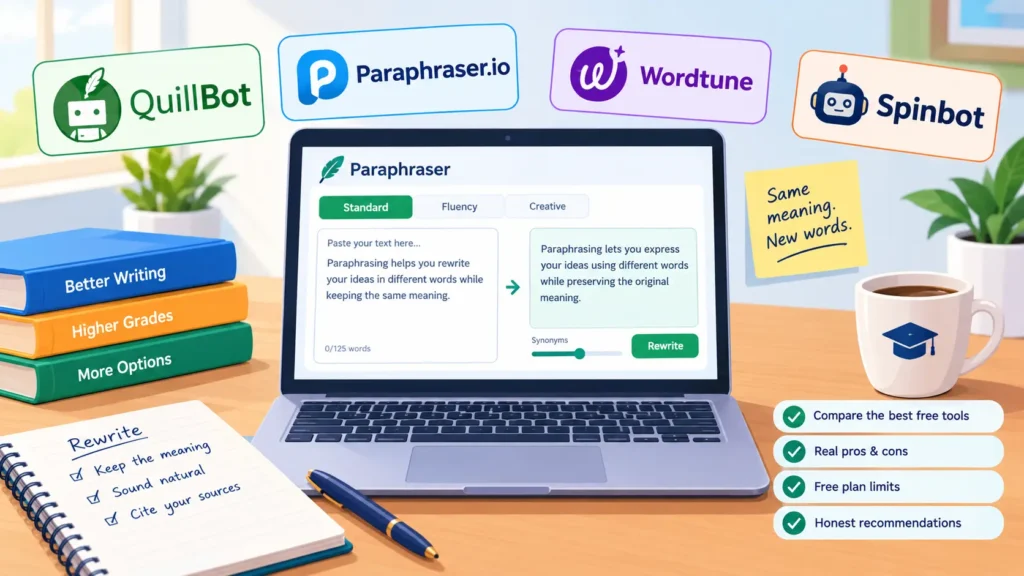
- After testing these free ai paraphrasing tools side by side, Quillbot came out on top for overall rewrite quality and control.
- Paraphraser.io handled the longest passages free—600 words per use at the time of writing.
- Wordtune was the best sentence polisher, though its free plan allows only about 10 rewrites a day.
- Spinbot was the fastest no-signup option, but its output needed the most cleanup.
- Paraphrasing helps you rewrite—it never replaces citing sources. Check your institution’s AI policy before submitting AI-assisted work.
How we tested these free ai paraphrasing tools
To keep things fair, we ran the same five passages through every one of these free AI paraphrasing tools: two dense academic paragraphs, one essay-style argument, one technical definition, and one casual explainer. We scored each on meaning preservation, natural-sounding output, and free-plan generosity—plus whether a signup was required.
If you use AI for coursework regularly, our guide on how to use AI tools for assignments covers the workflow side, from drafting to final edits.
Our top picks, reviewed
1. Quillbot
Quillbot is the tool most students reach for first—and after testing, it’s easy to see why. Among free ai paraphrasing tools, it offered the best balance of quality and control. The free plan covers 125 words per paraphrase at the time of writing, with two modes—Standard for a bolder rewrite and Fluency for a lighter touch—plus a synonym slider for fine-tuning how much the wording changes.
- What’s good: natural-sounding output, the synonym slider, and a built-in grammar checker and summarizer. Official site: QuillBot.
- Free-plan limits: 125 words per paraphrase, two modes available, at the time of writing.
- Best for: the highest-quality rewrite of a short passage, when you don’t mind working in chunks.
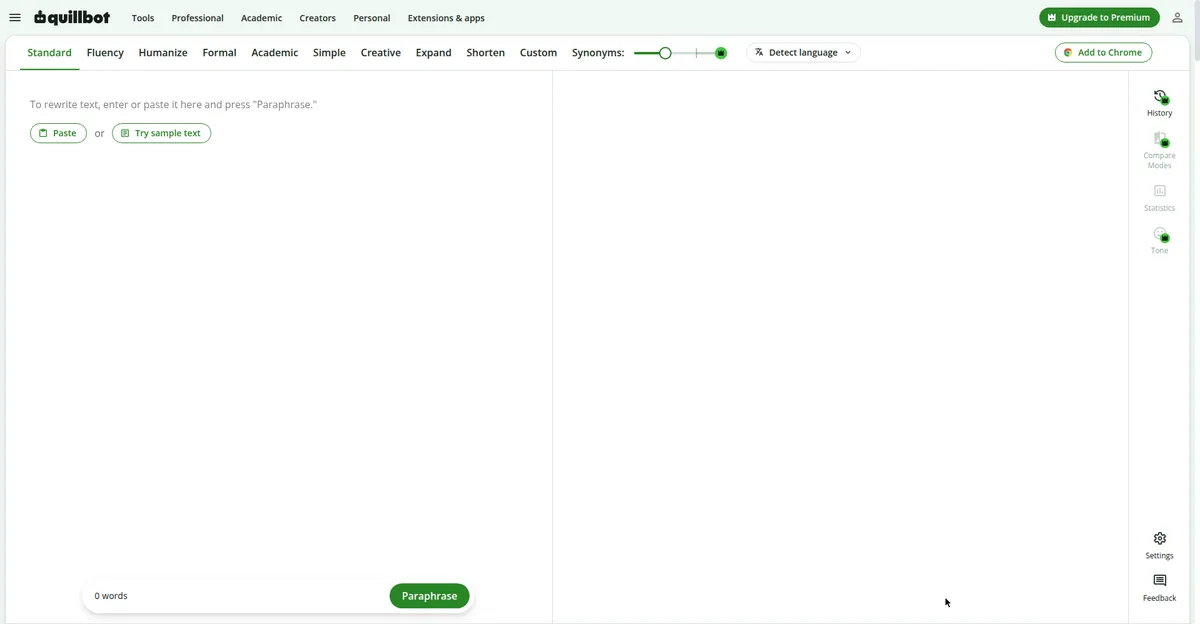 Quillbot’s mode tabs and synonym slider give you fine control over each rewrite.
2. Paraphraser.io
If your problem is length rather than finesse, Paraphraser.io is the workhorse. It’s one of the few free ai paraphrasing tools that let you paste up to 600 words at a time on the free plan (at the time of writing)—genuinely useful when you’re reworking a whole section of a draft. Output was solid, a notch below Quillbot’s best but fine after a quick read-through.
- What’s good: generous free word limit, several rewriting modes, and usable without signup. Official site: Paraphraser.io.
- Free-plan limits: 600 words per paraphrase, some advanced modes locked, at the time of writing.
- Best for: long passages, literature-review drafts, and notes-heavy assignments.
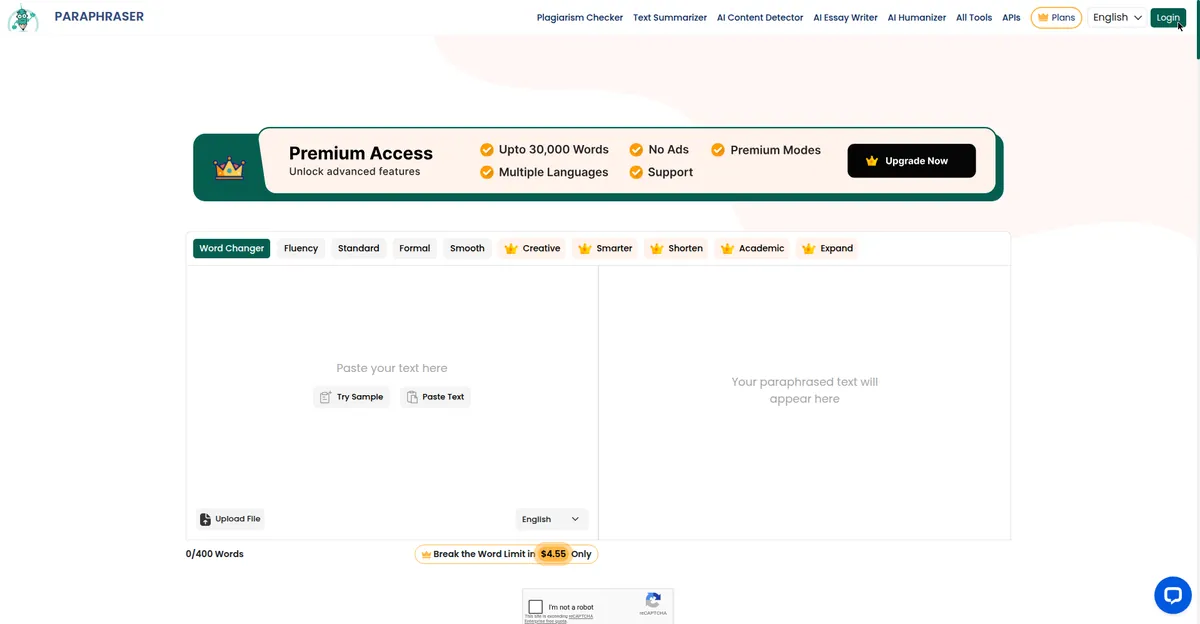 Paraphraser.io’s generous free word limit makes it ideal for long assignment drafts.
3. Wordtune
Wordtune takes a different approach: instead of bulk paraphrasing, it rewrites one sentence at a time and shows several alternatives to pick from. Among the free ai paraphrasing tools we tested, it produced the most polished single sentences—subtle upgrades that make an essay read better without changing your voice.
- What’s good: excellent sentence suggestions, tone options, browser extension.
- Free-plan limits: roughly 10 rewrites per day on the free plan, at the time of writing.
- Best for: polishing topic sentences, thesis statements, and awkward phrasing.
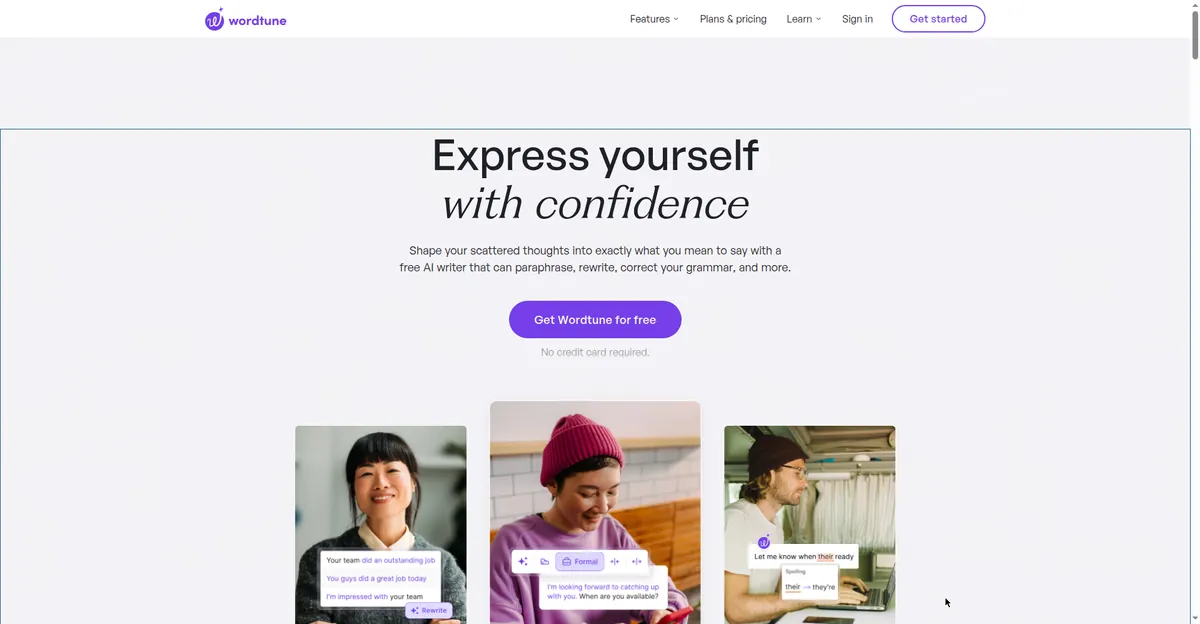 Wordtune rewrites one sentence at a time, with several polished alternatives to choose from.
4. Spinbot
Spinbot is the old-school option—no signup, paste your text, get a rewrite. It’s the least sophisticated of the free ai paraphrasing tools on this list: output can sound clunky, and it occasionally swaps in odd synonyms, so budget a few minutes for cleanup. But when you need something fast and free with zero friction, it gets the job done.
- What’s good: no account needed, fast, and effectively unlimited for casual use.
- Free-plan limits: free with ads; very long texts may need splitting, at the time of writing.
- Best for: quick first drafts you’ll edit afterward.
Three more worth knowing
- Prepostseo Paraphrasing Tool—a solid all-rounder with a generous free tier (around 500 words per use at the time of writing) plus a built-in plagiarism checker.
- ParaphraseTool.com—clean interface and a decent free mode; a good backup when your main pick hits its limit.
- SmallSEOTools Paraphrasing Tool—basic but functional; handy if you already use their other free utilities.
Which of these free AI paraphrasing tools should you pick?
Match the tool to the task. For the highest-quality rewrite of a short passage, start with Quillbot. For long sections, Paraphraser.io’s generous free limit saves you from splitting text into chunks. For polishing individual sentences, Wordtune’s alternatives view is hard to beat. And for a quick no-signup reword, Spinbot is fine—as long as you review the output afterward.
One more tip: rotate between these free ai paraphrasing tools rather than leaning on just one—free tiers change without warning. For a broader study setup, our roundup of the best free AI tools for students in 2026 covers writing, research, and productivity in one place.
Using free AI paraphrasing tools without crossing the line
Paraphrasing and plagiarism are different things, but the line between them is real. Rewriting in your own words and citing the source is standard academic practice. Pasting a source into a tool and submitting the output as your own—or using one where your institution bans AI assistance—is not.
Three rules to stay safe:
- Always cite the original source, even when the wording is fully yours.
- Check your institution’s AI policy before using any paraphrasing tool on assessed work.
- Treat the output as a draft—read every sentence and confirm the meaning survived.
Related reading: AI tools for paraphrasing text, free options explained goes deeper into an honest paraphrasing workflow.
FAQ
Are free AI paraphrasing tools actually free?
Yes—every tool here has a genuinely usable free tier with no payment required. The trade-off is limits: word counts per use, daily rewrite caps, or locked premium modes. Treat every limit quoted here as “at the time of writing,” since free tiers change often.
Can I use a paraphrasing tool for my assignments?
Most free ai paraphrasing tools are fine for learning and drafting—rewording notes, unpacking dense passages, or polishing your own sentences. For graded work, check your institution’s AI policy first, and cite your sources either way.
Will paraphrased text pass plagiarism checkers?
Not necessarily. Paraphrasing lowers similarity scores, but checkers like Turnitin also weigh structure and can flag AI-assisted writing. Paraphrase to understand and draft, cite the source, and make the final wording genuinely yours.
Which free paraphrasing tool allows the most words?
Paraphraser.io, with 600 words per use on its free plan at the time of writing. Quillbot caps out at 125 words but delivers higher-quality rewrites.
Is Quillbot’s free plan enough for a student?
For most day-to-day tasks, yes. The 125-word limit means working in chunks—fine for paragraphs, tedious for whole essays. For long sections, pair it with Paraphraser.io as your backup.
What’s the difference between paraphrasing and summarizing?
Paraphrasing restates the full idea in different words at roughly the same length; summarizing condenses it. Use a paraphraser when you need the complete meaning reworded and a summarizer when you need the short version.
Bottom line
Quillbot is our top pick for quality, Paraphraser.io wins on long passages, Wordtune is the best sentence polisher, and Spinbot is the fastest no-signup option. Whichever of these free AI paraphrasing tools you choose, remember: the tool does the rewording, but the thinking, the citing, and the final judgment are still yours.
Last updated: October 12, 2026.