Key takeaways
- The best free AI audio enhancer is Adobe Podcast Enhance Speech: 30-minute files, 500 MB, and 1 hour of enhancement per day — free, no credit card.
- For podcasters who also edit, Descript’s Studio Sound cleans audio inside the editor; for live calls, only Krisp works in real time.
- Auphonic is the only tool here that fixes uneven speakers and loudness to broadcast standards automatically — free for 2 hours a month.
- No tool can rescue audio where the voice itself is clipped or buried: record as clean as you can, then let AI do the last 20%.
An AI audio enhancer is software that uses machine learning to separate your voice from everything else in a recording — fan hum, traffic, room echo, keyboard clicks — and rebuild it to sound like it was recorded in a studio. You upload a file (or record live, with Krisp), click once, and download a cleaner version. No EQ charts, no plugin chains, no audio engineering degree.
Below: verified free limits for 7 tools, a head-to-head table, and a 5-minute workflow.
Table of Contents
- What is an AI audio enhancer?
- What is the best free AI audio enhancer?
- The 7 best AI audio enhancer tools for 2026
- Which AI audio enhancer should you pick?
- How to clean up a voice recording with AI in 5 minutes
- FAQ
- Bottom line
*Last checked: October 2026*
What is an AI audio enhancer?
An AI audio enhancer is a tool that uses a neural network trained on thousands of hours of speech to tell voice apart from noise, then rebuilds the voice track while suppressing the rest. Older noise reduction just cut frequencies — which is why it made voices sound thin and metallic. Modern enhancement is regenerative: it isolates the voice and re-synthesizes the parts the noise damaged, so the result sounds fuller, not filtered.
That distinction matters because it sets expectations. An AI audio enhancer can remove steady fan noise, moderate echo, hiss, hum, and uneven volume. It cannot recover words that were never captured — a sentence fully buried under a siren stays buried, and the AI may guess at it. Test every tool below on your own worst recording before you commit.
What is the best free AI audio enhancer?
Adobe Podcast Enhance Speech: free for files up to 30 minutes and 500 MB, with 1 hour of enhancement per day, no credit card required — just a free Adobe account. It is the strongest one-click cleanup for spoken word, and the free tier covers a full podcast episode or several voiceovers a day. Trade-offs: the free tier is audio-only, enhancement strength is fixed, and very muffled or singing audio can come out slightly robotic.
The 7 best AI audio enhancer tools for 2026
| Tool | Free limit | Best for | Starting paid price |
|---|---|---|---|
| Adobe Podcast Enhance Speech | 30-min files, 500 MB, 1 hour/day | Best free one-click cleanup | $9.99/month |
| Descript Studio Sound | 1 hour transcription/month | Editing + cleanup in one app | $16/month |
| Auphonic | 2 hours/month | Podcast leveling + loudness | ~$11/month |
| Krisp | Free tier (limited minutes) | Live calls and meetings | $8/month |
| VEED Clean Audio | Free tier | Video creators | Paid plans vary |
| Cleanvoice AI | 30-minute free trial | Filler words + mouth sounds | $11 for 5 hours |
| ElevenLabs Voice Isolator | 10,000 credits/month free plan | Voice isolation from music/crowds | ~$5–6/month |
1. Adobe Podcast Enhance Speech — best free AI audio enhancer
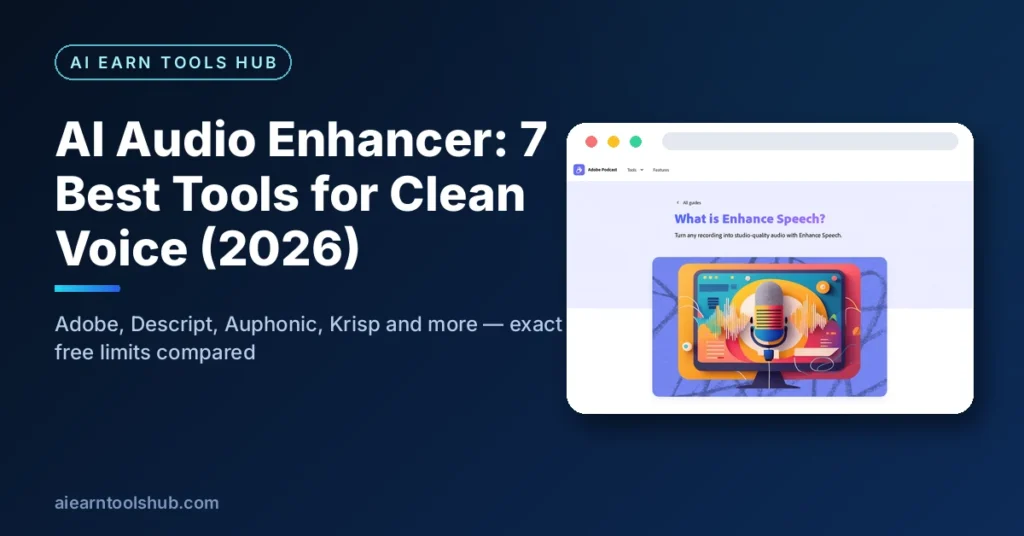
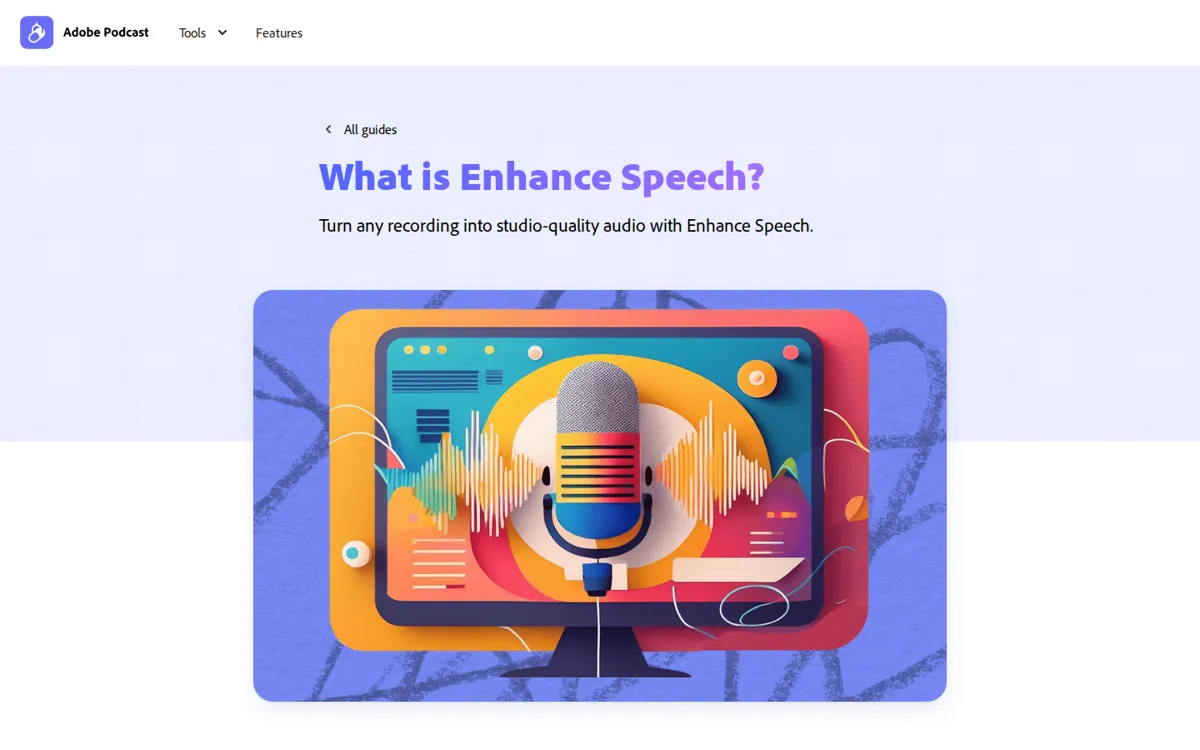
Adobe’s Enhance Speech is the headline tool in the browser-based Adobe Podcast suite. Upload an MP3, WAV, or M4A file, and the AI strips background noise and echo in one pass, then lets you toggle between original and enhanced audio before downloading a WAV.
- Free limit: files up to 30 minutes and 500 MB, 1 hour of enhancement per day.
- Paid: Premium at about $9.99/month lifts the caps to 2-hour files, 1 GB, 4 hours a day, and adds video files, batch uploads, and an adjustable strength slider.
- Watch out: it re-synthesizes speech, so heavily muffled audio can gain a slight lisp, and it is not built for singing.
2. Descript Studio Sound — best AI audio enhancer for editors
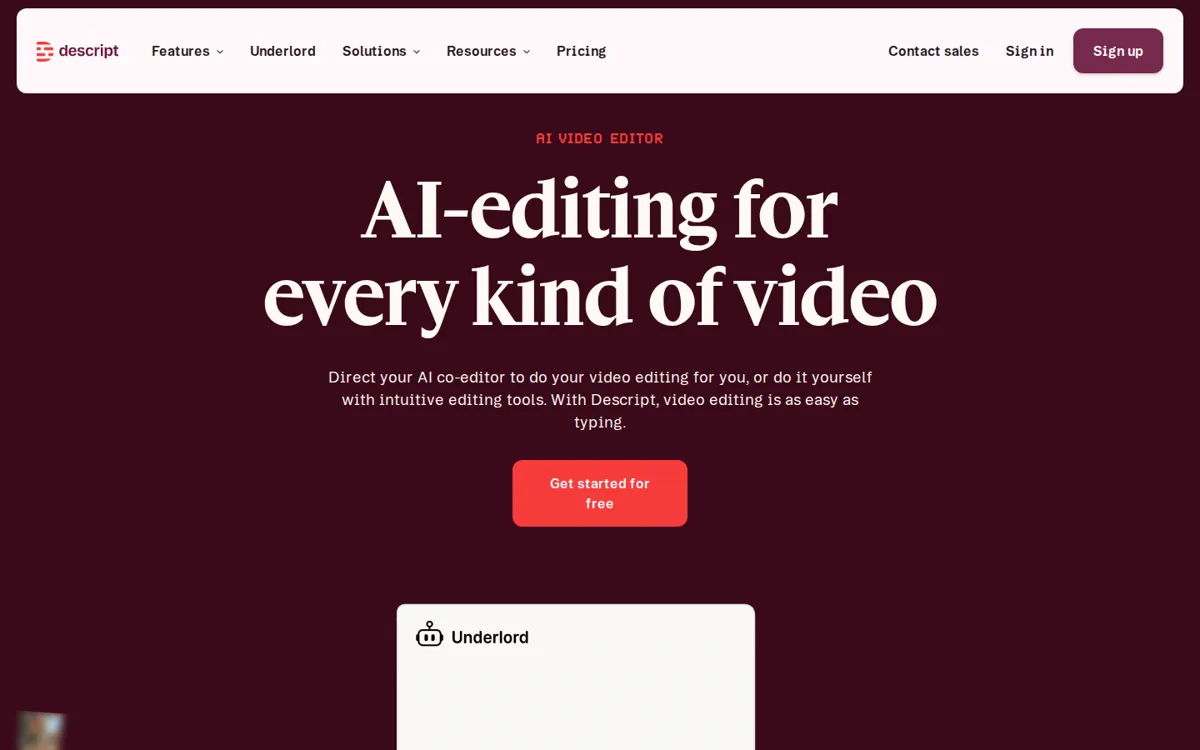
Descript is a full audio and video editor where you edit by editing a transcript — delete a sentence in the text and it disappears from the audio. Studio Sound is its AI cleanup: toggle it on in the Properties panel and it removes noise and echo with an intensity slider.
- Free limit: 1 hour of transcription per month on the free plan, so it is a trial, not a workflow.
- Paid: Hobbyist from $16/month, Creator from $24/month with full Studio Sound.
- Watch out: you need the desktop app for serious work, and Studio Sound applies at the file level — it affects every instance of that file in a project.
3. Auphonic — best AI audio enhancer for podcast loudness
Auphonic is an automated post-production service, not an editor. Upload a finished recording and it applies an Intelligent Leveler (balances speakers), loudness normalization to broadcast standards, noise and hum reduction, filtering, and metadata — then publishes the result.
- Free limit: 2 hours of audio per month; free exports carry an Auphonic jingle.
- Paid: recurring credits from about $11/month, or one-time credit packs that never expire.
- Watch out: the jingle on free exports makes it unsuitable for client work, and there is no timeline editing — it finishes audio, it does not cut it.
4. Krisp — best AI audio enhancer for live calls
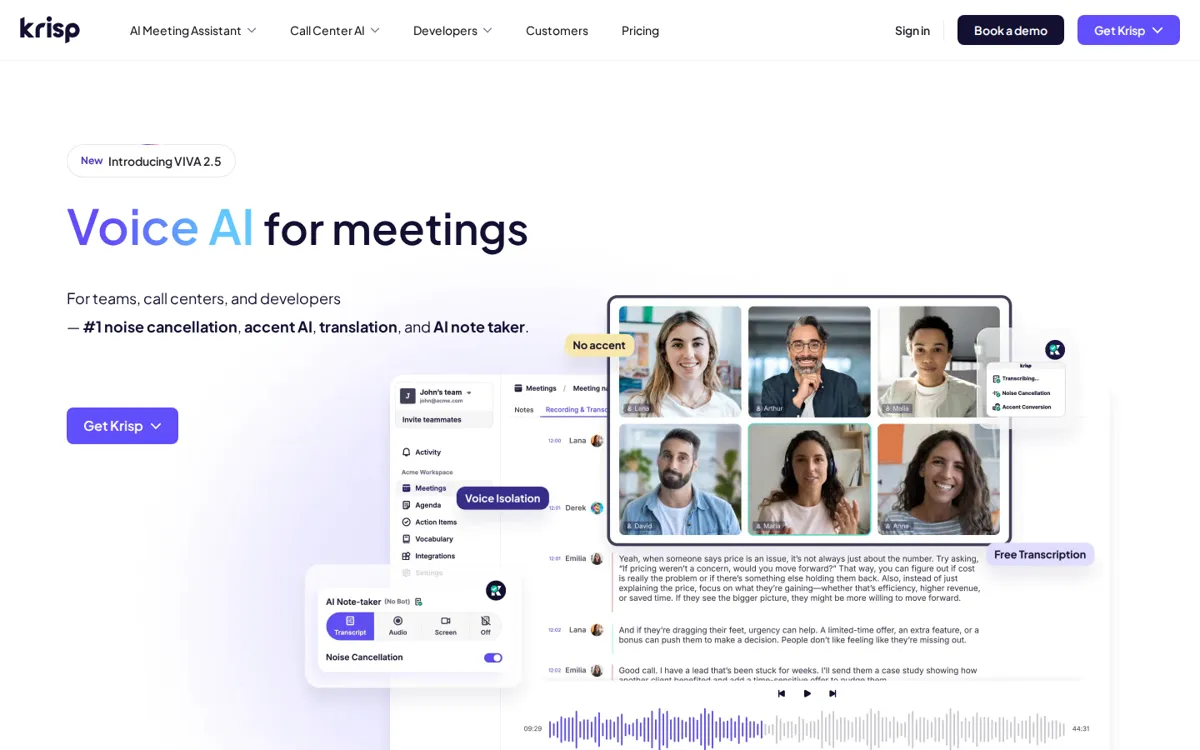
Krisp is the only tool on this list that works in real time. It sits between your microphone and Zoom, Teams, Meet, or Slack, cancelling background noise, other voices, and echo on both sides of the call as you speak. Processing runs on your device, so no audio goes to a server.
- Free limit: a free tier with limited minutes (Krisp has changed its free structure more than once — check the current limit on its site).
- Paid: Core from $8 per user per month billed yearly, with unlimited noise cancellation, transcription, and AI meeting notes.
- Watch out: it is a meeting tool, not a file cleaner — for recorded audio, use one of the tools above instead.
5. VEED Clean Audio — best AI audio enhancer for video creators
If your audio lives inside a video, VEED’s Clean Audio is the shortest path: upload the video, select the clip, click Clean Audio, and the AI removes hum, wind, static, traffic, and echo while evening out volume. You can then trim, caption, and export MP3 or MP4 without leaving the editor. If that video is headed to YouTube, the thumbnail does half the clicking work — our guide to AI thumbnail makers covers the best free tools for that job too.
- Free limit: a free tier with no credit card required; the full Studio Sound (Dolby-powered) version is a premium feature.
- Paid: plans vary by region and billing — check VEED’s pricing page for the current rate.
- Watch out: Clean Audio applies per clip, so a multi-clip project needs the tool run on each clip.
6. Cleanvoice AI — best AI audio enhancer for filler words
Cleanvoice is built for podcasters whose problem is not just noise but the performance itself: it removes filler words (ums, ahs), stutters, mouth sounds, breaths, and dead air, alongside background noise — plus transcription, summaries, and multitrack sync.
- Free limit: a 30-minute free trial credit.
- Paid: pay-as-you-go from $11 for 5 hours, or subscriptions from $11/month for 10 hours.
- Watch out: aggressive filler removal can flatten natural pacing — review the timeline export before publishing.
7. ElevenLabs Voice Isolator — best AI audio enhancer for voice isolation
ElevenLabs’ Voice Isolator separates speech from background music, overlapping conversations, and crowd noise — the hardest case for most enhancers. Upload a file (up to 500 MB and 1 hour) or record in the browser, and it returns an isolated voice track.
- Free limit: the free plan includes 10,000 credits per month, and isolation costs 1,000 credits per minute — but Voice Isolator access on free accounts has been reported inconsistently, so treat it as a paid-tier feature.
- Paid: Starter from about $5–6/month, Creator from $22/month.
- Watch out: it is not designed for music vocals, and it will not fix clipped or distorted audio.
Which AI audio enhancer should you pick?
- One noisy voiceover or interview, free: Adobe Podcast Enhance Speech.
- You edit podcasts or videos and want cleanup inside the editor: Descript Studio Sound.
- Finished episodes with uneven guests, or broadcast loudness: Auphonic.
- Noise during live meetings, not recordings: Krisp.
- Audio trapped inside a video you are already editing: VEED Clean Audio.
- Filler words, stutters, and mouth sounds are the real problem: Cleanvoice AI.
- Voice buried under music or crowd chatter: ElevenLabs Voice Isolator.
How to clean up a voice recording with AI in 5 minutes
- Pick the right tool for the job. One spoken file? Start with Adobe Podcast Enhance Speech — it is free and needs no install.
- Upload the original, unprocessed file. Do not pre-apply noise reduction first; it makes the AI’s job harder.
- Run the enhancement and compare. Toggle original vs. enhanced and listen on headphones, not laptop speakers — artifacts hide on small speakers.
- Check the edges. Listen to the first and last seconds, quiet passages, and any laughter or crosstalk — that is where over-processing shows up.
- Export and keep the original. Download the WAV, keep your raw file, and only then drop the cleaned audio into your editor.
FAQ
Can an AI audio enhancer remove background music from a voice recording?
Yes, if the voice is the dominant sound — ElevenLabs Voice Isolator and Adobe Enhance Speech both separate speech from music. If the music is louder than the voice, or the voice itself is clipped, no tool recovers it cleanly.
Is there a completely free AI audio enhancer?
Yes. Adobe Podcast Enhance Speech is free for 30-minute files up to 500 MB with 1 hour of enhancement per day, and Auphonic is free for 2 hours a month. Both need a free account; Auphonic’s free exports include a short jingle.
Will an AI audio enhancer make my voice sound robotic?
It can, on bad source material. Regenerative enhancers rebuild damaged speech, and on heavily muffled audio that rebuild can sound slightly synthetic. On a decent phone or laptop recording, the result usually sounds like a better microphone, not a robot.
Can AI remove noise during a live call?
Yes — Krisp cancels noise, other voices, and echo in real time on your device during Zoom, Teams, Meet, or Slack calls. The other tools on this list clean files after recording, not live audio.
What is the difference between noise reduction and AI audio enhancement?
Traditional noise reduction subtracts frequencies, which thins the voice along with the noise. AI enhancement identifies the voice itself and rebuilds it, so it removes more noise while keeping the voice full — at the cost of occasional synthetic artifacts on difficult audio.
Bottom line
Start free: Adobe Podcast Enhance Speech handles most single-voice cleanup at no cost, and Auphonic covers podcast leveling. Pay only when your workflow demands it — Descript for editing, Krisp for live calls, Cleanvoice for filler removal, ElevenLabs for voice isolation. Whatever you pick, test it on your worst recording first: the tool that sounds best on your voice, in your room, is the right one. Turning a cleaned voiceover into a full video? Our AI slide maker guide shows how to pair narration with slide decks, and every tool here is also listed in our free tools library.
*Last checked: October 2026. Free limits and prices change — verify on the tool’s own site before you commit.*