Key takeaways
- An ai slide maker turns a prompt or document into a designed slide deck in minutes.
- Gamma is the best free option: 400 one-time AI credits (~8–10 decks), no card needed.
- SlidesAI is the top pick inside Google Slides; Presentations.AI is best for PowerPoint exports.
- Catches: credits that never refresh, small annual caps, watermarks, PPTX locked behind paid plans.
Six tools with exact free-tier limits and prices, a 10-minute first-deck workflow, and copy-ready prompts. Last checked: October 2026.
Table of contents
- What is an AI slide maker, exactly?
- The free-tier reality check
- 1. Gamma — best overall free AI slide maker
- 2. SlidesAI — best for Google Slides users
- 3. Canva Magic Design — best template variety
- 4. Presentations.AI — best native PowerPoint export
- 5. Pitch — best for teams
- 6. Plus AI — best inside PowerPoint and Google Slides
- Which AI slide maker is best for you?
- Your first deck in 10 minutes
- Copy-ready prompts that work
- Export gotchas: PPTX, PDF, and watermarks
- Frequently asked questions
- Bottom line
What is an AI slide maker, exactly?
An AI slide maker is software that generates complete, designed slide decks from a text prompt, outline, or uploaded document. You type “a 10-slide pitch for a chai delivery startup” and get structured slides with headlines, copy, images, and a consistent theme.
Where the deck lives differs: Gamma and Pitch use their own web editor; SlidesAI and Plus AI build inside Google Slides or PowerPoint.
The free-tier reality check
Every ai slide maker advertises “free” — here are the catches:
| Tool | Free tier (exact) | Watermark | PPTX export |
|---|---|---|---|
| Gamma | 400 one-time credits (~8–10 decks), never refresh, no card; 10 slides/prompt | “Made with Gamma” badge | Paid only |
| SlidesAI | 12 presentations/year, 2,500 chars input, 120 credits/year | SlidesAI branding | Native Slides |
| Canva | Shared AI allowance (~20–50 uses/month); Magic Design on free | None | Yes |
| Presentations.AI | 100–200 credits, max 20 slides | Free PDF low-res + watermarked | Pro only |
| Pitch | Unlimited presentations, 5 members, 100 one-time AI credits | Branded links | Plus only |
| Plus AI | No free plan — 7-day trial, 1,000 credits, card required | None in trial | Native |
Zero-budget ranking: Gamma, then Pitch, then Canva (free AI presentation maker guide).
1. Gamma — best overall free AI slide maker
Gamma turns plain text into a polished deck faster than anything else. Pick a theme and get modern card-style slides in under a minute, with AI images built in.
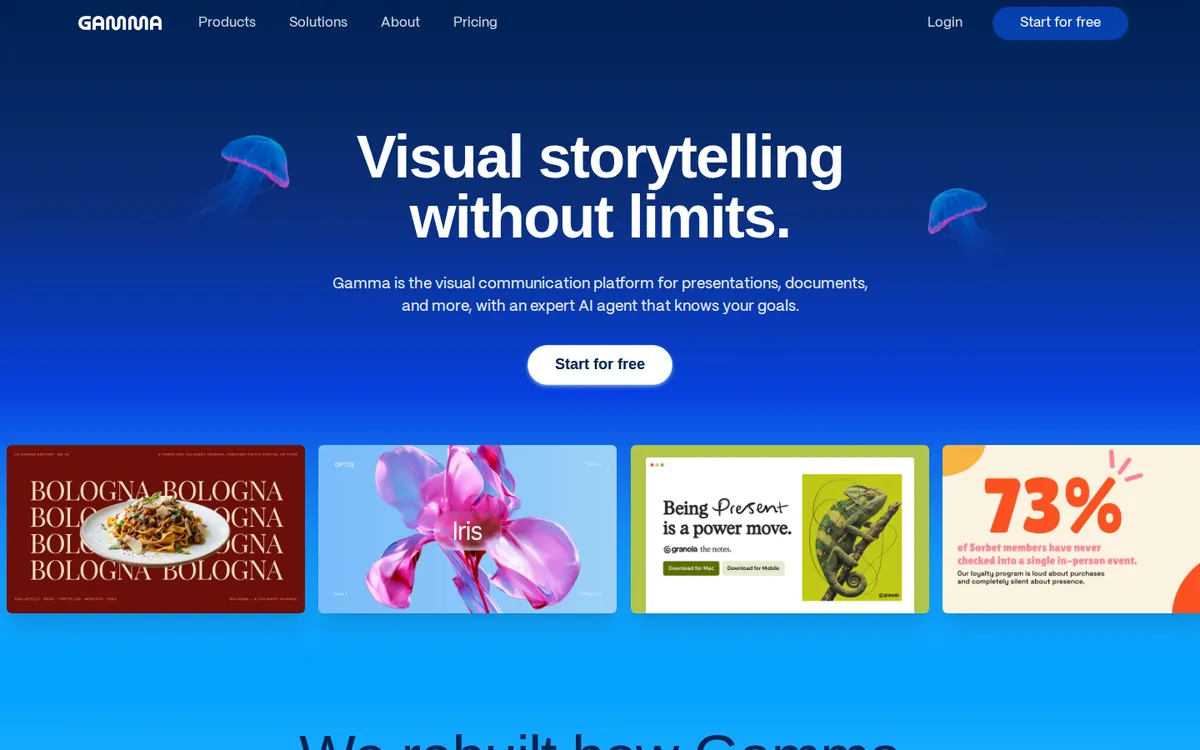
Free tier: 400 credits ≈ 8–10 decks, no card, never refresh. Paid ~$9–12/seat/month. Best for: students and founders wanting the best-looking first draft fast.
2. SlidesAI — best for Google Slides users
SlidesAI is the ai slide maker for people who won’t leave Google Slides. It converts text or notes into editable slides inside the editor — Google account only, no card.
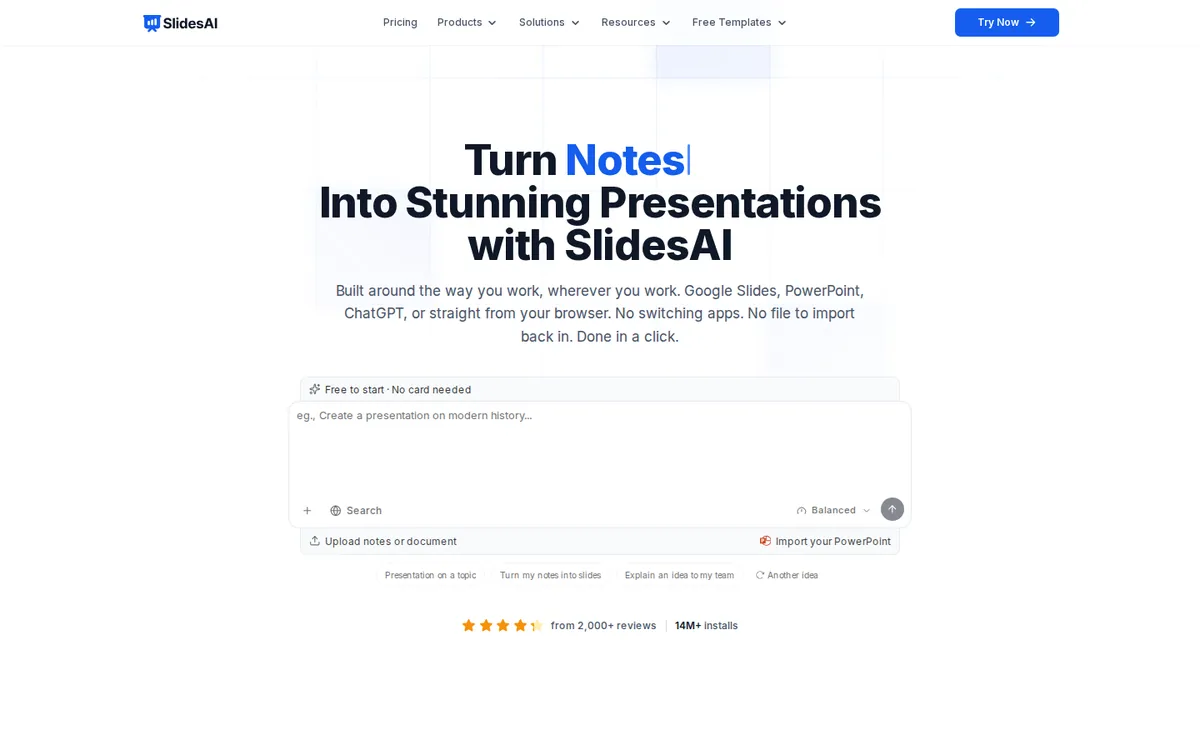
Free tier: 12 presentations/year, 2,500 chars input per deck. Pro $10/month. Best for: students — see our lecture-notes-to-slides guide.
3. Canva Magic Design — best template variety
Canva’s Magic Design has the deepest design bench here. Describe your presentation and it drafts a deck from Canva’s huge template library; polish with millions of photos and fonts. Most people already have an account.
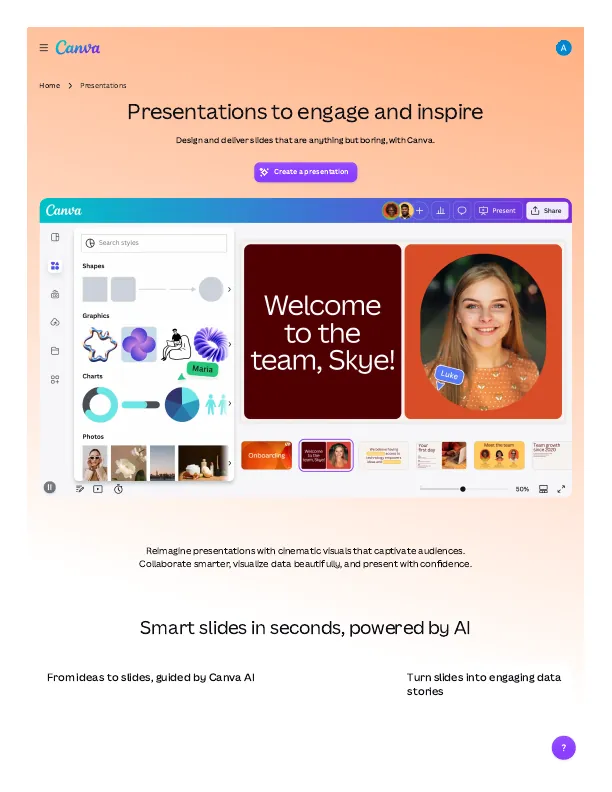
Free tier: shared AI allowance (~20–50 uses/month, approximate); Magic Design on free with limits. Pro $15/month. Best for: visual-first decks.
4. Presentations.AI — best native PowerPoint export
Presentations.AI produces genuinely editable PowerPoint files — brand colors, fonts, editable text boxes — while rivals export rough approximations. It claims 12M+ customers, with Amazon, Notion, Facebook, Google, and Microsoft logos.
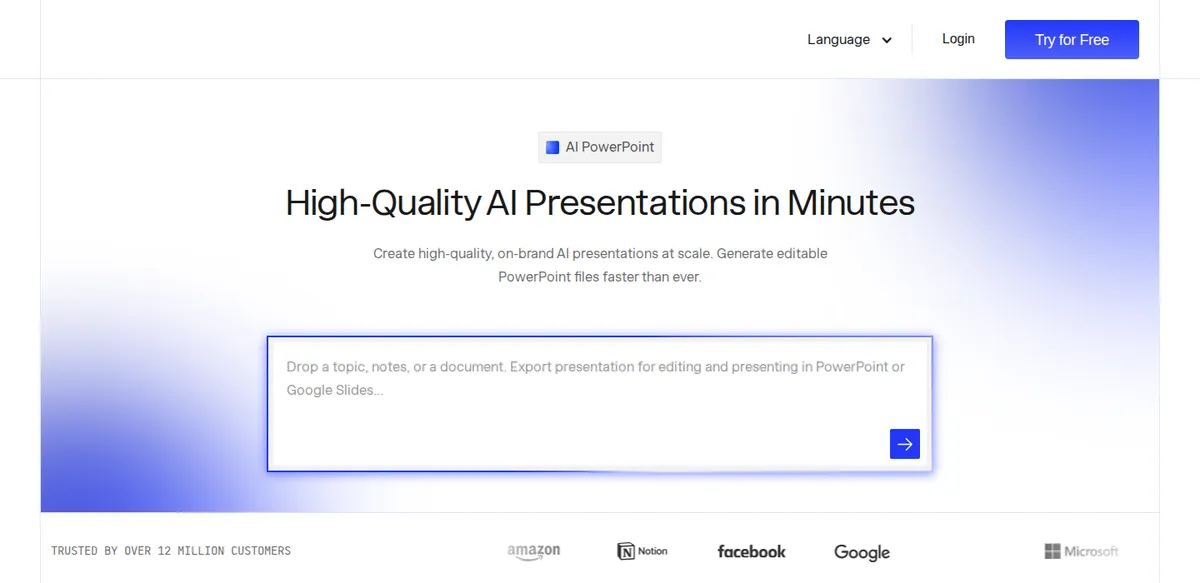
Free tier: 100–200 credits, up to 20 slides; PPTX is Pro-only, free PDFs low-res + watermarked. Pro $20/month annually. Compare export routes in our AI PPT maker guide. Best for: decks that must open perfectly in PowerPoint.
5. Pitch — best for teams
Pitch is the ai slide maker built for small teams. Free: unlimited presentations, 5 members, and view analytics showing who opened your deck — useful for sales follow-ups.
Free tier: 100 one-time AI credits, then unlimited manual editing. Sharing links branded; PPTX needs Plus (~€10–13/month). Best for: startups and sales teams.
6. Plus AI — best inside PowerPoint and Google Slides
Plus AI puts an ai slide maker inside PowerPoint and Google Slides — no separate web app. Generate, rewrite, and redesign natively, so formatting never breaks.
Free tier: no free plan — only a 7-day trial (1,000 credits) requiring a card. Basic $10/month annually. Powerful, but don’t call it free. Best for: generating slides without leaving PowerPoint or Google Slides.
Which AI slide maker is best for you?
Quick match:
| Your situation | Pick |
|---|---|
| Zero budget, most decks free | Gamma |
| Student converting notes | SlidesAI |
| Must present in real PowerPoint | Presentations.AI (Pro) |
| Team of 2–5 | Pitch |
| Biggest template library | Canva Magic Design |
| Inside PowerPoint/Slides | Plus AI (paid trial) |
An independent ScoutChoice roundup agrees on Gamma for speed and Plus AI for native editing.
Your first deck in 10 minutes
Zero to presentable in ten minutes (times assume Gamma):
- 0–1: sign up free (email only), pick a prompt below.
- 1–2: paste it, set 8–10 slides, pick any clean theme, generate.
- 2–4: read the draft fully. AI invents statistics — fix every claim you can’t defend.
- 4–6: swap generic images for specific ones.
- 6–8: tighten text — one line per bullet, overflow to speaker notes.
- 8–9: apply branding: one font, two colors.
- 9–10: export and open on the presenting device.
Copy-ready prompts that work
Name the audience, slide count, and tone. Copy, fill the brackets, paste into your ai slide maker.
Student: Create 8 slides for a college [biology] class on [photosynthesis], first-year level: title slide, what it is, the chemical equation, the two main stages, why it matters, a 3-question quiz. Under 30 words per slide.
Teacher: Make a 10-slide [water cycle] lesson for [grade 6]: hook question, four stages (one slide each, real-world example), ‘common mistakes’ slide, recap, homework.
Founder: Build a 10-slide investor pitch for [a chai delivery app in Karachi]: problem, solution, product (placeholder images), market size, business model, traction, competition, team, financials, the ask. Use placeholders for real numbers — never invent statistics.
Export gotchas: PPTX, PDF, and watermarks
- PPTX is often paywalled. Presentations.AI and Pitch lock it behind paid plans — verify before you build.
- Free PDFs can be low-res and watermarked. Presentations.AI watermarks free PDFs; Gamma stamps a “Made with Gamma” badge.
- Interactive decks don’t travel. Gamma’s web decks flatten to static PDFs.
Frequently asked questions
What is the best free AI slide maker?
Gamma: 400 one-time credits (~8–10 decks), 10 slides per prompt, no card — but credits never refresh. Runner-up: Pitch (unlimited non-AI presentations free).
Can an AI slide maker export to PowerPoint?
Yes, with caveats. Presentations.AI and Pitch offer true PPTX only on paid plans. SlidesAI and Plus AI build inside Slides/PowerPoint natively. Gamma exports PDFs and web links.
Do free plans add watermarks?
Usually. Gamma adds a “Made with Gamma” badge, Presentations.AI watermarks free PDFs, Pitch brands free links. Removable on paid plans.
How many slides can I generate for free?
Gamma: ~8–10 decks of 10 slides. SlidesAI: 12 presentations/year. Presentations.AI: 20 slides on Starter. Pitch: 100 credits + unlimited manual decks. Plus AI: trial only.
Bottom line
Gamma is the best AI slide maker for most people in 2026 — fastest first draft, most generous free tier. SlidesAI for Google Slides users, Presentations.AI for PowerPoint exports (Pro), Pitch for small teams. Match the free tier to where your deck must live, use the 10-minute workflow, and verify the AI’s facts before presenting.
Last checked: October 2026. Limits and prices change — recheck official pages before paying.