Key takeaways
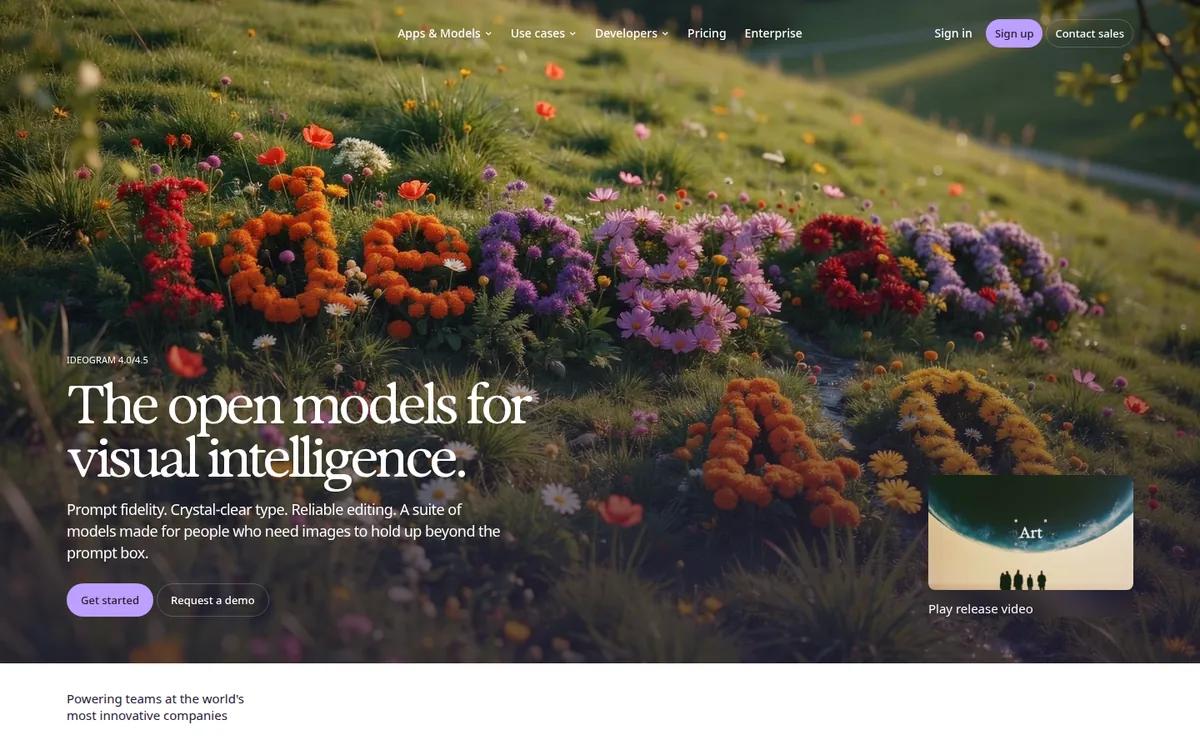
- The best free AI thumbnail maker is Ideogram: ~10 prompts/day (≈40 images), no watermark, best free text rendering.
- Pikzels suits CTR-obsessed YouTubers, but has no real free tier — only a limited trial (from $20/month).
- YouTube thumbnails must be 1280×720 (16:9), under 2MB — every tool below hits that spec.
An AI thumbnail maker turns a text prompt into a YouTube-ready thumbnail background in seconds. What these tools usually can’t do well is render the text on your thumbnail — and that is where they differ most. YouTube says 90% of its best-performing videos use custom thumbnails.
Below: verified free limits, a head-to-head table, and a 10-minute workflow.
Table of Contents
- What is it?
- The best free option
- All 7 tools compared
- Which should you pick?
- 10-minute workflow
- FAQ
- Bottom line
Last checked: October 2026
What is an AI thumbnail maker?
An AI thumbnail maker is a specialized youtube thumbnail generator: it creates thumbnail artwork from a text prompt — or from your video’s title, description, or link — sized and styled for YouTube. Some are general image generators with thumbnail-friendly features (Ideogram, Microsoft Designer); others are built only for thumbnails (Pikzels, vidIQ’s tool) and treat CTR — click-through rate — as the goal.
The deciding factor is text-in-image rendering: whether the tool spells words correctly inside the picture. Since 2–4 bold words do half the clicking work, this single feature picks the winner.
What is the best free AI thumbnail maker?
Ideogram: ~10 prompts/day (≈40 images), no watermark, best free text-in-image rendering. Trade-offs: slow free queue, 70%-quality JPEG downloads, public-by-default images. Paid from ~$7–8/month.
The 7 best AI thumbnail maker tools for 2026 (tested)
Every tool compared:
| Tool | Free limit | Text-in-image | Watermark | Best for |
|---|---|---|---|---|
| Ideogram | ~10 prompts/day (≈40 images) | Excellent | None | Best free overall |
| Canva | ~50 AI image gens/month | Decent | None on exports | All-in-one: generate + text |
| Pikzels | Trial only, no free tier | Strong | None (paid) | CTR-focused YouTubers |
| vidIQ | Free with account | Decent | None | YouTube-SEO users |
| Microsoft Designer | ~15 credits/month | Decent | None | Quick backgrounds (personal use) |
| Adobe Express | 25 credits/month (reported) | Good (Firefly) | None | Commercial-safe |
| Riverside | Free, no signup (cap unverified) | Video-aware | None | Fastest no-signup option |
1. Ideogram — best free AI thumbnail maker overall
It solves the hardest problem: readable text inside generated images. Where most models misspell words, Ideogram renders short thumbnail text correctly — that’s why it tops creator lists. ~40 free images a day covers most upload schedules. Catches: slow free queue, 70%-quality JPEG downloads, public-by-default generations. Also featured in our best free AI image generation tools roundup.
2. Canva — best all-in-one
One tab for the whole workflow: generate a background (~50 free generations/month), then add text, fonts, and templates. Its text rendering trails Ideogram for longer words — smarter move: generate the background anywhere, add text in Canva’s editor where you control the font. No watermark on free exports; Pro is $14.99/month.
3. Pikzels — best for YouTubers serious about CTR
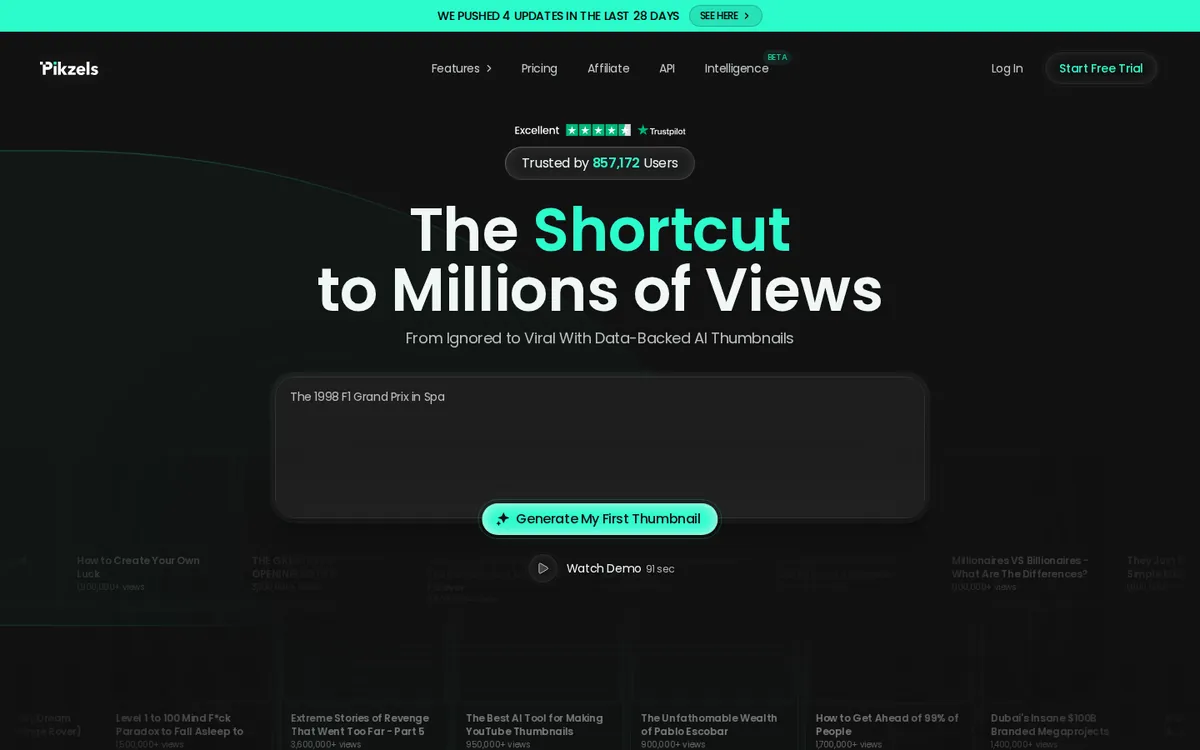
Built for YouTube click-through rate: data-backed layouts trained on what gets clicked; prompt-to-thumbnail flow (“The 1998 F1 Grand Prix in Spa” → one click → thumbnail). Honest downside: no real free tier, only a limited trial. Essential $20/month ($14/month annual), Premium $40/month ($28/month annual). Worth it if thumbnails are your growth lever; otherwise start free with Ideogram.
4. vidIQ AI Thumbnail Maker — best for vidIQ and YouTube-SEO users
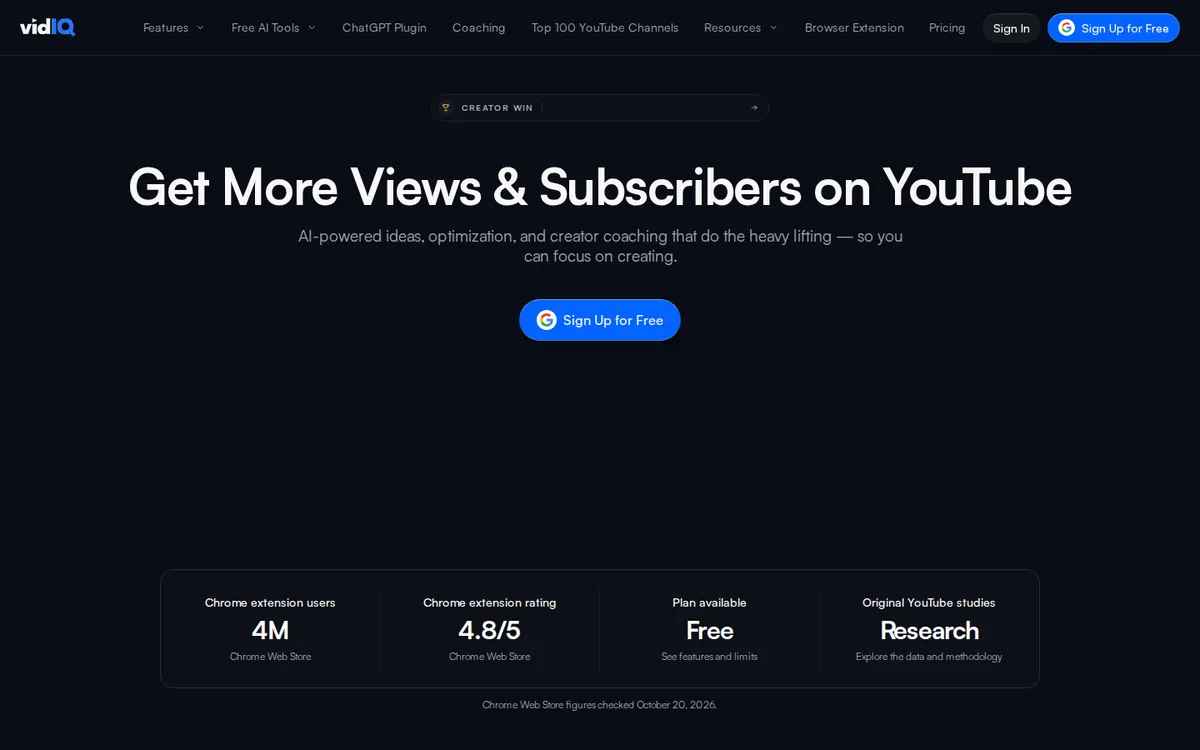
Generates from your video description, an uploaded file, or a YouTube link; exports at exactly 1280×720 PNG — YouTube’s spec — with no watermark, per the official page. Free with a vidIQ account; handy if you already use it for keyword research. Exact limits aren’t published — treat it as an included tool, not an unlimited generator. Boost is ~$16.58/month billed annually.
5. Microsoft Designer — best quick free backgrounds
~15 AI credits/month free (the old “15 daily boosts” system is retired) — enough for a handful of backgrounds monthly. Caveat: Microsoft’s consumer FAQ licenses outputs for personal, non-commercial use — monetized channels should use Adobe Express instead. Microsoft 365 Personal ($9.99/month) raises it to 60 credits/month.
6. Adobe Express — best commercial-safe option
Safest for monetized channels or client work: Firefly is trained on licensed content, so commercial use is straightforward. Free tier reported at 25 generative credits/month (4 images each) — Adobe doesn’t publish the exact count, so treat 25 as the reported figure. No watermark. Premium $9.99/month for 250 credits. Trails Ideogram on text; overlay text in the editor.
7. Riverside — best free no-signup option
Lowest friction here: no signup, reads your video link or title, optional headshot upload, chat-based editor, YouTube-ready export. Honest gap: we couldn’t verify a generation cap — treat it as a small-batch tool, keep Ideogram as backup.
Which AI thumbnail maker should you pick?
- Beginner: Ideogram — free, no watermark, best free text rendering.
- High-volume poster: Ideogram’s ~40 free images/day + the vidIQ tool as a second free source.
- Chasing CTR: Pikzels — the only tool here engineered around click-through rate.
- Monetized work: Adobe Express — Firefly’s licensed training keeps commercial use simple.
- Quick backgrounds, personal channel: Microsoft Designer — free and fast, personal-use-only.
- No signup: Riverside.
More help: our AI prompts guide and YouTube automation guide.
How to make a thumbnail with AI in 10 minutes
- Write the text first. Pick 3–4 words first. Promise one thing (“$0 to $1K”) — never repeat the video title.
- Generate the background. Use a prompt below in Ideogram or your tool; ask for copy space where text will go.
- Thumbnail-size test. Shrink it to thumbnail size. If the key element isn’t readable in one second, regenerate.
- Overlay the text yourself. 3–4 words in a bold font (Canva’s free editor) beats in-image text for sharpness.
- Export 1280×720, under 2MB (YouTube’s spec; use JPEG if PNG runs large).
- Upload in YouTube Studio — see YouTube’s official custom thumbnails help page; your account must be verified.
3 copy-ready prompts
Gaming:
YouTube thumbnail background: shocked gamer wearing a headset, mouth open in surprise, dramatic red and black esports arena, neon rim lighting, empty space on the left side for title text, cinematic, ultra detailed, 16:9
Finance:
YouTube thumbnail background: close-up of golden coins exploding outward toward the viewer, dark green studio background, dramatic side lighting, copy space at the top for text, photorealistic, 16:9
Food / lifestyle:
YouTube thumbnail background: steaming bowl of ramen close-up, chopsticks lifting noodles, warm restaurant lighting, dark moody background, empty space at the top for text, professional food photography, 16:9
FAQ
Is there a completely free AI thumbnail maker?
Yes — Ideogram (≈40 images/day) and Riverside (no signup) are both free with no watermark. The vidIQ tool and Microsoft Designer are also free within account limits.
Which free tool renders thumbnail text best?
Ideogram, by a clear margin — it’s built for text-in-image accuracy, while Canva and Microsoft Designer use general models that garble longer words. For guaranteed-crisp text, add words yourself in Canva’s editor.
Can I use AI-generated thumbnails on monetized videos?
Usually yes, but check the license: Microsoft Designer is personal, non-commercial use only; Adobe Express (Firefly, trained on licensed content) is the commercial-safe pick. Ideogram’s free images are public by default — review their terms first.
Do I need to tell YouTube my thumbnail is AI-made?
No — YouTube classes thumbnail AI as “production assistance” (like AI help with titles), which needs no disclosure. Only realistic AI depictions of real people doing things they didn’t must be disclosed, on the video itself.
Bottom line
Start with Ideogram — the best free AI thumbnail maker for most creators: the most generous free tier and the only text rendering you can trust. Move to Pikzels when thumbnails become your growth bottleneck; switch to Adobe Express when commercial safety matters. The tool makes the background; 3 bold words and the one-second test earn the click.
Freshness note: limits last checked October 2026 — AI tools change tiers often, so glance at each pricing page before committing.