
AI Note Taker: 7 Best Free Tools for Notes & Summaries (2026)
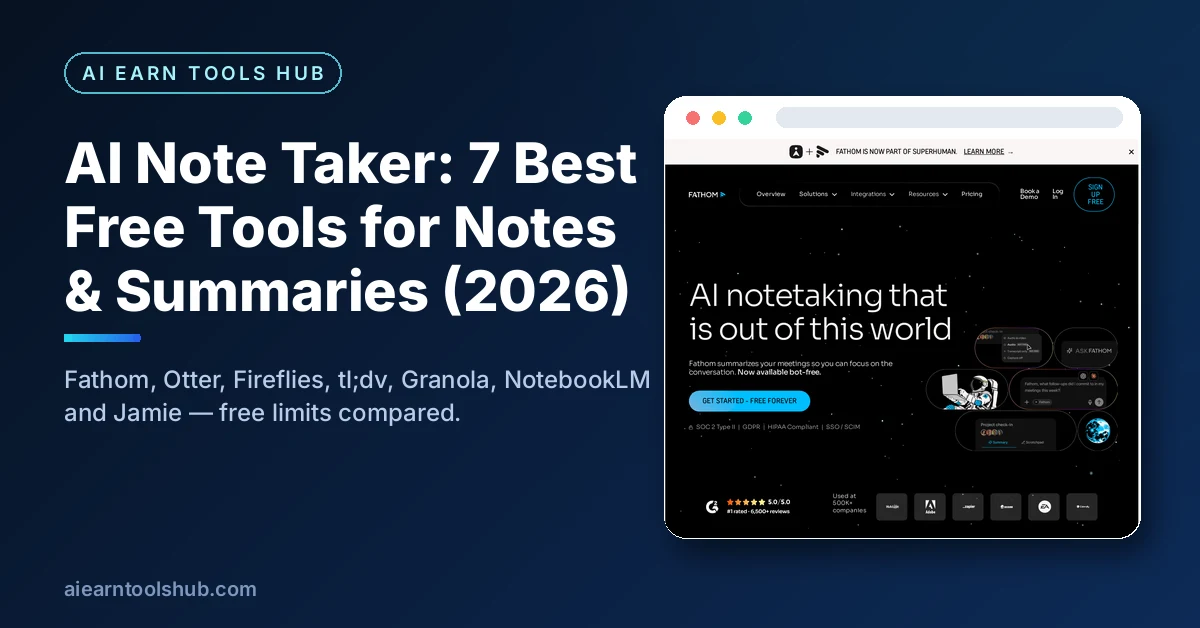
The best free ai note taker for most people is Fathom: unlimited recordings and transcription on its free plan, with advanced summaries for 5 calls a month. If you study from lectures and documents instead of meetings, Google’s NotebookLM is the free pick — 100 notebooks and 50 sources per notebook at no charge. A note-taking AI records a conversation, turns the audio into a transcript, and writes the summary and action items for you, so you can listen instead of typing. Every free limit below comes from the tool’s own pricing or help page, checked in November 2026.
Key takeaways
- Fathom is the best free ai note taker overall: unlimited recordings and transcription, advanced summaries for 5 calls a month.
- Otter’s free plan gives 300 transcription minutes a month, but each conversation stops at 30 minutes — the number that matters is 30, not 300.
- Fireflies offers unlimited transcription with limited AI summaries and 400 minutes of storage per team.
- NotebookLM is the best free pick for students: 100 notebooks, 50 sources per notebook, and answers with citations from your own files.
- Granola and Jamie take notes without adding a bot to your call — the right choice when a meeting bot is blocked or unwelcome.
Table of Contents
- What is an ai note taker?
- How do I use an ai note taker for meetings and lectures?
- The 7 best free ai note taker tools compared
- Fathom: best free pick overall
- Otter: best for live transcription
- Fireflies: best for searchable meeting history
- tl;dv: best for small teams
- Granola: best bot-free option
- NotebookLM: best for students
- Jamie: best for client calls without a bot
- Which free ai note taker should you pick?
- Is it legal to record a meeting with an ai note taker?
- FAQs
- Bottom line
What is an ai note taker?
An ai note taker is software that records a conversation, transcribes the speech into text, and writes the notes you would otherwise type yourself: a summary, the key decisions, and a list of action items. Most tools do four jobs — capture the audio, transcribe it with speaker labels, summarise it, and extract tasks with owners and deadlines. Some join your video call as a bot participant; others record from your own device without joining; a few work from an uploaded audio file or from documents you already have.
The difference from a plain recorder is what happens after the call ends. A recorder gives you an hour of audio to replay. A note taker gives you a searchable record you can question later — “what did we agree about the launch date?” — without listening again. That is the feature that decides whether the tool saves you time or just moves the work.
How do I use an ai note taker for meetings and lectures?
Using an ai note taker takes about five minutes to set up and almost no effort during the meeting itself. The workflow is the same across nearly every tool on this list.
- Connect your calendar or install the app. Meeting bots join from the calendar invite; bot-free tools record from a desktop or phone app. Tell the tool which meetings to join — never let a bot join every meeting by default.
- Tell the room you are recording. Say it out loud at the start and check your local rules: some places require every participant’s consent, and California requires all-party consent for confidential conversations.
- Let it listen while you participate. Take no notes during the call except the one or two points you personally must remember. The transcript is the backup, not the plan.
- Read the summary within 24 hours. Check the action items, fix any wrong names or numbers, and send the decisions to the people who own them. A summary nobody reads is the same as no notes.
- Ask it questions later. Search the transcript for what was decided. For lectures, upload the recording to NotebookLM instead and turn it into a study guide — see our AI study tools guide for the wider study workflow.
The 7 best free ai note taker tools compared
| Tool | Free plan | Main free limit | Bot joins calls? | Best for |
|---|---|---|---|---|
| Fathom | Unlimited recordings + transcription | Advanced summaries: 5 calls/month | Yes | Most people |
| Otter | 300 min/month | 30 min per conversation | Yes | Live transcription |
| Fireflies | Unlimited transcription | 400 min storage per team; limited summaries | Yes | Searchable history |
| tl;dv | Unlimited recordings + transcripts | AI notes: 10 meetings/month | Yes | Small teams |
| Granola | AI meeting notes | 30 days of history | No | Bot-free notes |
| NotebookLM | 100 notebooks, 50 sources each | Study sources only, no live meetings | No | Students + research |
| Jamie | 10 AI notes/month | 30 min per meeting | No | Client calls |
Free limits change often. Every figure here comes from the vendor’s own pricing or help page as checked in November 2026 — confirm the current number on the tool’s site before you build a workflow on it. One independent comparison of free AI note taker plans reaches the same ranking: Fathom first, then tl;dv, Otter, Fireflies, and Granola. A second roundup of 17 free note taker plans lists the same Otter and Fireflies limits.
Fathom: best free pick overall
Fathom is the best free pick because its free plan does not cap the thing you do most: recording. You get unlimited recordings, transcription, and storage, and the only real limit is that advanced AI summaries cover the first 5 calls each month. It works with Zoom, Google Meet, and Microsoft Teams, and produces a transcript, a summary, and action items for every call. Paid Premium starts at $16 a month billed yearly. Pick Fathom if you want one free tool for all your meetings and you do not need a bot-free setup.
Otter: best for live transcription
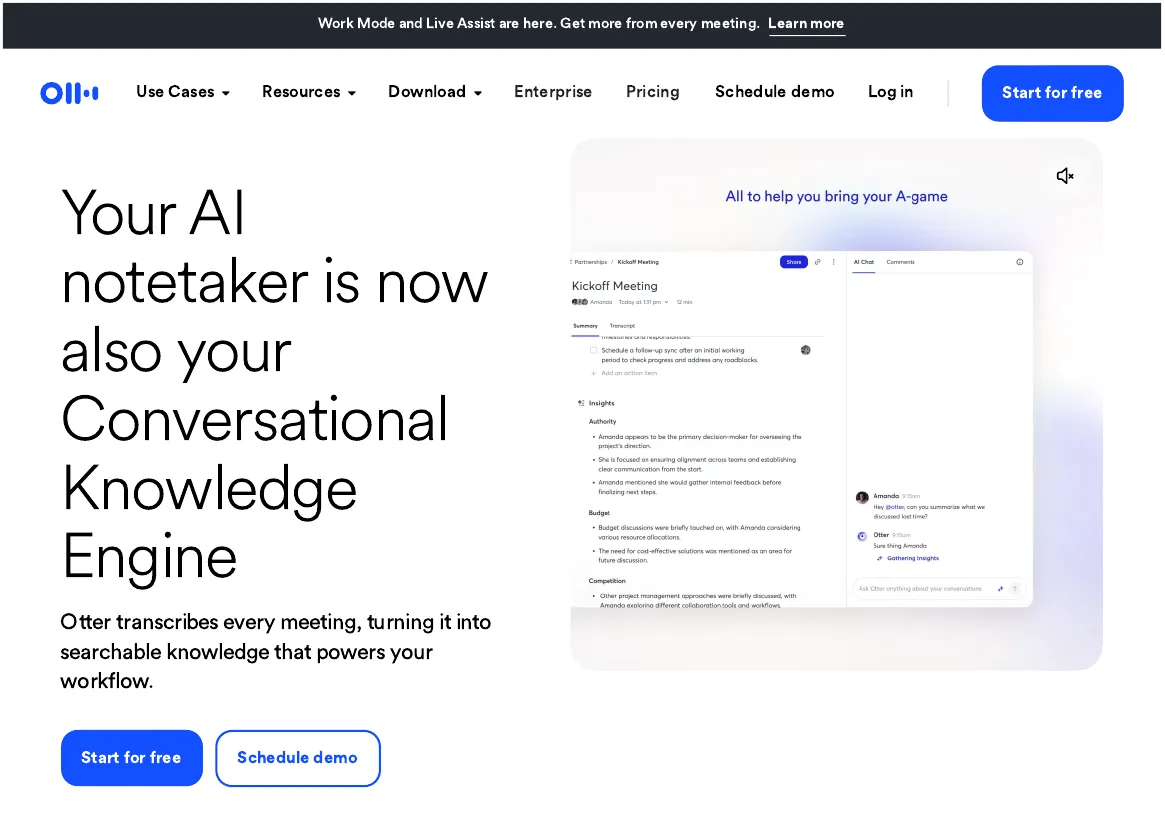
Otter is the best choice when you need to see the words as they are spoken — live captions during a lecture or an interview, with speaker labels. Its free Basic plan gives 300 transcription minutes a month, but each conversation stops at 30 minutes: a 50-minute lecture needs a second recording. Only your 25 most recent conversations stay accessible, and you get 3 audio or video file imports over the lifetime of the account. Pro costs $8.33 per user a month billed annually and raises the limits to 1,200 minutes and 90 minutes per meeting. Pick Otter for short conversations, not long lectures.
Fireflies: best for searchable meeting history
Fireflies is the best choice for teams that need to find things later: every call becomes a searchable transcript, and its search finds the moment someone said a name, a number, or a decision. The free plan offers unlimited transcription with limited AI summaries and 400 minutes of storage per team, and it works with Zoom, Google Meet, and Teams plus uploaded audio or video files. The weak spots are downloads and summaries: downloading transcripts and recordings needs a paid plan. Pro starts at $10 a month billed annually. Pick Fireflies if your team replays decisions from past meetings and you can live without downloading the notes.
tl;dv: best for small teams
tl;dv is the best free option for a small team that wants AI notes without paying per seat. Its free plan gives unlimited recordings and transcripts, and AI notes for 10 meetings a month — double Fathom’s 5. It works with Zoom, Google Meet, and Teams, and it clips the key moments of a call so you can share a 30-second highlight instead of the whole recording. Pro costs $18 per user a month billed yearly. Pick tl;dv over Fathom if your team holds more than 5 important meetings a month but fewer than 10.
Granola: best bot-free option
Granola is the best option when a bot cannot join the call — some companies block meeting bots, and some clients dislike a stranger in the attendee list. Granola records from your own device, transcribes after the call, and deletes the audio once the transcript is done. Its free plan gives AI meeting notes with 30 days of visible meeting history, on macOS, Windows, iOS, and Android. The trade-off is history: after 30 days, older meetings drop out of view unless you pay for Business at $14 per user a month. Pick Granola if bots are blocked at work or you do not want a participant named “Notetaker” in your meetings.
NotebookLM: best for students
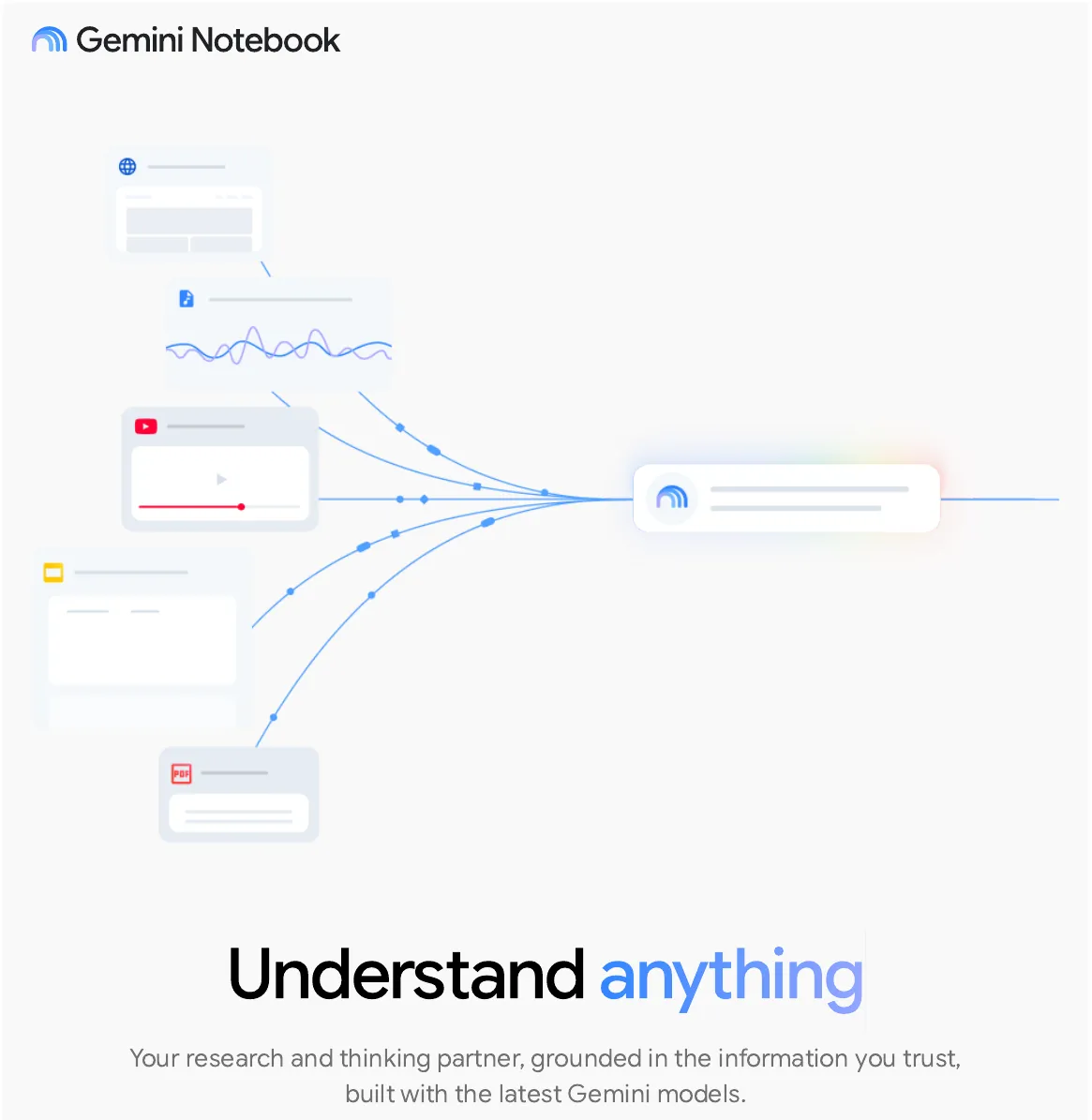
NotebookLM — now called Gemini Notebook in Google’s help pages — is the best free option for students and researchers, because it works from your own material instead of a live call. Upload lecture recordings, PDFs, slides, or web pages, and it transcribes audio at import, answers questions with citations from your sources, and turns them into study guides and audio overviews. The free plan allows 100 notebooks with 50 sources per notebook, at no charge with a Google account. It cannot join a live call — pair it with a recorder, or with Otter’s free tier for the capture — and use it for everything after. Pick NotebookLM if your notes start from readings and recordings rather than live meetings.
Jamie: best for client calls without a bot
Jamie is the best option for client calls where a bot in the attendee list would look unprofessional. Its desktop and mobile apps record audio directly from your device — no participant joins the call — and produce a live transcript with speaker labels, a summary, and action items. The free plan covers 10 AI notes a month, each up to 30 minutes, with unlimited storage. Jamie processes data in the EU, which matters for clients with strict data rules. Pick Jamie for sensitive client work where the attendee list must stay clean.
Which free ai note taker should you pick?
Match the tool to the job, not to the feature list. The short version of this whole guide:
- Most meetings, one free tool: Fathom. Unlimited recordings, summaries for 5 calls a month.
- More than 5 but fewer than 10 meetings a month: tl;dv. Same idea, 10 AI-noted meetings.
- Live captions during a lecture or interview: Otter. Just remember the 30-minute conversation cap — and clean up noisy audio first with an AI audio enhancer.
- Finding decisions from months ago: Fireflies. Search beats scrolling.
- Bots blocked or unwelcome: Granola for internal meetings, Jamie for client calls.
- Studying from readings and recordings: NotebookLM. Nothing else in this list answers questions with citations.
- A workspace, not a meeting tool: Notion AI meeting notes need a Business plan at $20 a month — good software, but not a free ai note taker.
If you only install one, install Fathom for meetings and keep NotebookLM open for study. The two together cover every note-taking job in this guide for $0. For the wider workflow around them, see our AI productivity tools shortlist.
Is it legal to record a meeting with an ai note taker?
It depends on where you and the other participants are. Some US states require only one party’s consent, while others — California is the best-known — require every party to consent to recording a confidential conversation. The safe rule everywhere is to announce the recording at the start of the call and get a clear yes before the bot joins. Your employer’s IT policy can be stricter than the law, so check it before you record client calls. This is general information, not legal advice.
FAQs
What is the best free ai note taker?
Fathom is the best free ai note taker for most people: unlimited recordings and transcription on the free plan, with advanced summaries for 5 calls a month. Students should start with NotebookLM instead, because it turns readings and lecture recordings into cited study guides for free.
Is there a truly free ai note taker with no time limit?
Fathom and tl;dv both offer unlimited recordings and transcription on their free plans — the caps apply to AI summaries and AI notes per month, not to recording time. Granola’s free plan has no stated meeting cap, but only 30 days of visible history.
Can an ai note taker work without joining my call as a bot?
Yes. Granola and Jamie record from your own device and never appear in the attendee list. Otter’s desktop app can also record without a bot. This matters when your company blocks meeting bots or a client would object to one.
Which ai note taker is best for students?
NotebookLM is the best ai note taker for students: it is free, takes up to 50 sources per notebook, and answers questions with citations from your own lecture recordings, PDFs, and slides. Pair it with your phone’s recorder or Otter’s free tier to capture the lecture itself.
Does Otter’s free plan really give 300 minutes a month?
Yes, but each conversation stops at 30 minutes, so the 300 minutes cover about 10 full 30-minute calls. Only your 25 most recent conversations stay accessible, and you get 3 file imports over the lifetime of the account.
Bottom line
A free ai note taker is worth installing the moment you spend more time writing notes than having the conversation. Start with Fathom for meetings and NotebookLM for study — both are free, both cover the job fully, and neither asks for a card. Add Otter only if you need live captions, and Granola or Jamie only when a bot cannot join the call. Whatever you pick, announce the recording, read the summary the same day, and confirm the free limit on the vendor’s pricing page before you rely on it for real work.
Last checked: November 2026. Free-plan limits change often — the figures above come from each vendor’s own pricing or help page as checked in November 2026.
- AI Book Generator: 7 Best Free Tools to Write a Full Book (2026)
- AI Prompt Generator: 7 Best Free Tools That Work (2026)
- How to Remove Background from Video Free: AI Tools That Do It in Seconds (2026)
- Tip Calculator Guide: How to Calculate a Tip and Split Bills
- HEIC to JPG Converter: 7 Best Free Tools That Work (2026)