AI Video Generator Free: 7 Best Tools That Actually Work in 2026
An AI video generator free plan is a no-payment tier that turns a text prompt, or a photo, into a short video clip — usually 5 to 10 seconds long — with a daily or one-time credit allowance. The honest shortlist for 2026 is Hailuo AI for the most daily generations, Google Flow for the best free quality with sound, and PixVerse for a simple text-to-video start.
Every tool below starts without a credit card; the differences are how much you can make each day, whether the clip carries a watermark, and whether the credits renew or run out forever.
Key takeaways
- Most free clips per day: Hailuo AI — its credits refresh daily, so free use does not end after one afternoon.
- Best AI video generator free quality with sound: Google Flow (Veo 3.1) — 50 free credits a day buy a few short clips with dialogue and sound effects.
- Biggest trap: Runway’s 125 free credits sound generous but never renew — once spent, free generation stops.
- Every free clip here is short: expect 5–10 seconds per generation, usually at 720p, and usually with a watermark.
- Free plans change often: always check the live pricing page before you build a project around one tool.
Table of Contents
- What “free” really means in AI video
- The 7 tools compared
- Hailuo AI — the most daily free generations
- Google Flow — the best free clips with sound
- Kling AI — the most cinematic free motion
- PixVerse — the simplest free start
- Dreamina (Seedance) — a daily clip for phone-first creators
- Runway — pro tools, one-time free credits
- Luma Dream Machine — the easiest first clip
- How to make your first free clip in 10 minutes
- Which free AI video generator should you pick?
- FAQs
- Bottom line
What does an AI video generator free plan really include?
A free AI video generator rarely means unlimited, watermark-free video. “Free” usually means one of three things: daily credits that refill, a one-time trial allowance, or a limited free tier inside a paid product. Daily credits are the only kind that keeps working week after week, which is why this guide ranks a tool by how much video you can keep making without paying — not by how good its paid plan looks. That is the test every AI video generator free plan below had to pass
If a tool gives you one generous afternoon and then asks for a card, it is a trial wearing a “free” label, and this guide says so plainly.
Which AI video generator free tools are actually worth using?
The table below compares the seven tools on the numbers that matter to a free user: what you get, whether it renews, whether the clip is watermarked, and what paid plans start from. Figures are from October 2026 comparison guides and vendor pages; free tiers change often, so treat them as a snapshot, not a promise.
| Tool | Free allowance | Renews? | Watermark? | Paid plans from |
|---|---|---|---|---|
| Hailuo AI | Daily credits | Daily | Yes | About $9.99/month |
| Google Flow (Veo 3.1) | 50 credits/day | Daily | Yes | $4.99/month (Google AI Plus) |
| Kling AI | Daily credits | Daily | Yes | About $6.99/month |
| PixVerse | About 30 credits/day | Daily | Yes | About $10/month |
| Dreamina (Seedance) | About 120 credits/day | Daily | Yes | Varies |
| Runway | 125 credits | Never — one-time | Yes | About $15/month |
| Luma Dream Machine | One-time trial credits | No | Yes | Varies |
Hailuo AI — the best AI video generator free pick for daily clips
Hailuo AI is the best free AI video generator if your main question is “how many clips can I make for nothing, every day?” Its credits refresh daily, so unlike a one-time trial you can come back tomorrow and generate again.
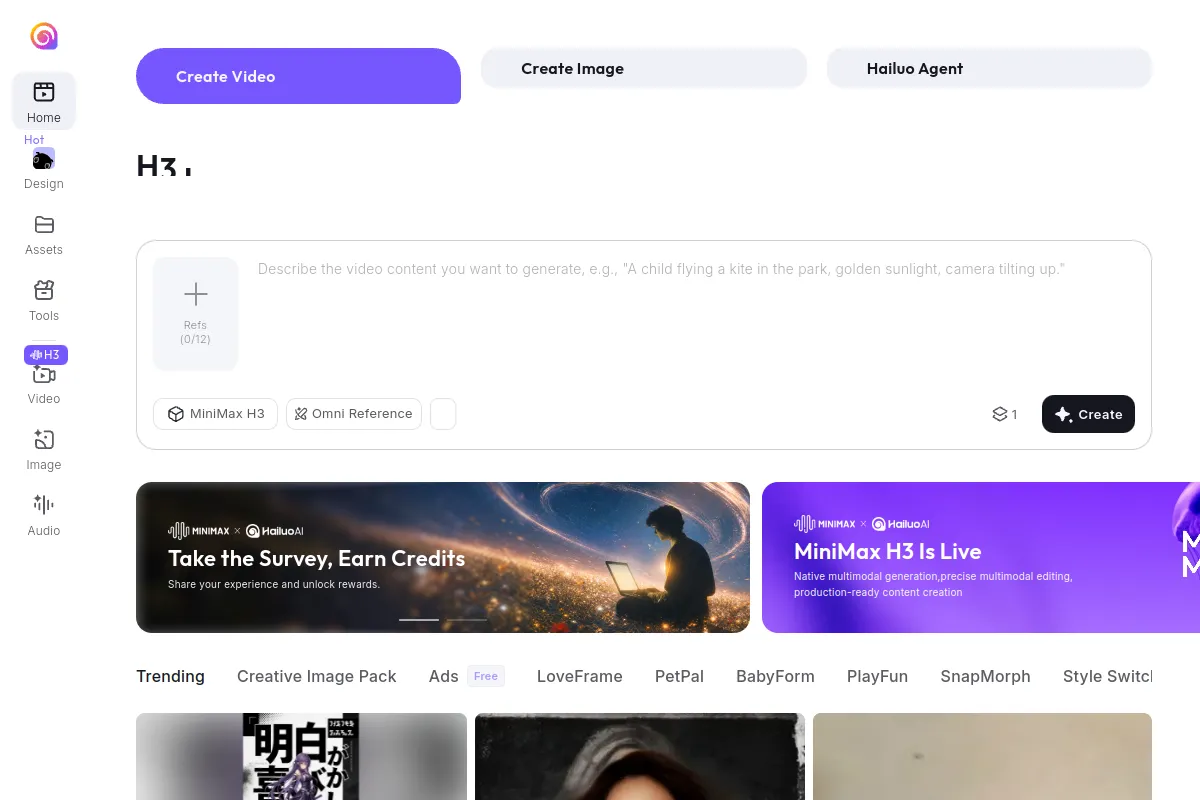
The web app opens on a simple prompt box — type a description such as “a child flying a kite in the park, golden sunlight, camera tilting up” — pick a model, and press Create. Motion looks realistic rather than slideshow-like, which is why several October 2026 guides rank Hailuo first for free volume. The catch is familiar: free clips carry a watermark, the best models cost more credits, and exact daily amounts vary by account, so start with short prompts while you learn what one clip costs.
Google Flow — the best AI video generator free option with sound
Google Flow is the free AI video generator to try first if sound matters to you. It is Google’s video-making tool built around the Veo 3.1 model, and it is the rare free tier that generates dialogue, music and sound effects inside the clip itself, instead of leaving you to add audio later. A free Google account gets 50 credits a day: that buys about five Veo 3.1 Lite clips at 10 credits each, or two Veo 3.1 Fast clips at 20 credits each, each roughly 8 seconds long. The trade-offs are real — free clips carry a visible watermark plus Google’s invisible SynthID mark, and during peak hours free generation can be temporarily unavailable. Flow also lets you start a clip from your own image and extend scenes, which makes it the best free choice for a short story told in several clips. If you already use Google’s AI tools, start here; our guide to free AI tools for creators pairs well with it at AI Earn Tools Hub’s free tools library.
Kling AI — the most cinematic AI video generator free tier
Kling AI is the free AI video generator filmmakers mention first, because its motion — walking, camera moves, cloth and water — looks smoother than most free rivals. The free tier issues a daily credit allowance, enough for a couple of standard clips a day, and you can generate from text or from an image. Free jobs wait in a slower queue and carry a watermark, and the newest Kling models cost more credits than the daily allowance covers comfortably, so treat the free tier as a learning ground: test one idea a day, keep prompts short, and save your best concepts for the clips that matter. For polished social clips, Kling’s realism is hard to beat without paying.
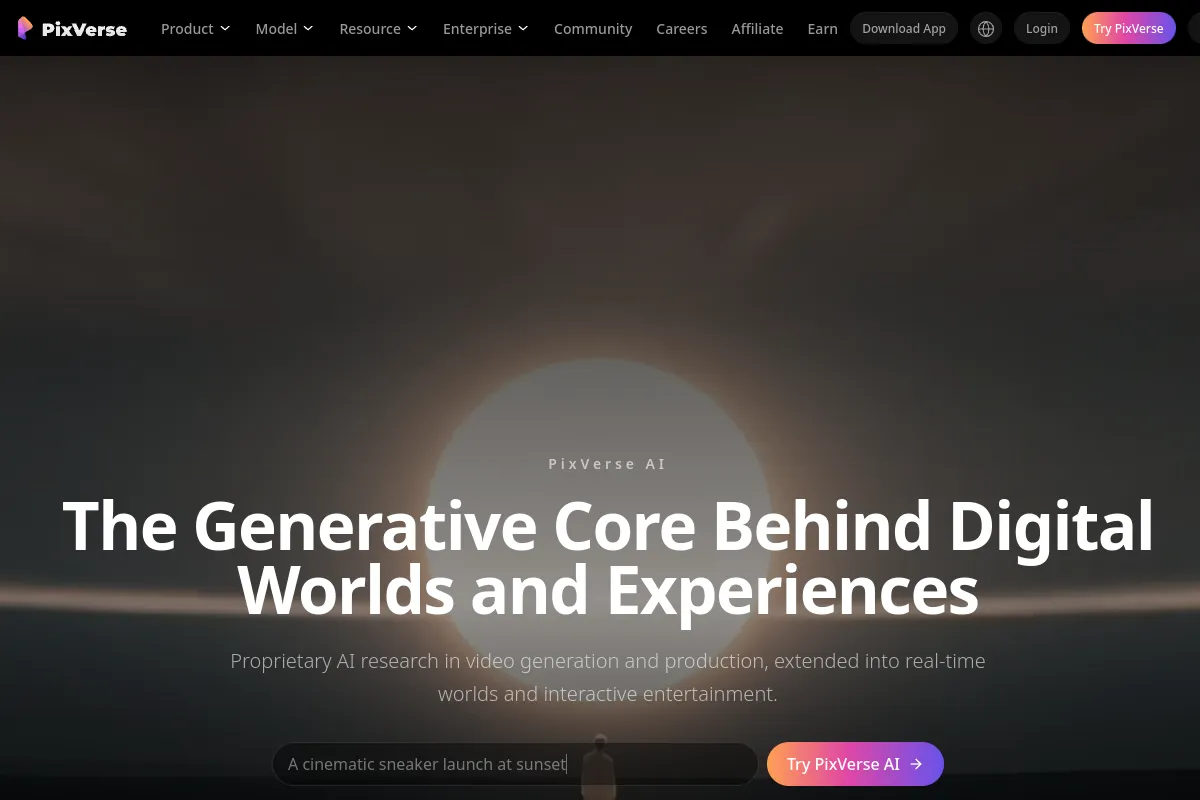
PixVerse — the simplest AI video generator free start
PixVerse is the easiest free AI video generator to learn, which matters if this is your first text-to-video tool. The homepage prompt box takes you straight to generation, and the tool handles both text-to-video and image-to-video in one place. Its free tier runs on roughly 30 credits a day, which buys a small number of short clips, all watermarked. Resolution on free clips is typically 720p, and longer or higher-quality renders sit behind paid plans from about $10 a month. Pick PixVerse if you want the shortest path from “I have an idea” to “I have a clip” — and if you also make music for your videos, see our comparison of AI music generators for background tracks.
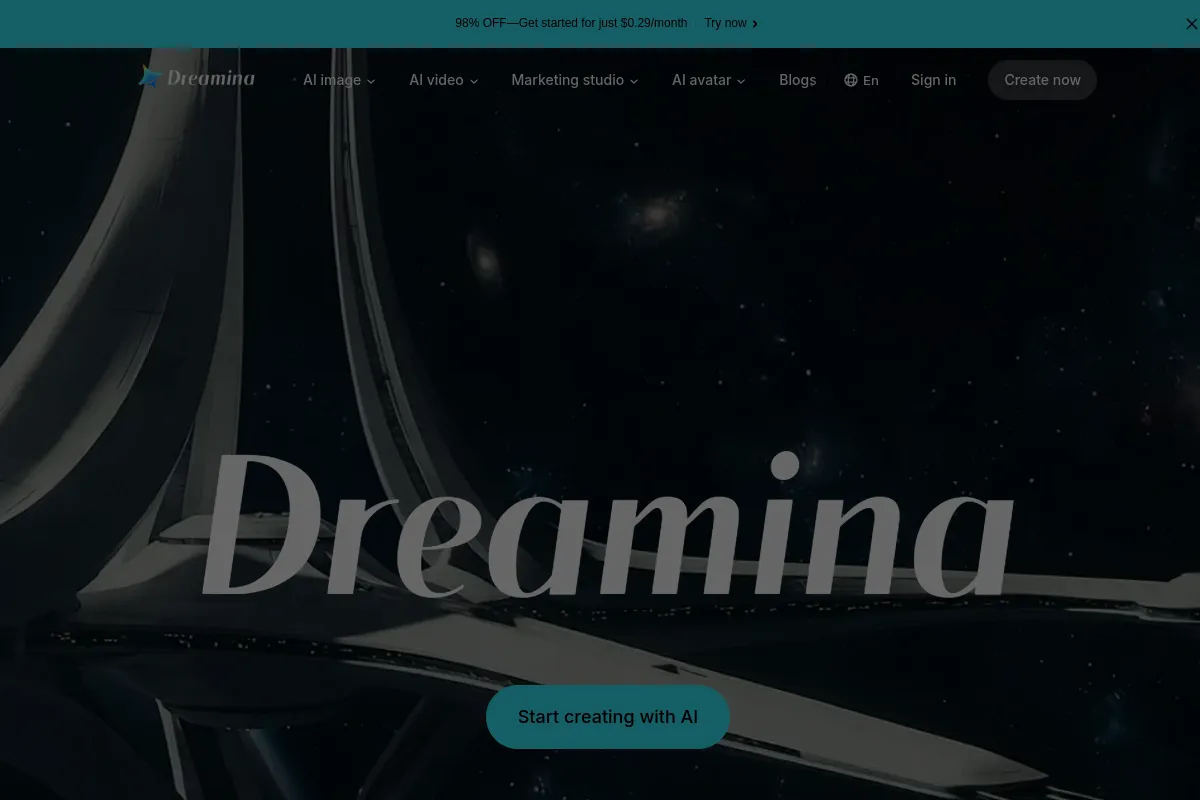
Dreamina (Seedance) — a daily AI video generator free clip for mobile creators
Dreamina, from the makers of CapCut, is the free AI video generator behind ByteDance’s Seedance models, and it is the most phone-friendly option on this list. Free accounts get roughly 120 credits a day — about one short watermarked clip by most guides’ estimates — which is modest per clip but renews daily, so it never truly runs out. The app-style interface suits creators who shoot and edit on their phone, and CapCut users get a smoother path from generated clip to finished edit. The catch is clip length and queue times: free clips are short, and popular hours can mean waiting. Choose Dreamina if you edit on mobile and want one free clip a day without touching a desktop tool.
Runway — pro tools, but a weak AI video generator free tier
Runway is the most professional tool on this list — and the weakest free AI video generator for ongoing use. New accounts get 125 credits, once. There is no daily refill, so a few test generations can exhaust the entire free allowance in an afternoon. What you get for those credits is genuinely strong: the Gen-4 Turbo model, a full editing suite, and clean motion that professionals use for client work. If your goal is to evaluate a professional tool before paying from about $15 a month, Runway’s trial is worth it. If your goal is to keep making free videos every week, pick any daily-credit tool above instead — Runway’s free tier is a demo, not a habit.
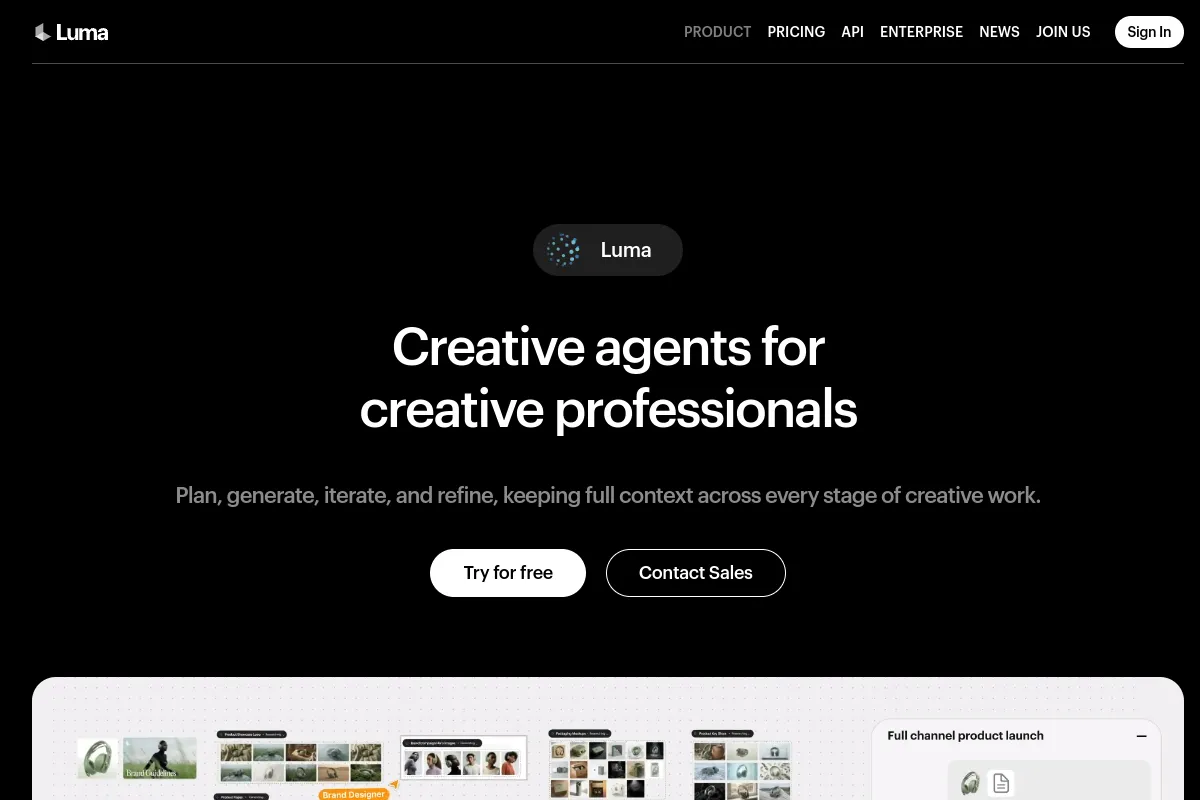
Luma Dream Machine — the easiest AI video generator free first clip
Luma’s Dream Machine is the gentlest landing in this guide: sign up with an email, type a prompt, and get a clip with almost no learning curve. That friendliness is also its limit — the free tier is a one-time trial allowance with a watermark, not a daily habit, so it is best for a first experiment or a single clip for a project. Luma’s clips look clean and dreamy, which suits mood pieces and product shots more than fast action. Try it to learn what AI video feels like, then move to Hailuo or Flow for daily use. For still images to animate, our AI thumbnail maker guide covers the free image tools that pair with these video generators.
How do I make my first AI video generator free clip in 10 minutes?
Making your first free AI video generator clip takes about ten minutes, and the steps are the same on almost every tool here. First, pick one daily-credit tool — Hailuo for volume or Flow for sound — and sign up with just an email; no card is needed on any free tier in this guide. Second, write one short prompt with a subject, an action and a camera move, for example: “A golden retriever puppy running through autumn leaves, camera following low.” Third, generate at the cheapest quality setting first to learn the credit cost, then re-run your best idea at higher quality. Fourth, download the clip and check the watermark before you post it anywhere — free clips are fine for learning and drafts, but the watermark makes them unsuitable for paid client work. Finally, repeat tomorrow: daily credits are the whole point of a free tier, so a small daily habit beats one big binge.
Which AI video generator free tool should you pick?
The right free AI video generator depends on what you value most, and the honest answer is that no single free tier wins everything. If you want the most clips, pick Hailuo AI. If you want sound inside the clip, pick Google Flow. If you want the most realistic motion, pick Kling AI. If you want the simplest start, pick PixVerse. If you edit on your phone, pick Dreamina. If you want to test professional tools, spend Runway’s one-time credits wisely — and keep Luma for your very first experiment. Whichever you choose, start with the cheapest setting, watch the watermark, and check the live free plan before committing a project to it, because free limits in this fast-moving field change every few months.
FAQs
Is there an AI video generator free plan with no watermark?
No strong free AI video generator in 2026 is both unlimited and watermark-free. Seedance has been reported as watermark-free at 1080p in some guides, but most free tiers — including Flow, Kling, Hailuo and PixVerse — watermark free clips. Removing the watermark almost always requires a paid plan.
How long can a free AI video generator clip be?
Most free clips run 5 to 10 seconds. Google Flow’s Veo 3.1 clips are about 8 seconds; other tools are similar. Longer videos are made by generating several clips and joining them in an editor, not by generating one long clip for free.
Do I need a credit card to use an AI video generator free tool?
No. Every tool in this guide starts with just an email and no credit card. If a tool asks for card details before your first free clip, treat that as a paid trial, not a free tier, and check its terms carefully.
Can I use free AI video clips commercially?
Usually not without limits. Free clips carry watermarks, and several tools restrict commercial use on free plans — Adobe Firefly is a noted exception for its own model, but it is not a daily-credit free video tool in the same sense. Always read the tool’s terms before using a free clip in paid work.
What is the best AI video generator free tool for YouTube Shorts?
Google Flow is the best fit for Shorts because its clips include native sound, and several short clips can be joined into a 30–60 second Short. Hailuo is the better pick if you need many clips a day, since its credits refresh daily.
Bottom line
An AI video generator free plan in 2026 is genuinely useful — if you pick by renewal, not by headline promises. Hailuo AI gives you the most daily generations, Google Flow gives you the best free clips with sound, and Kling AI gives you the most cinematic motion. Start with one daily-credit tool, learn its real credit cost on short prompts, and keep your expectations honest: 5–10 second watermarked clips, made a few at a time, every day.
Last checked: October 2026. Free credit amounts, watermarks and prices change often — verify the live plan on the tool’s own site before you start a project.
- AI Citation Generator: 7 Best Free APA & MLA Tools (2026)
- AI Quiz Generator: 7 Best Tools for Studying Smarter (2026)
- AI Homework Helper: 8 Best Tools That Explain (2026)
- AI Tattoo Generator: 6 Best Tools for Your Next Ink (2026)
- Best AI Resume Builder: 7 Top Tools Tested (2026)
- Best AI Study Tools for Students: 9 Tools Compared (2026)
- Free AI Presentation Maker: 7 Best Free Tools (2026)
- AI Story Generator Free: 8 Best Tools for 2026 (Tested)
- Free AI Resume Builder: 7 Best Tools That Work in 2026
- AI Slide Maker: 6 Best Tools for Fast Decks (2026)
- AI Prompt Generator: 7 Best Free Tools That Work (2026)
- How to Remove Background from Video: 7 Best Free AI Tools (2026)
- Tip Calculator Guide: How to Calculate a Tip and Split Bills
- HEIC to JPG Converter: 7 Best Free Tools That Work (2026)
- AI Lyrics Generator: 7 Best Free Tools for Song Lyrics Only (2026)