7 Best AI Video Editing Tools for Beginners (2026 Guide)
Quick Answer: The best ai video editing tools for beginners in 2026 are CapCut (best all-around free editor), Descript (best for text-based script editing), InVideo AI (best for prompt-based video generation), and OpusClip (best for automated short-form repurposing). These tools replace traditional timeline complexity with automated captions, background removal, and smart clipping.
Introduction: The Death of the Timeline Learning Curve
Video creation used to require hundreds of hours learning complex multi-track software, manual keyframing, and precise audio slicing. Today, finding the right ai video editing tools for beginners allows anyone to produce broadcast-quality content in minutes directly from a web browser or phone.
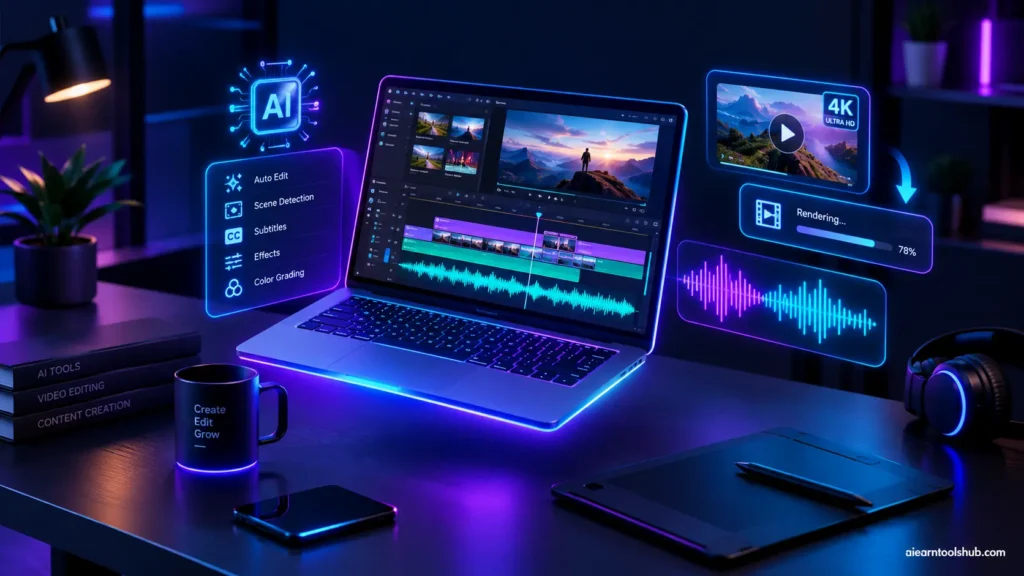
Artificial intelligence has fundamentally changed the editing process. Instead of manually cutting out pauses, color grading clips, or aligning audio tracks, modern beginner tools handle technical tasks automatically. Whether you are creating YouTube Shorts, educational explainers, or social media clips, leveraging beginner-friendly AI video software gives you a massive production advantage. Discover more creator productivity guides at AI Earn Tools Hub. For official platform technical requirements, check the Google YouTube Video Upload Guidelines.
What Makes an AI Video Editor Beginner-Friendly?
Not all AI editing tools are designed for newcomers. Professional software like Adobe Premiere Pro and DaVinci Resolve include AI features, but their interfaces remain daunting. According to media specifications outlined in the Instagram Creators Portal, high-retention short-form video requires dynamic captions and tight framing—tasks best suited for specialized beginner AI tools. These platforms prioritize four key capabilities:
- Text-Based Editing: Edit your video by deleting words from a generated script rather than slicing timeline tracks manually.
- Automated Rough Cuts: One-click removal of silent pauses, background noise, and filler words like “um” and “uh.”
- Smart Auto-Captions: Automatic generation of styled, animated subtitles tailored for modern vertical video feeds.
- Prompt-to-Video Generation: Creating complete drafts using text prompts, stock footage, and synthetic voiceovers.
Top 7 AI Video Editing Tools for Beginners in 2026
1. CapCut: Best Overall Free AI Editor
CapCut remains the standard entry point for beginner content creators. Available across desktop, mobile, and web, CapCut combines an intuitive drag-and-drop timeline with automated AI tools including one-click background removal, auto-reframing for vertical feeds, and multi-language caption generation.
2. Descript: Best for Script-Based & Talking-Head Editing
Descript revolutionized editing by treating video like a text document. Upload your footage, and Descript generates a complete transcript. Deleting a sentence from the text automatically deletes that exact clip from the video timeline. Features like Studio Sound eliminate room echo instantly.
3. InVideo AI: Best Prompt-to-Video Builder
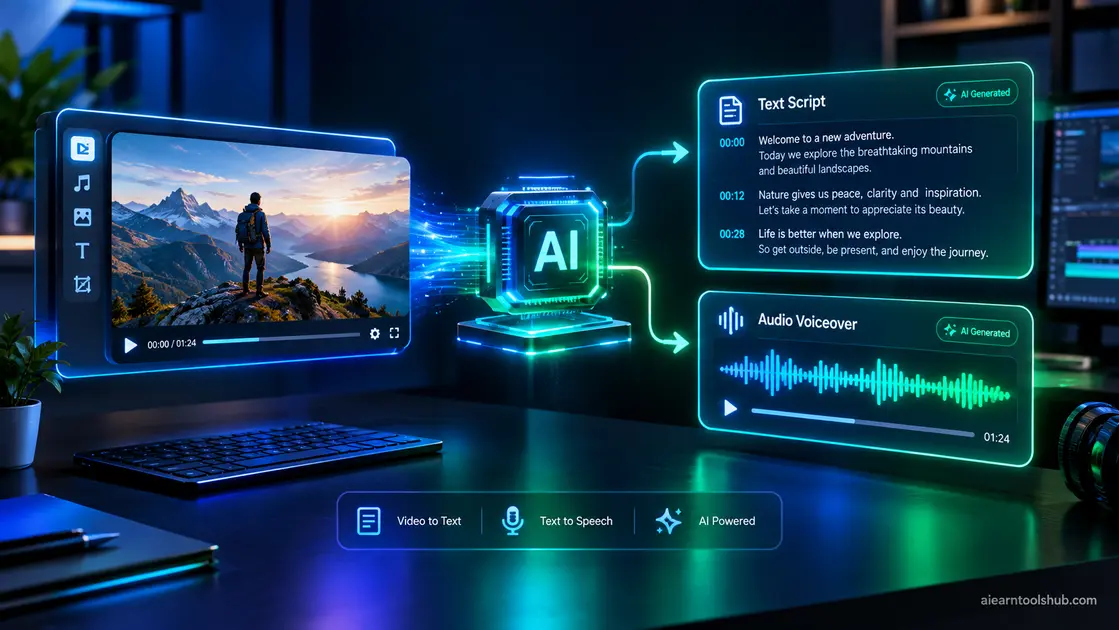
For creators who don’t want to stand in front of a camera, InVideo AI converts written topic prompts into finished videos. The platform automatically selects stock footage, writes a structured script, applies transitions, and generates realistic voiceovers in seconds.
4. OpusClip: Best for Turning Long Videos into Shorts
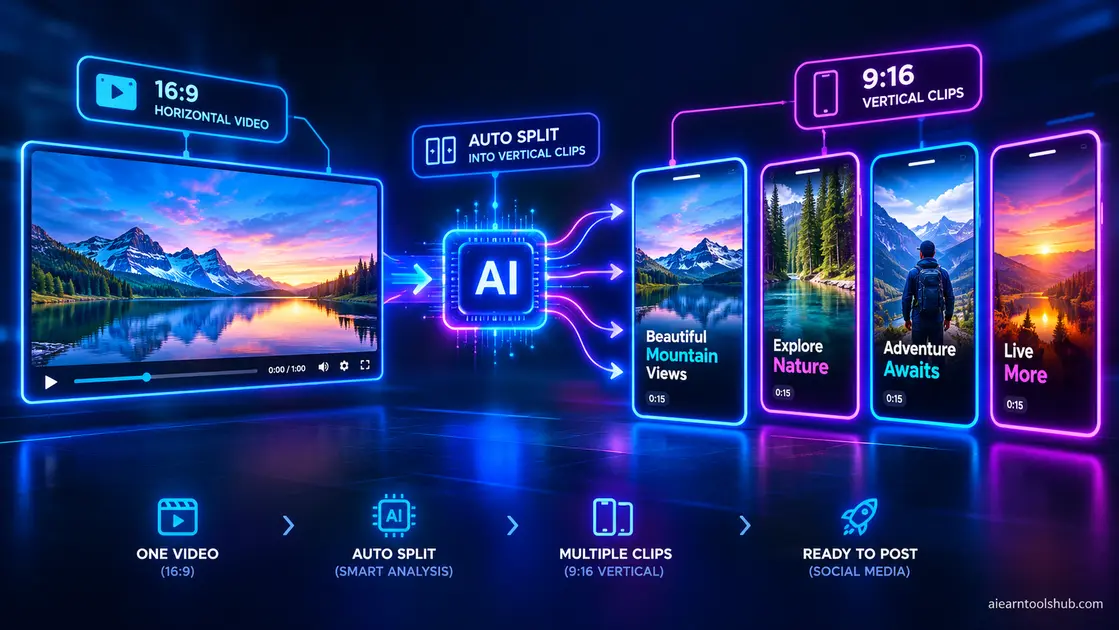
OpusClip takes long-form content—such as podcasts, webinars, or long YouTube videos—and uses artificial intelligence to identify the most engaging moments. It automatically extracts key clips, reformats them to vertical 9:16 aspect ratios, and adds animated captions.
5. Wondershare Filmora: Best Hybrid Timeline Editor
Filmora bridges the gap between simple beginner apps and full professional editors. Its integrated AI tools include AI Smart Cutout, AI Copilot Editing, automated silence detection, and AI audio stretching, providing beginners room to grow as their skills evolve.
6. VEED.io: Best Browser-Based Online Editor
VEED.io offers an easy-to-use web workspace requiring no heavy software installations. Beginners can upload raw footage to generate subtitles, translate video voiceovers into 100+ languages, apply eye-contact correction, and add custom brand templates in minutes.
7. Gling: Best YouTube Rough-Cut Automator
Designed specifically for YouTube creators and vloggers, Gling analyzes raw camera recordings, detects bad takes, removes long awkward pauses, and generates a clean rough cut ready for final review.
Watch & Learn
Feature Comparison: Top Beginner AI Video Editors
Selecting the right platform depends on your target platform, workflow preferences, and budget. Here is how the top tools compare side-by-side:
| Software Tool | Primary Specialty | Free Plan Availability | Ease of Use Rating |
|---|---|---|---|
| CapCut | Social short-form & vertical clips | Generous free tier (no watermark) | Very High (5/5) |
| Descript | Text-transcript editing & podcasts | Free plan (Limited monthly minutes) | High (4.5/5) |
| InVideo AI | Prompt-to-video generation | Free trial exports (watermarked) | Very High (5/5) |
| OpusClip | Long-form into short viral clips | Free monthly clip credits | Very High (5/5) |
| Wondershare Filmora | Classic timeline with AI assistance | Free trial (Watermarked export) | Medium (4/5) |
| VEED.io | Web-based video polish & subtitles | Free plan (Watermarked export) | High (4.5/5) |
How to Choose the Right AI Video Tool for Your Workflow
To pick the best ai video editing tools for beginners for your specific project, match your content format directly with the software’s strength:
- For Social Media & TikTok Creators: Choose CapCut for its deep library of templates, trending audio, and fast captioning capabilities.
- For Podcasters & Course Instructors: Select Descript to clean up audio, cut out filler words, and edit through text.
- For Faceless YouTube Channels: Opt for InVideo AI to generate complete script-based stock videos quickly.
- For Repurposing Existing Footage: Use OpusClip to extract highlight reels from podcasts and long interviews.
Key Takeaways
- AI Eliminates Technical Barriers: Beginner creators no longer need to master complex multi-track timelines to produce polished videos.
- Match Tool to Content Style: Use text-based editors like Descript for spoken dialogue, CapCut for social shorts, and InVideo AI for automated stock videos.
- Start with Free Tiers: Platforms like CapCut and Descript offer free entry points, allowing you to establish your workflow before committing to paid subscriptions.
Frequently Asked Questions (People Also Ask)
What are the best AI video editing tools for beginners?
The top AI video editing tools for beginners include CapCut for social media short-form clips, Descript for text-based video editing, InVideo AI for prompt-to-video generation, and OpusClip for automatically turning long podcasts into viral Shorts.
Can beginners edit video using AI without prior editing skills?
Yes. Modern AI video editors eliminate complex timeline manipulation. Beginner features like auto-captioning, silence removal, background removal, and text-based editing allow users to edit footage by simply modifying text documents or typing prompts.
Are there free AI video editors available for beginner creators?
Yes, several platforms offer free access. CapCut provides a generous free desktop and mobile tier without mandatory watermarks. Tools like Descript, OpusClip, and InVideo offer free plans or monthly trial credits with minor limitations.
How does text-based AI video editing work?
Text-based video editing automatically transcribes your video into a text document. When you delete a word or sentence from the text transcript, the editor automatically cuts that exact section of footage and audio from your video timeline.
Is AI video editing suitable for YouTube Shorts and TikTok?
Absolutely. AI tools excel at social media formatting by auto-reframing horizontal videos into 9:16 vertical layouts, generating animated subtitles, and detecting key engagement peaks for short clips.
Conclusion
Choosing the best ai video editing tools for beginners transforms video creation from a tedious manual chore into a fast, creative process. By letting artificial intelligence handle silence removal, subtitle generation, and formatting, you can focus on crafting engaging content and scaling your brand. To discover more AI-powered creation tools and digital growth workflows, visit AI Earn Tools Hub today.